**Annual packs are on sale: save up to 50%.**Yearly credits stay valid for 12 months. Save more on annual credit packs.View yearly deals
MMeigen AI UserSign in to sync credits and history
Add Credits**⚡ 0**Share Meigen AIInvite friends, get 200 credits🎁
Prompt GalleryImage to PromptReference Image GeneratorGemini Omni VideoGPT Image 2PricingShareContact UsTermsPrivacyRefund
Log out
Gemini Omni Video Generator
Gemini Omni Video Generator
Create video-ready Gemini Omni prompts from text, images, and reference styles. Customize the scene, camera motion, subject, mood, and visual direction before generating.
Multimodal ReferencePrompt to Video
Upload Reference (image/audio/video)
Supports up to 7 images, 3 audio files, and 1 video reference.
Prompt0/3500
Prompt0/3500
Resolution720p1080pAspect Ratio16:99:16Duration4s6s8s10s
Generate with Gemini Omni
Gemini Omni Video GeneratorUpload images, video, or audio references.Generate a Gemini Omni video from your prompt.Your video preview will appear here when it is ready.
Start from the Meigen AI Prompt Gallery
Not sure what to generate? Choose an image or video prompt, then turn it into a Gemini Omni video prompt with motion, camera direction, and reference style.
Turn into Video PromptView Prompt
Model Facts for Gemini Omni Video
Gemini Omni is Google's multimodal creative model family for generating and editing video from different input types. Meigen keeps this page focused on prompt planning until direct model generation is enabled.
•
Multimodal inputs
Plan video concepts from text, images, video, audio, or reference styles when the model workflow supports them.
•
Conversation-style editing
Refine scene direction through natural-language edits instead of rewriting the entire prompt from scratch.
•
Reference-based creation
Guide visual direction with product photos, prompt gallery examples, style references, or scene frames.
•
Video-first workflow
Turn a prompt or reference image into motion, pacing, camera language, and a short video plan.
Create Gemini Omni Videos from Prompts, Images, and References
Meigen AI turns Gemini Omni video generation into an editable workflow: start from an idea, reuse proven prompts, add references, and control motion before you generate.
1
Text to Video Prompts
Turn a short idea into a structured Gemini Omni video prompt with subject, action, scene, camera movement, lighting, and visual style.
2
Image to Video Direction
Start from an image or visual prompt and convert it into a video-ready scene with motion, pacing, and camera instructions.
3
Reference-Based Video Creation
Use reference images or Meigen AI Prompt Gallery examples to guide style, subject, composition, or mood.
4
Camera Motion Control
Add push-in, orbit, pan, zoom, handheld motion, tracking shots, or product reveal shots.
5
Editable Video Prompt Fields
Customize subject, style, action, environment, camera angle, lighting, aspect ratio, and duration before generating.
6
Built for Creative and Marketing Videos
Create product ads, fashion clips, social posts, animated posters, explainers, character shots, and campaign visuals.
How to Use the Gemini Omni Video Generator
Go from a simple idea or reference image to a structured video prompt in four steps.
| Step 1 | Start with a video ideaDescribe the scene you want to create, or choose a visual prompt from the Meigen AI Prompt Gallery. |
| Step 2 | Add a reference image or styleUpload a product photo, poster, character image, fashion shot, or style reference to guide the direction. |
| Step 3 | Customize motion and scene detailsEdit camera movement, subject action, lighting, mood, duration, aspect ratio, and visual style. |
| Step 4 | Generate a video-ready prompt or videoUse the structured prompt in Meigen AI. Once Gemini Omni video generation is enabled, generate directly from the editor. |
01Subject + Action
Define who or what appears in the video and what changes on screen.
A black perfume bottle slowly rotates on a reflective surface.
02Scene + Environment
Describe the physical setting, background, props, materials, and atmosphere.
Luxury studio background with soft beige walls, subtle fog, and warm spotlight reflections.
03Camera Motion
Add push-in, pan, orbit, handheld, tracking shot, or locked-off frame.
Slow push-in camera move, ending on a close-up of the bottle cap.
04Visual Style
Set mood, lighting, color palette, lens style, and creative direction.
Premium commercial style, cinematic lighting, shallow depth of field, elegant reflections.
05Reference Instruction
Tell the model what to keep from your reference image or gallery prompt.
Keep the warm lighting and minimalist composition from the reference image, but replace the product.
06Output Goal
Specify the format and intended use, such as product ad, social clip, explainer, or animated poster.
Create a 9:16 vertical product ad for social media.
Gemini Omni Video Use Cases
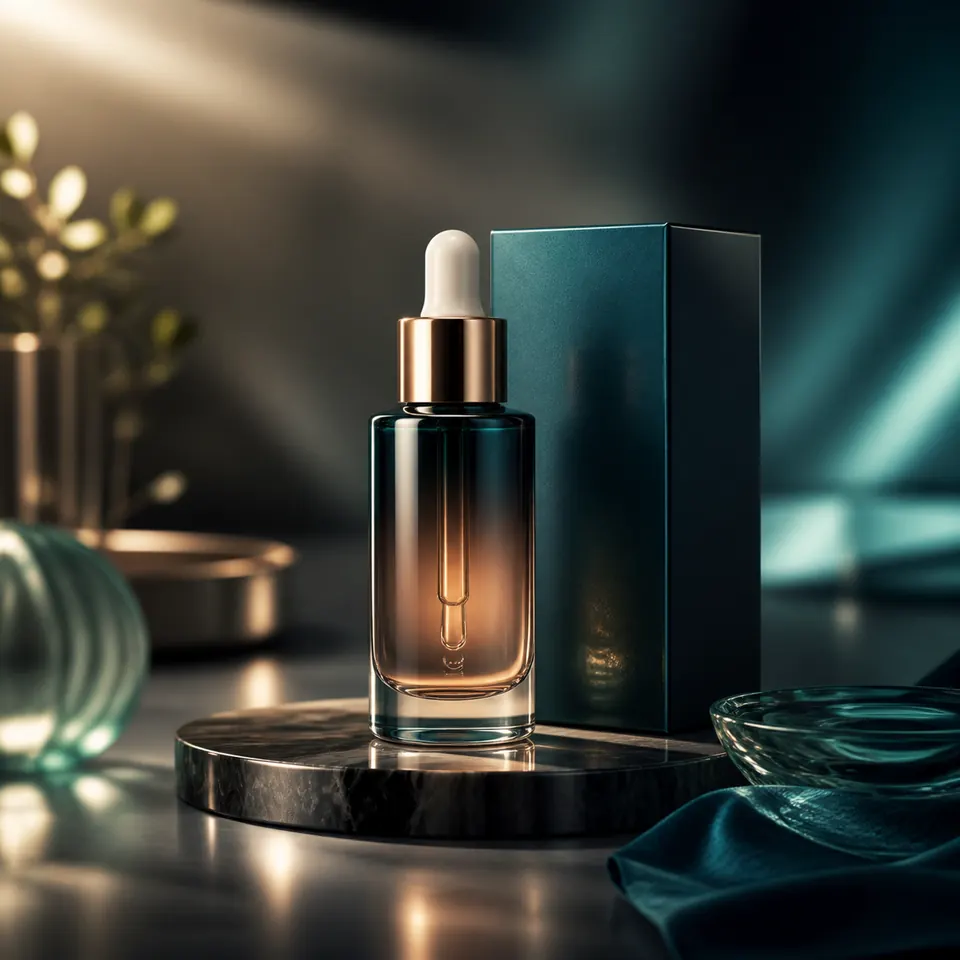 Product Ad VideosCreate product reveals, luxury ads, skincare clips, perfume shots, and e-commerce creatives.
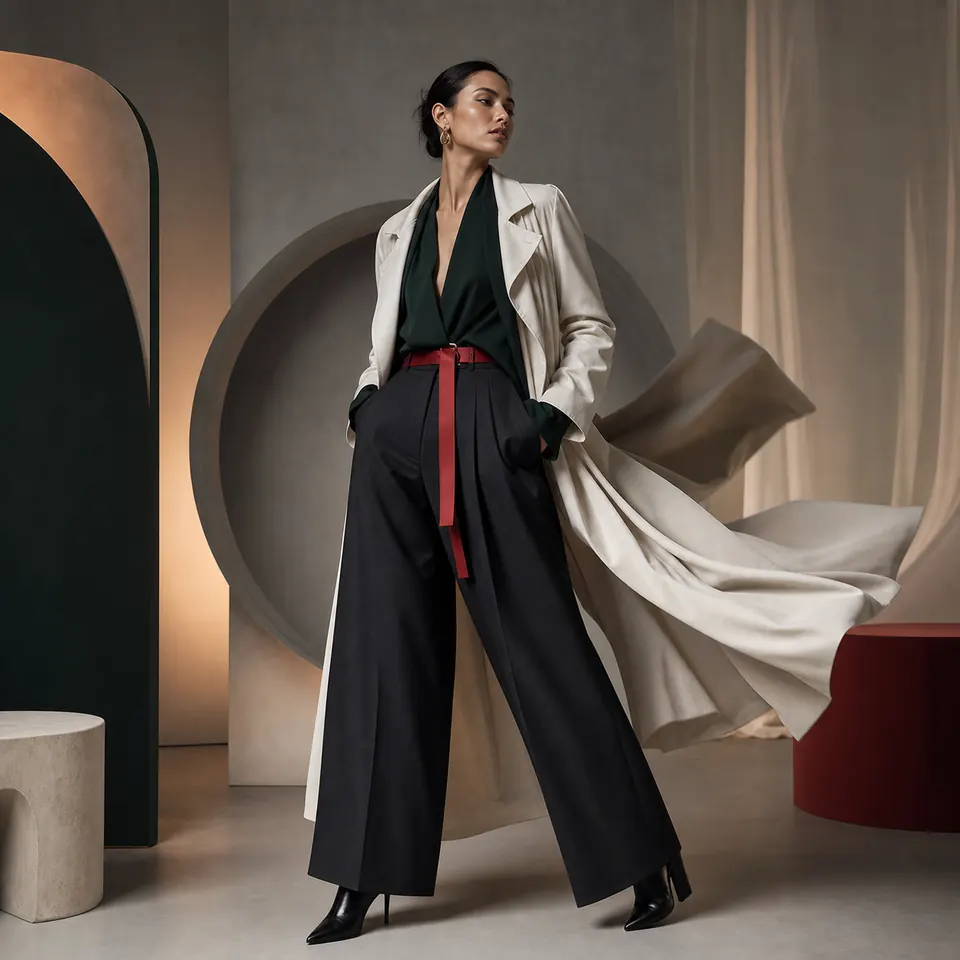 Fashion Video PromptsGenerate editorial fashion motion, runway-style clips, portrait videos, and cinematic model shots.
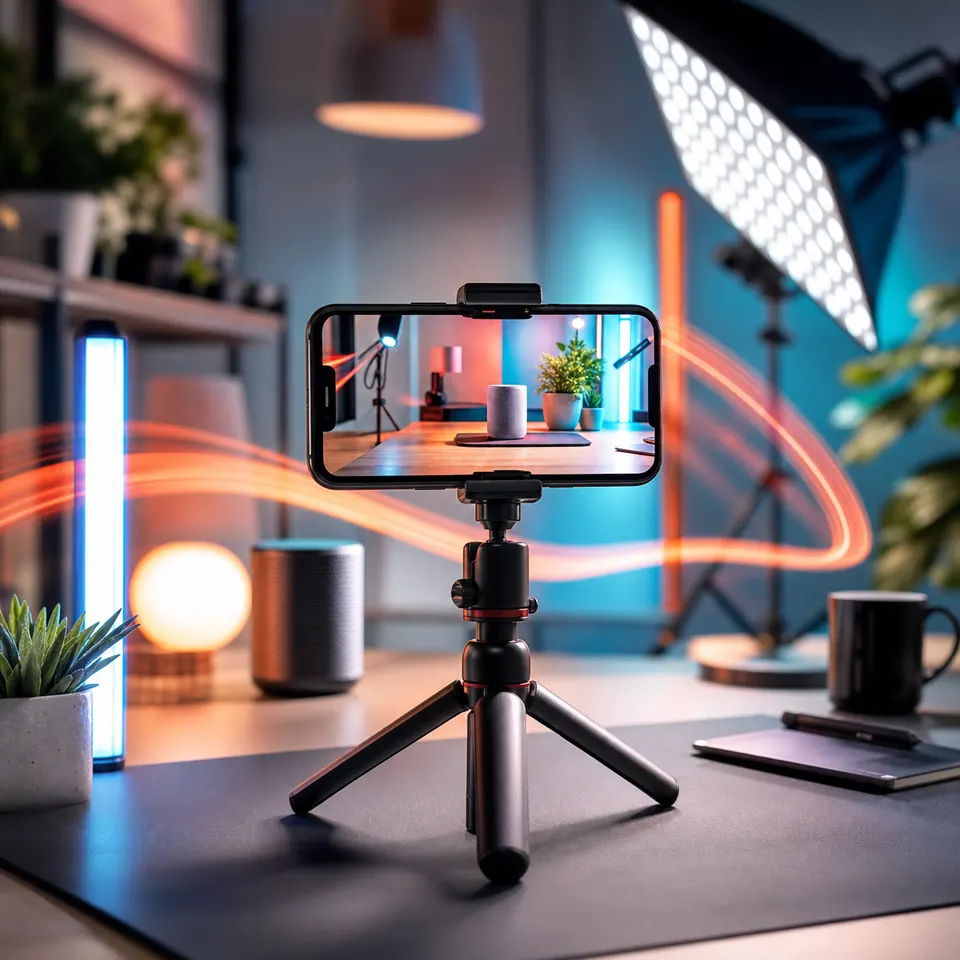 Social Media VideosCreate TikTok, Shorts, Reels, and paid ad creatives from reusable video prompt templates.
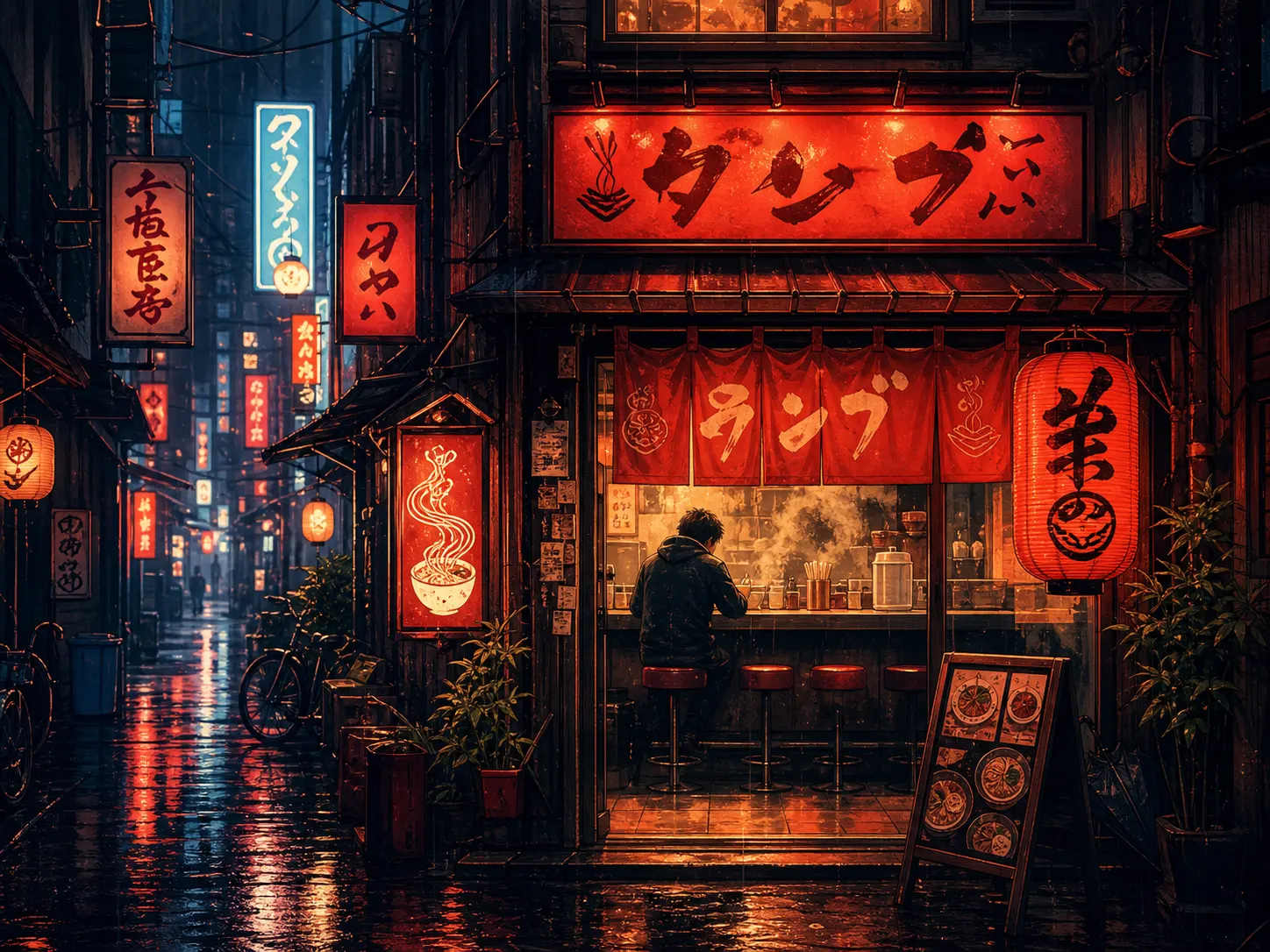 Animated Poster VideosTurn static poster ideas into moving visuals with camera motion and lighting changes.
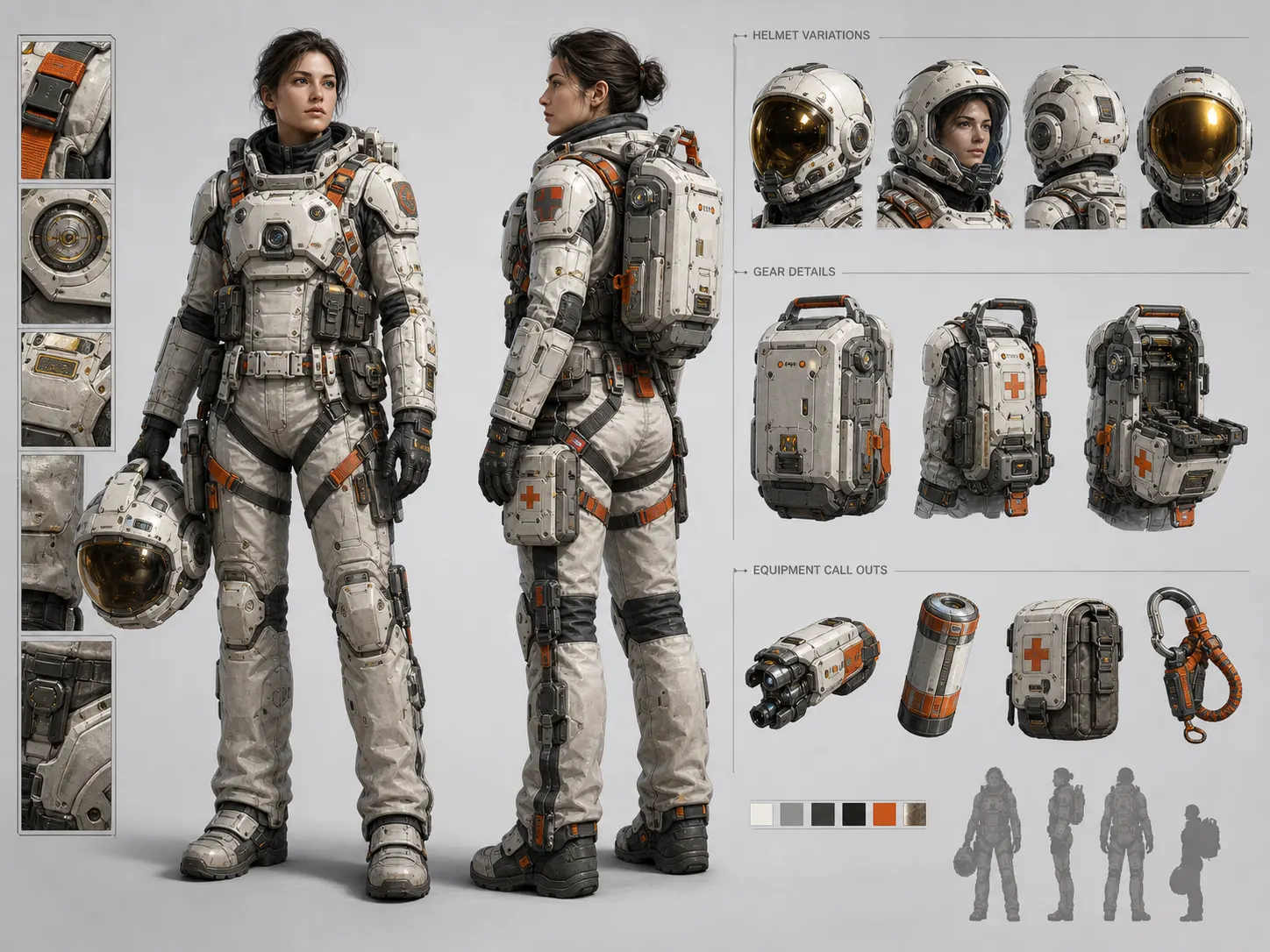 Character Video ConceptsCreate short character scenes with consistent style, action, pose, and environment direction.
 Food and Drink VideosCreate product-style food videos, drink pours, restaurant clips, and commercial tabletop scenes.

Gemini Omni vs Traditional AI Video Generators
Gemini Omni still has limitations, so Meigen AI helps users iterate through editable prompts and shorter clips before committing credits to video generation.
| Usually starts from text only | Starts from text, images, video, audio, or references |
| Hard to control motion after generation | Supports prompt-based refinement and scene edits |
| Often one-shot generation | Better suited for iterative creative workflows |
| Requires detailed prompt writing | Combines Prompt Gallery examples with reference images |
T1Product Ad
Create a {duration}-second {aspect_ratio} product ad video for {product}. The scene shows {subject_action} in {environment}. Use {camera_motion}, {lighting_style}, and {color_palette}. Keep the style of the reference image, but replace the product with {product}.
Gemini Omni Video Prompt Template
T2Fashion Clip
Create a cinematic fashion video featuring {model_or_subject} wearing {outfit}. The scene takes place in {environment}, with {camera_motion}, {lighting_style}, and {mood}. Preserve the reference image's composition and color palette while adding subtle motion.
Gemini Omni Video Prompt Template
T3Animated Poster
Turn this poster concept into a short animated video. Keep the main composition, typography direction, and color mood. Add {motion_effect}, {camera_motion}, and {lighting_change}.
Gemini Omni Video Prompt Template
T4Interior Walkthrough
Create a short interior walkthrough video of {room_type}. Preserve the reference image's material style and lighting. Use a {camera_motion} camera move, showing {key_elements}.
Gemini Omni Video Prompt Template
Gemini Omni Video Generator FAQ
What is Gemini Omni Video?
Gemini Omni is Google's multimodal creative model family that starts with video generation and editing. It is designed to work with inputs such as text, images, video, audio, and references.
What is Gemini Omni Flash?
Gemini Omni Flash is the first model in the Gemini Omni family, designed for high-quality video generation and editing from different input types with instruction following and conversational editing.
Can I use images as references for Gemini Omni videos?
Yes. In Meigen AI, you can start from an image, a prompt gallery example, or a product photo, then turn it into a structured video prompt.
Can I turn a Meigen AI prompt into a video prompt?
Yes. Start from a visual prompt, add camera motion, scene direction, duration, and aspect ratio, then create a video-ready Gemini Omni prompt.
Is Gemini Omni different from Veo?
Yes. Veo is Google's dedicated video generation model, while Gemini Omni is positioned as a broader multimodal creative model for multiple input types and conversational editing workflows.
Can I edit Gemini Omni videos with prompts?
Gemini Omni is designed for natural-language video editing. Meigen AI supports that workflow by keeping scene, motion, and style prompts editable.
What makes a good Gemini Omni video prompt?
A strong prompt includes subject, action, scene, camera motion, visual style, lighting, reference instruction, duration, aspect ratio, and intended use.
Can I use this for product ads or social media videos?
Yes. Gemini Omni video prompts are useful for product ads, social media clips, animated posters, fashion videos, explainer videos, and campaign visuals.
Is the Gemini Omni Video Generator free?
You can start by creating Gemini Omni video prompts in Meigen AI. Video generation may require credits depending on model availability, duration, reference input, and settings.
Does Meigen AI support reference images for video?
Yes. Meigen AI is designed around editable prompts and visual references for guiding video concepts and style direction.
Create Your First Gemini Omni Video Prompt
Start from a text idea, image, or Meigen AI prompt. Add motion, camera direction, visual style, and reference guidance, then turn it into a video-ready Gemini Omni prompt.
Create Gemini Omni Video PromptBrowse Prompt Gallery
Explore More Meigen AI Workflows
x
Pay Once. Keep Forever
Unlock more credits for image generation, batch mode, higher resolution outputs, and video workflows.
支付宝付款提醒:请使用可以支付海外商户的银行卡,或者选择花呗;否则可能支付失败。
MonthlyYearly Save more
Starter Save 23%
Limited-time first upgrade$12.99 $9.99
1,000 Credits
Get Starter
- Unlock all premium models
- Up to 4K image resolution
- Batch image generation
- Unlimited image-to-prompt reverse prompts
- Reference image generation
- Video prompt workflows
- Credits never expire
- Commercial license
Pro Save 50%
Best for creators$39.99 $19.99
2,200 Credits
Get Pro
- Unlock all premium models
- Up to 4K image resolution
- Batch image generation
- Unlimited image-to-prompt reverse prompts
- Multi-reference image generation
- Priority generation queue
- Credits never expire
- Commercial license
Ultimate Save 62%
Best Value$129.99 $49.99
6,000 Credits
Get Ultimate
- Unlock all premium models
- Up to 4K image resolution
- Largest batch generation capacity
- Unlimited image-to-prompt reverse prompts
- Multi-reference image generation
- Smart enhance and prompt reverse
- Priority generation queue
- Credits never expire
- Commercial license
x
Share the fun, earn a ton
Get 200 credits when your friend makes their first purchase. You earn credits too when the reward is verified.
Free AI image prompts and generation creditsTry Meigen AI with my invite link. Browse prompt examples, generate images faster, and get started with bonus credits.
1Share your invite link
2They sign up via your link
3Both accounts get 200 credits after the first purchase
Your invite link has been used by 0/10 users
LinkCopy link
XFacebookLinkedInWhatsAppMore
 Meigen AI
Sign in to continue
Sign in with Google to get 10 free credits. Use them to generate your first two images and keep your credits, history, and results in sync.
 Continue with Google
Please log in to generate with Meigen AI.