**Annual packs are on sale: save up to 50%.**Yearly credits stay valid for 12 months. Save more on annual credit packs.View yearly deals
MMeigen AI UserSign in to sync credits and history
Add Credits**⚡ 0**Share Meigen AIInvite friends, get 200 credits🎁
Prompt GalleryImage to PromptReference Image GeneratorGemini Omni VideoPricingShareContact UsTermsPrivacyRefund
Log out
GPT Image 2 AI Image Generator
GPT Image 2 Generator
Create high-quality AI images with GPT Image 2. Generate posters, ads, UI mockups, product visuals, and high-resolution designs from editable prompts and reference images in Meigen AI.
Optional references. Up to 16 images, PNG, JPG, WEBP, 50MB each.+
Prompt0/3500
⚡
Quality1K2K4KAspect RatioAuto1:13:44:52:39:164:316:9FormatPNGJPG
Generate with GPT Image 2 5
GPT Image 2 GeneratorWrite a prompt or upload reference images.Your generated image will appear here.Add a prompt or upload references, then generate with GPT Image 2.
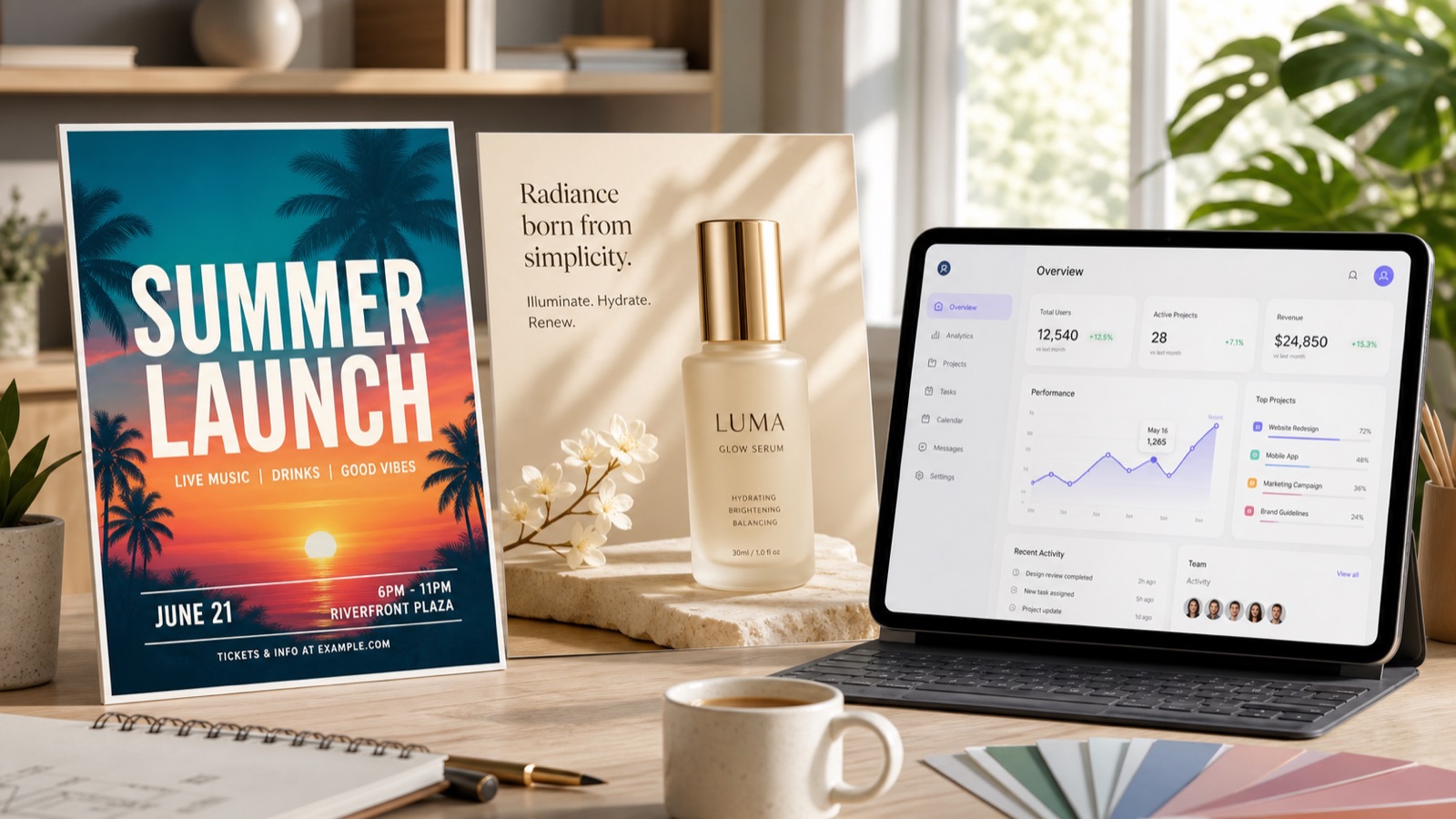
Create Posters, Ads, and UI Images with More Readable Text
GPT Image 2 is built for practical visual creation, including layouts that need readable text, structured composition, and clear visual hierarchy. Start with prompt examples, customize the subject or message, and generate your own image with GPT Image 2.
| Prompt | Describe the image you want to create. |
| Reference Image | Upload an image to guide style, layout, product shape, or composition. |
| Model | GPT Image 2 |
| Quality | Draft, Standard, or High. |
Start with Editable GPT Image 2 Prompts
Use editable prompt templates, upload reference images, and start generating with free credits in Meigen AI.
Generate with GPT Image 2Browse GPT Image 2 Prompts
Generate 4K AI Images for Digital and Print-Oriented Workflows
Use GPT Image 2 to create high-resolution visuals for campaigns, product pages, posters, banners, and creative projects. Choose square, portrait, landscape, or 4K-style sizes depending on the use case.
- Generate square, portrait, landscape, and 4K-style outputs.
- Create visuals for social media, ecommerce, ads, posters, and presentations.
- Use draft settings for quick exploration and higher quality settings for final assets.
- Turn prompt gallery examples into your own high-resolution images.
Stronger Prompt Understanding for Complex Image Ideas
GPT Image 2 is designed for high-quality generation and editing from text prompts and image inputs. In Meigen AI, you can edit prompt fields before generation so the subject, product, background, lighting, camera angle, typography, mood, and composition match your intent.
- Better instruction following for detailed prompts.
- Useful for scenes with multiple elements or specific layouts.
- Works with text prompts and image-based reference workflows.
- Good fit for iterative design and prompt refinement.
Why Use GPT Image 2 in Meigen AI?
Meigen AI turns GPT Image 2 into an editable workflow for real creative tasks: choose a prompt, customize details, add a reference image, generate, and refine.
1
Accurate Text Rendering
Create images that need more readable text, such as posters, UI mockups, labels, thumbnails, and marketing graphics.
2
4K Image Output
Generate high-resolution images for product visuals, campaign assets, digital design, and print-oriented creative work.
3
Reference Image Support
Upload a reference image to guide the style, product shape, composition, mood, or visual direction.
4
Editable Prompt Workflow
Start from a prompt template, change the subject, product, color, style, and layout, then generate your own version.
5
Prompt Gallery Integration
Use the Meigen AI Prompt Gallery to find proven image prompts, then generate similar visuals with GPT Image 2.
6
Built for Real Creative Tasks
Create product ads, posters, social media posts, UI screens, ecommerce images, portraits, and brand visuals.
How to Use the GPT Image 2 Generator
Go from a simple idea or gallery example to an editable GPT Image 2 generation workflow in five steps.
| Step 1 | Choose GPT Image 2Select GPT Image 2 from the model options inside Meigen AI. |
| Step 2 | Enter a Prompt or Choose One from the GalleryDescribe what you want to create, or start from a GPT Image 2 prompt template in the Meigen AI Prompt Gallery. |
| Step 3 | Customize the DetailsEdit the subject, product, headline, style, background, color palette, composition, size, and quality before generating. |
| Step 4 | Upload a Reference ImageAdd a reference image if you want to guide the style, layout, product shape, or visual direction. |
| Step 5 | Generate and RefineGenerate the image, review the result, then create variations, edit the prompt, or use the output as a new reference. |
What Can You Create with GPT Image 2?
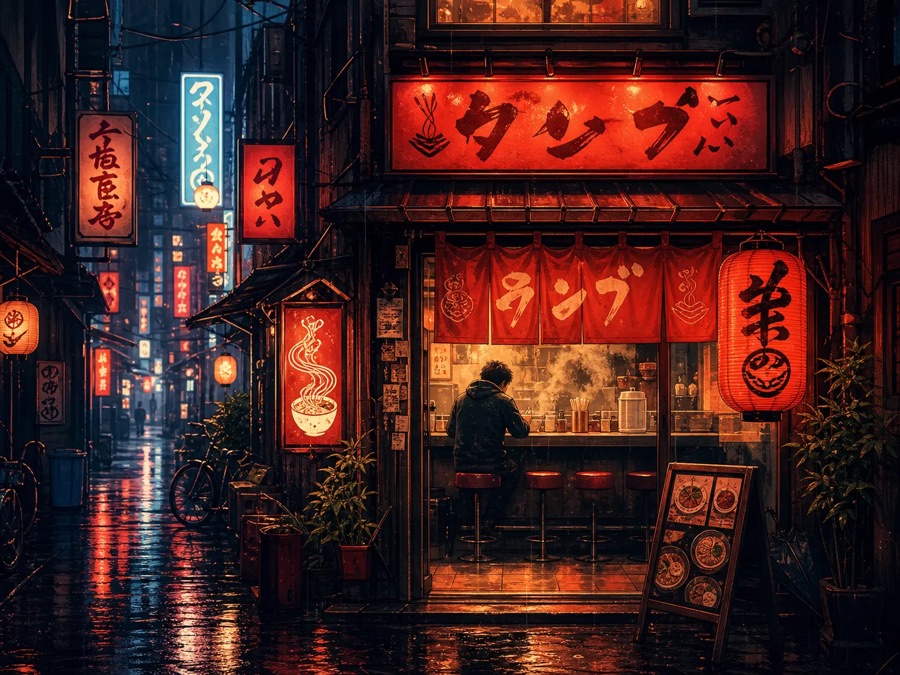 Posters and Event GraphicsCreate poster-style layouts with stronger typography, readable headlines, visual hierarchy, and cinematic composition.
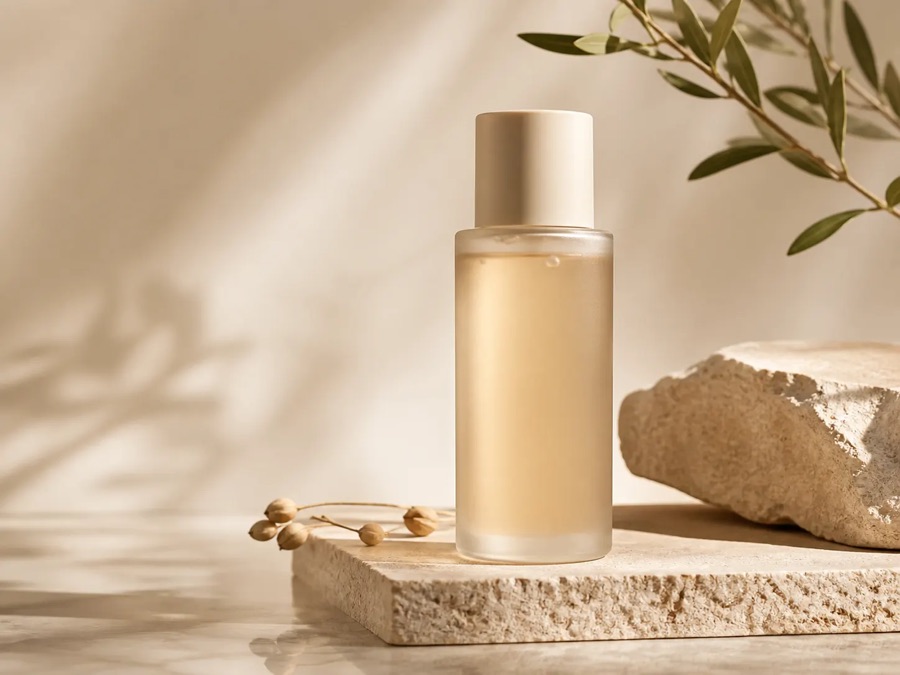 Product AdsGenerate product ad concepts, ecommerce banners, skincare visuals, perfume ads, tech product shots, and campaign images.
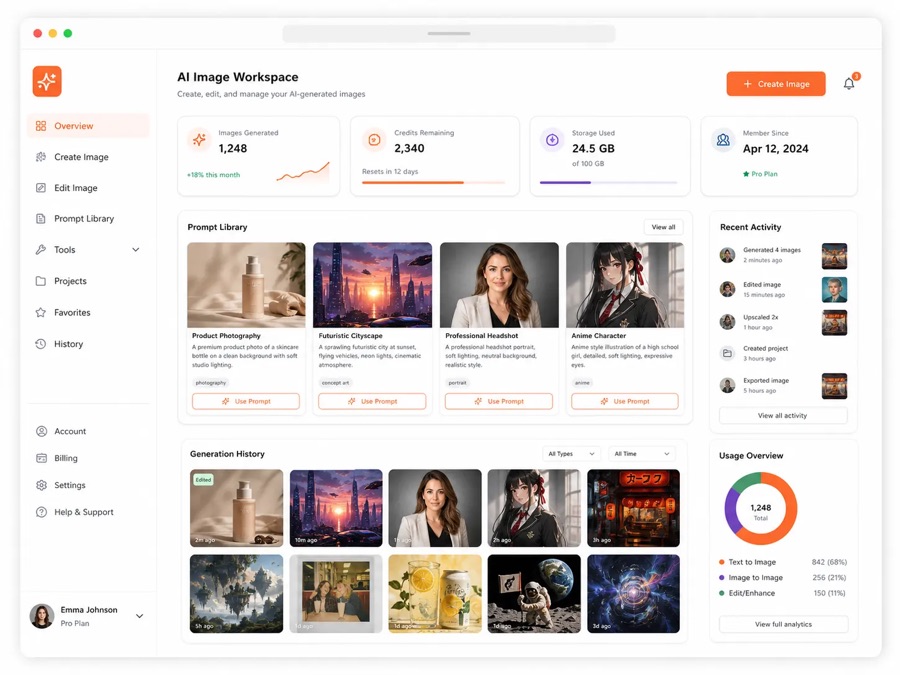 UI Mockups and App ScreensCreate realistic UI-style screens, landing page concepts, dashboard visuals, mobile app mockups, and product presentations.
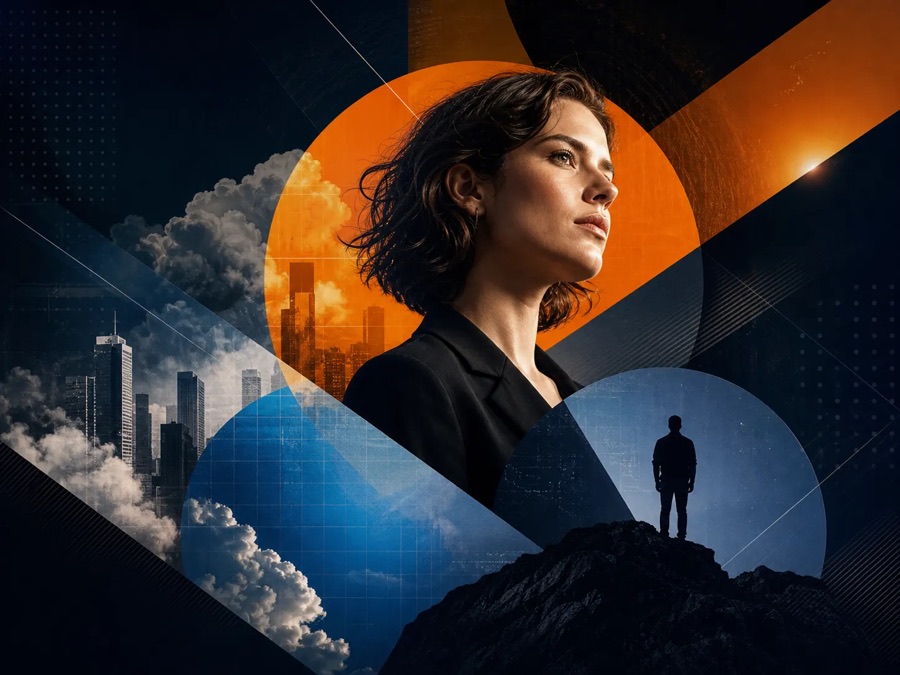 Social Media CreativesGenerate thumbnails, reels covers, short-form ad visuals, campaign graphics, and shareable branded images.
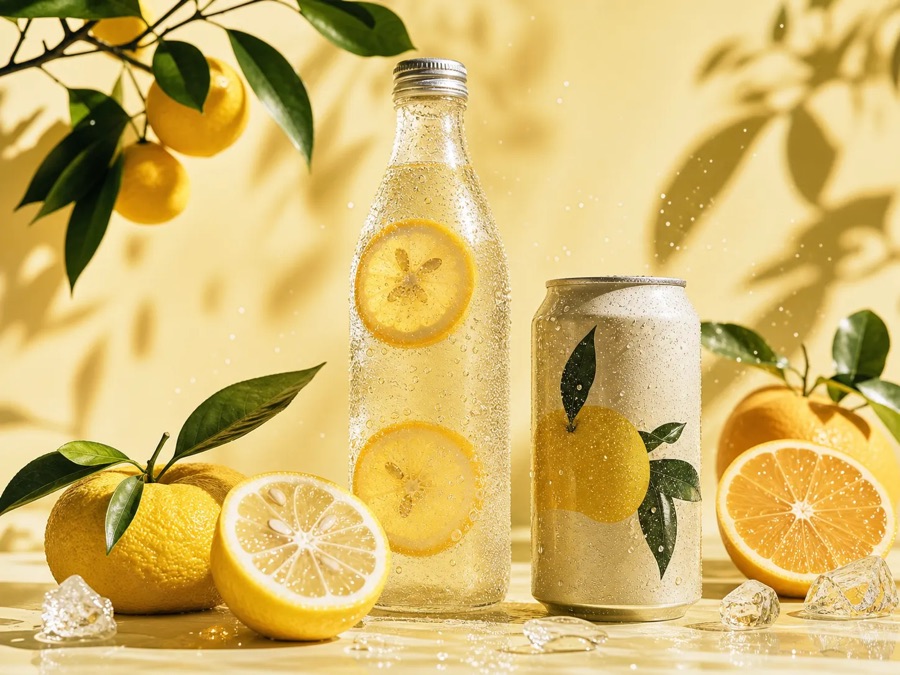 Ecommerce Product ImagesCreate product scenes, lifestyle product images, packaging concepts, and high-resolution listing visuals.
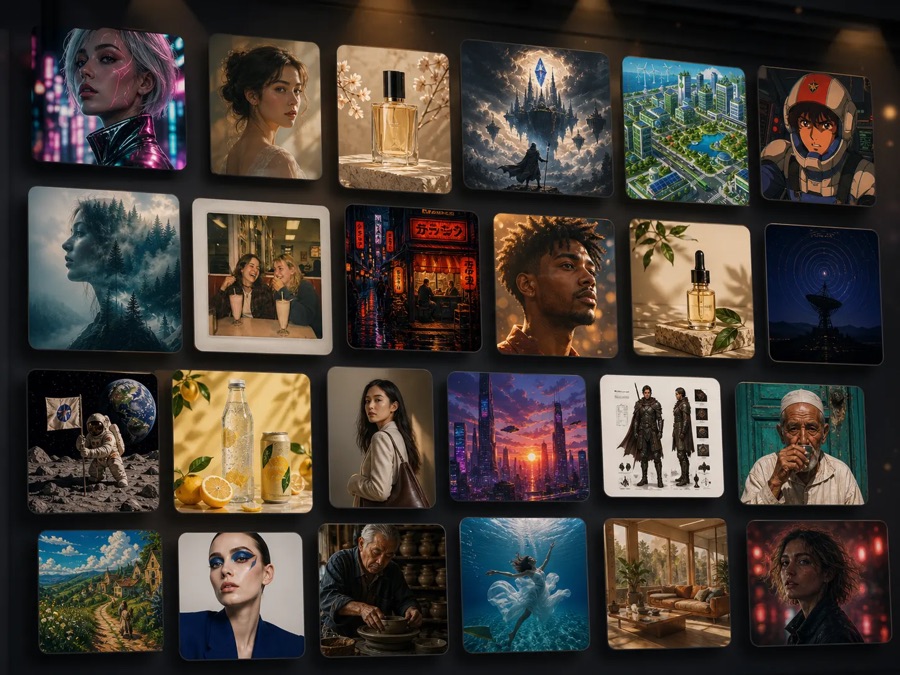 Brand and Marketing VisualsBuild consistent visual directions for campaigns, presentations, newsletters, hero images, and creative tests.
Start from the Meigen AI Prompt Gallery
Do not write every GPT Image 2 prompt from scratch. Browse the Prompt Gallery, choose a visual style you like, then customize the prompt and generate your own image.
1
Product Ad Prompts
Customize a prompt for product campaigns, ecommerce listings, and brand visuals.
2
Poster Prompts
Create editorial, event, music, fashion, travel, or cinematic poster concepts.
3
UI Prompt Templates
Generate realistic UI screenshots, dashboards, mobile screens, and SaaS product visuals.
4
Reference Image Prompts
Upload an image and use GPT Image 2 to generate a similar visual direction.
Who Is GPT Image 2 For?
GPT Image 2 fits teams and solo creators who need polished visual directions without rebuilding every prompt from a blank page.
Content Creators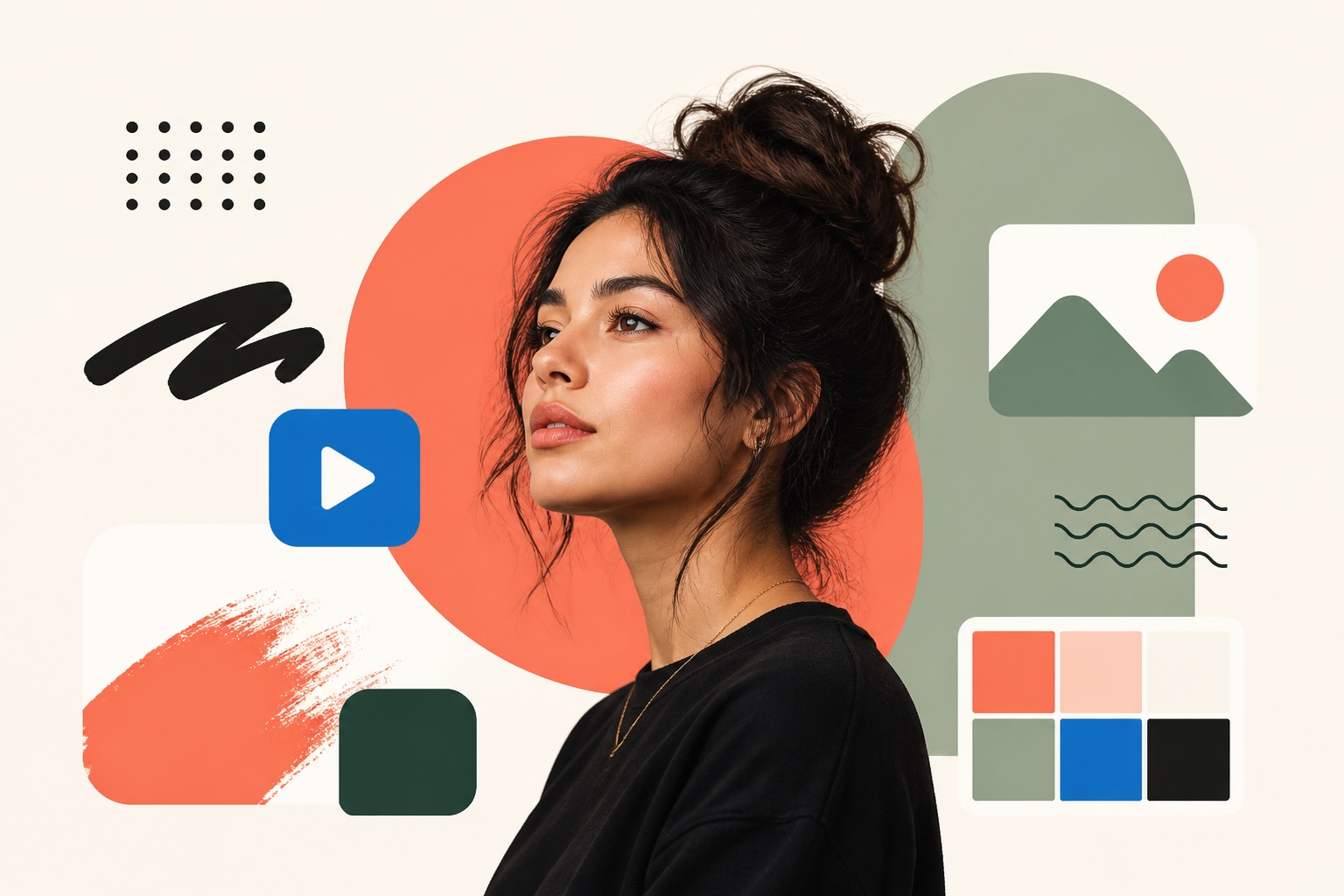
Create thumbnails, social graphics, blog visuals, poster concepts, and branded content without starting from a blank canvas.
Marketers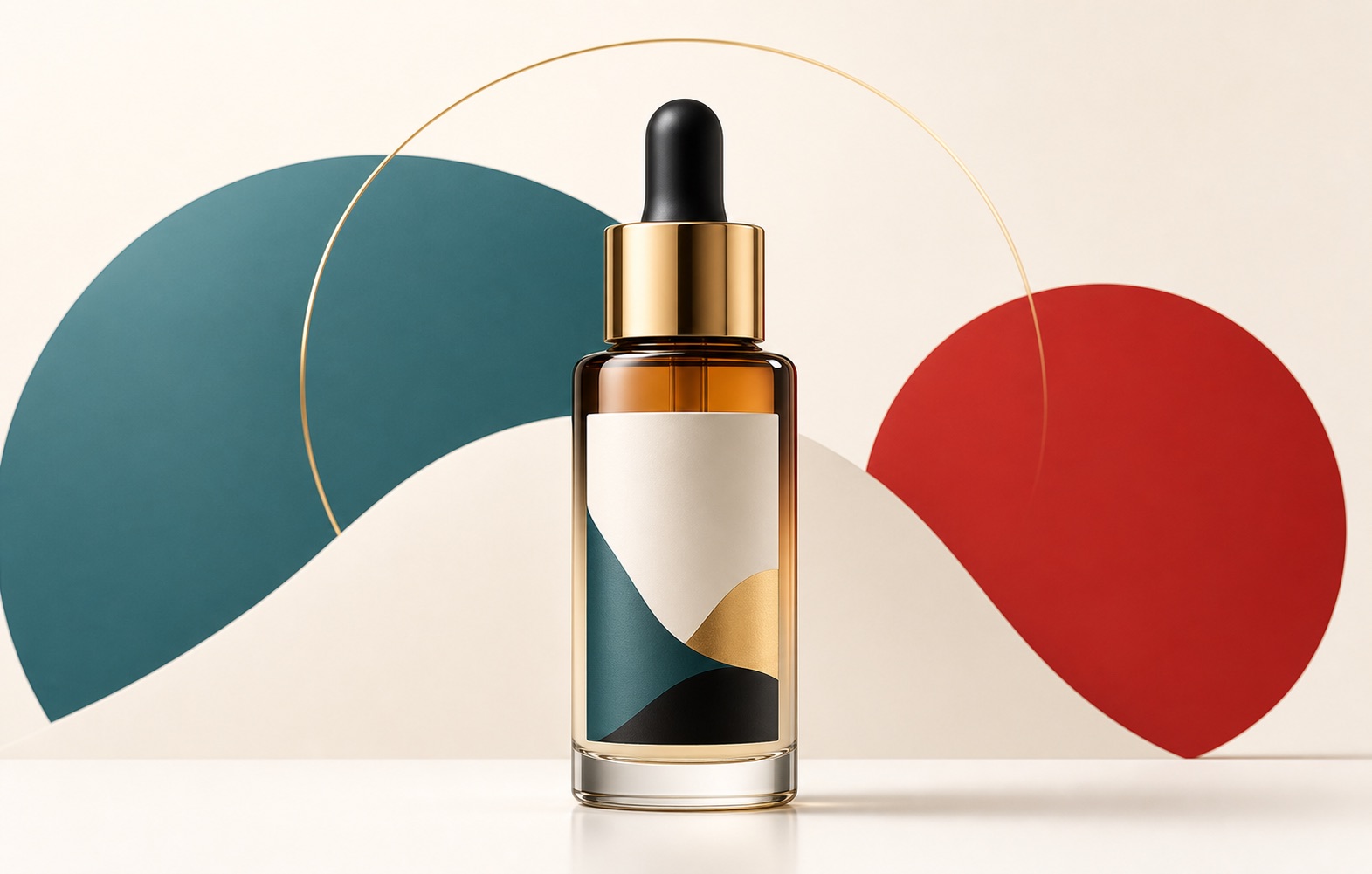
Generate ad concepts, product campaigns, landing page visuals, banners, and social media assets for fast creative testing.
Designers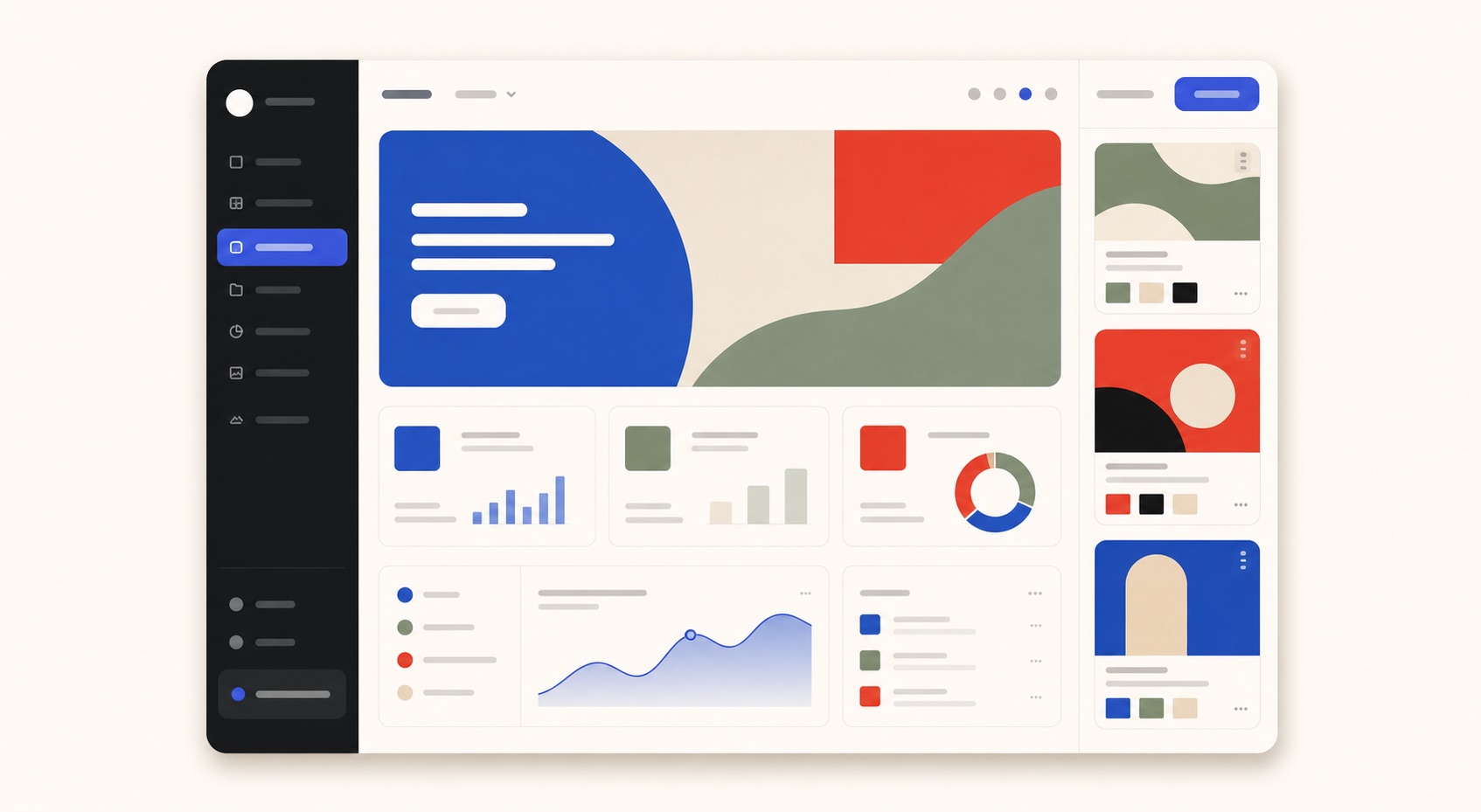
Explore UI mockups, moodboards, poster layouts, typography-heavy concepts, and campaign directions before moving into final design tools.
Ecommerce Sellers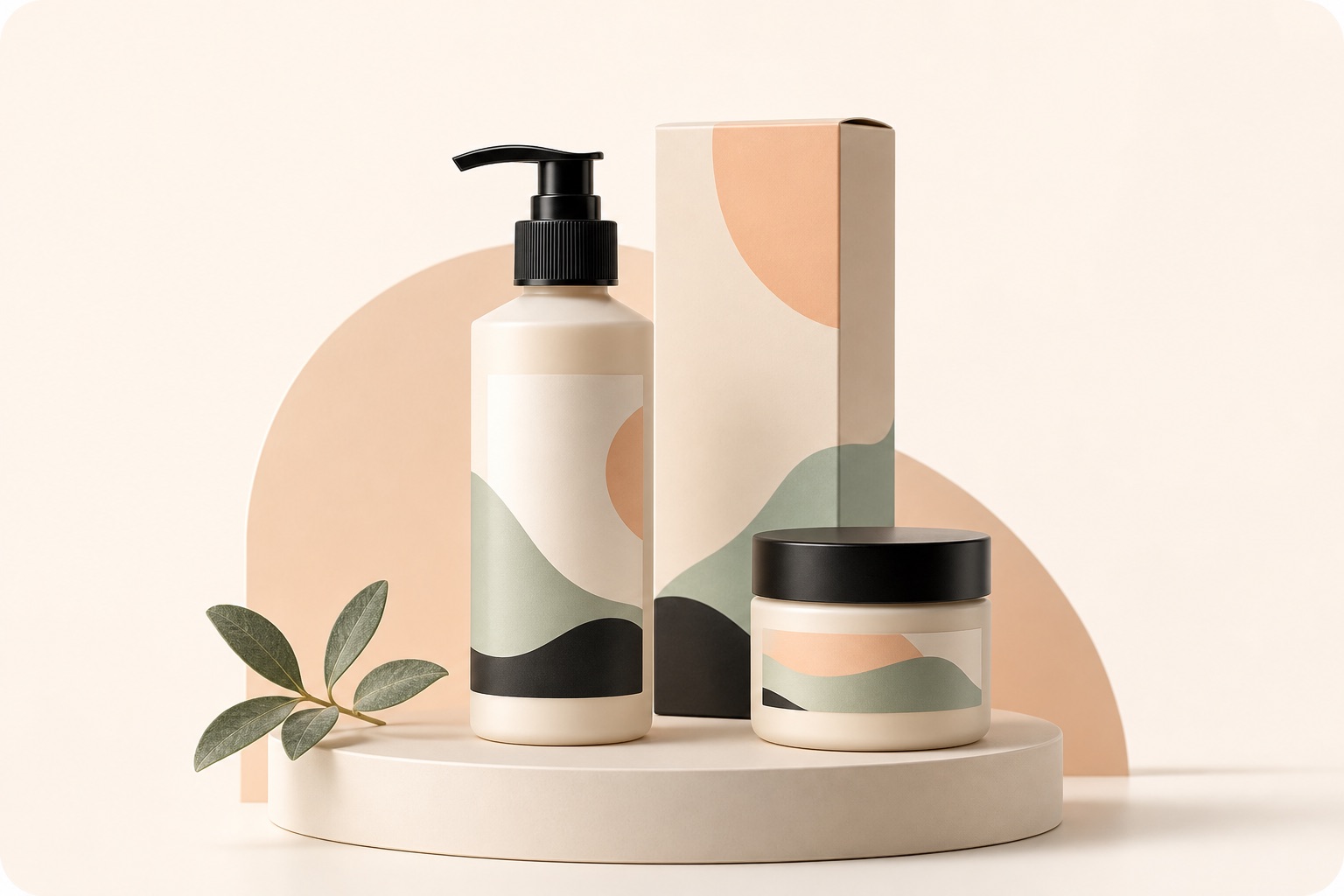
Create product visuals, lifestyle scenes, packaging concepts, and listing images that make products easier to present.
Indie Builders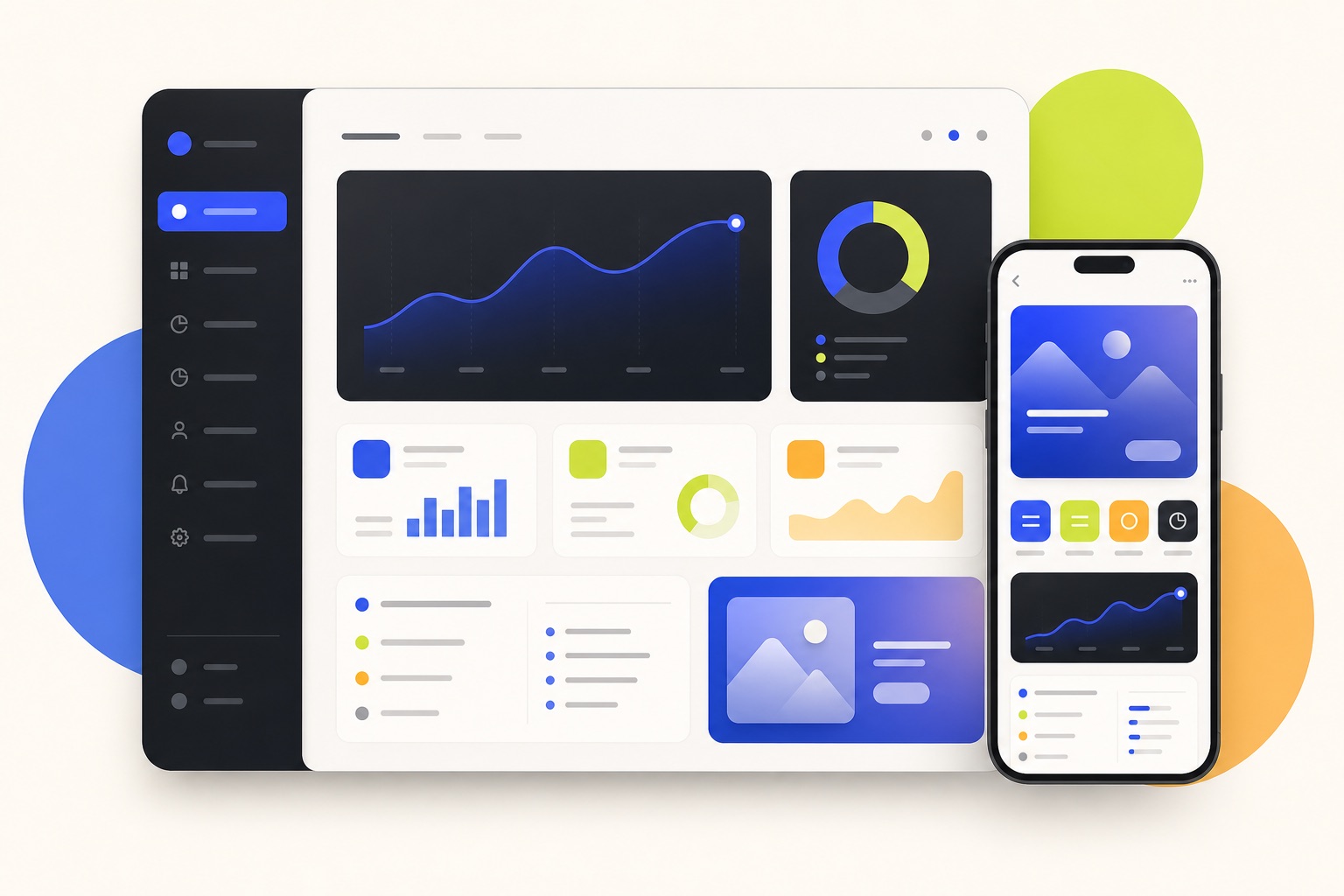
Generate app screenshots, feature visuals, landing page hero images, and launch assets for SaaS, AI tools, and digital products.
GPT Image 2 vs Generic AI Image Generators
GPT Image 2 is useful when you need more than a random AI image. In Meigen AI, it becomes part of an editable workflow: choose a prompt, customize the details, add a reference image, generate, and refine.
| Start from a blank prompt | Start from editable prompt templates |
| Weak control over layout and text | Better fit for structured visuals and text-heavy concepts |
| Hard to reuse styles | Reuse prompts from the Meigen AI Prompt Gallery |
| Limited editing flow | Edit prompt fields and use reference images |
| One-off results | Generate variations, refine prompts, and save ideas |
Explore More AI Image and Video Models
Compare GPT Image 2 with other image and video models in Meigen AI. Try different models for speed, style, reference images, video generation, and commercial creative work.
1
Nano Banana 2
Use this model inside Meigen AI when its style, speed, or media workflow fits the asset you are creating.
2
Seedream
Use this model inside Meigen AI when its style, speed, or media workflow fits the asset you are creating.
3
Qwen Image
Use this model inside Meigen AI when its style, speed, or media workflow fits the asset you are creating.
4
Recraft
Use this model inside Meigen AI when its style, speed, or media workflow fits the asset you are creating.
5
Gemini Omni Video
Use this model inside Meigen AI when its style, speed, or media workflow fits the asset you are creating.
6
Seedance Video
Use this model inside Meigen AI when its style, speed, or media workflow fits the asset you are creating.
GPT Image 2 Generator FAQ
What is GPT Image 2?
GPT Image 2 is an advanced AI image generation model for creating and editing images from text prompts and image inputs. It is designed for high-quality visual generation, structured prompts, and practical creative workflows.
Can I use GPT Image 2 in Meigen AI?
Yes. Meigen AI lets you generate images with GPT Image 2, start from prompt templates, customize your prompt, upload reference images, and create your own visual variations.
Can GPT Image 2 generate images with readable text?
GPT Image 2 is stronger at text rendering than earlier image models, making it useful for posters, ads, UI mockups, labels, and marketing graphics. As with any AI image model, final text quality can still vary, so review important text before using the image publicly.
Can GPT Image 2 generate 4K images?
GPT Image 2 supports high-resolution image sizes, including 4K-style landscape and portrait outputs. In Meigen AI, you can choose the size and quality settings that match your project.
Can I upload a reference image?
Yes. You can upload a reference image to guide style, composition, product shape, visual mood, or layout direction before generating with GPT Image 2.
Is GPT Image 2 good for product ads?
Yes. GPT Image 2 is a strong fit for product ads, ecommerce visuals, product launch graphics, packaging concepts, and marketing images because it can follow detailed prompts and create polished commercial-style visuals.
Is GPT Image 2 good for UI design?
GPT Image 2 can help create UI-style mockups, dashboard concepts, landing page visuals, and app screenshot-style images. It is best used for visual exploration and presentation assets, not as a replacement for production UI design files.
Do I need to write a long prompt?
No. You can start from the Meigen AI Prompt Gallery, use a prompt template, and edit fields like subject, product, style, headline, color, and composition.
What is the difference between GPT Image 2 and a prompt gallery?
A prompt gallery gives you ideas to copy. Meigen AI combines the prompt gallery with a generator, so you can customize a prompt, upload references, generate images, and create your own variations.
Can I create posters, ads, and product images from one prompt?
Yes. You can reuse a prompt structure and adjust the subject, brand, headline, style, and format to create multiple visual directions.
Create Your First GPT Image 2 Visual
Start from a prompt, a reference image, or a gallery example. Pick GPT Image 2, choose your size and quality, then refine the result with Meigen AI.
Generate with GPT Image 2Browse Prompt Gallery
Explore More Meigen AI Workflows
x
Pay Once. Keep Forever
Unlock more credits for image generation, batch mode, and higher resolution outputs.
支付宝付款提醒:请使用可以支付海外商户的银行卡,或者选择花呗;否则可能支付失败。
MonthlyYearly Save more
Starter Save 23%
Limited-time first upgrade$12.99 $9.99
1,000 Credits
Get Starter
- Unlock all premium models
- Up to 4K resolution
- Batch image generation
- Unlimited image-to-prompt reverse prompts
- Reference image generation
- Credits never expire
- Commercial license
Pro Save 50%
Best for creators$39.99 $19.99
2,200 Credits
Get Pro
- Unlock all premium models
- Up to 4K resolution
- Batch image generation
- Unlimited image-to-prompt reverse prompts
- Multi-reference image generation
- Priority generation queue
- Credits never expire
- Commercial license
Ultimate Save 62%
Best Value$129.99 $49.99
6,000 Credits
Get Ultimate
- Unlock all premium models
- Up to 4K resolution
- Largest batch generation capacity
- Unlimited image-to-prompt reverse prompts
- Multi-reference image generation
- Smart enhance and prompt reverse
- Priority generation queue
- Credits never expire
- Commercial license
x
Share the fun, earn a ton
Get 200 credits when your friend makes their first purchase. You earn credits too when the reward is verified.
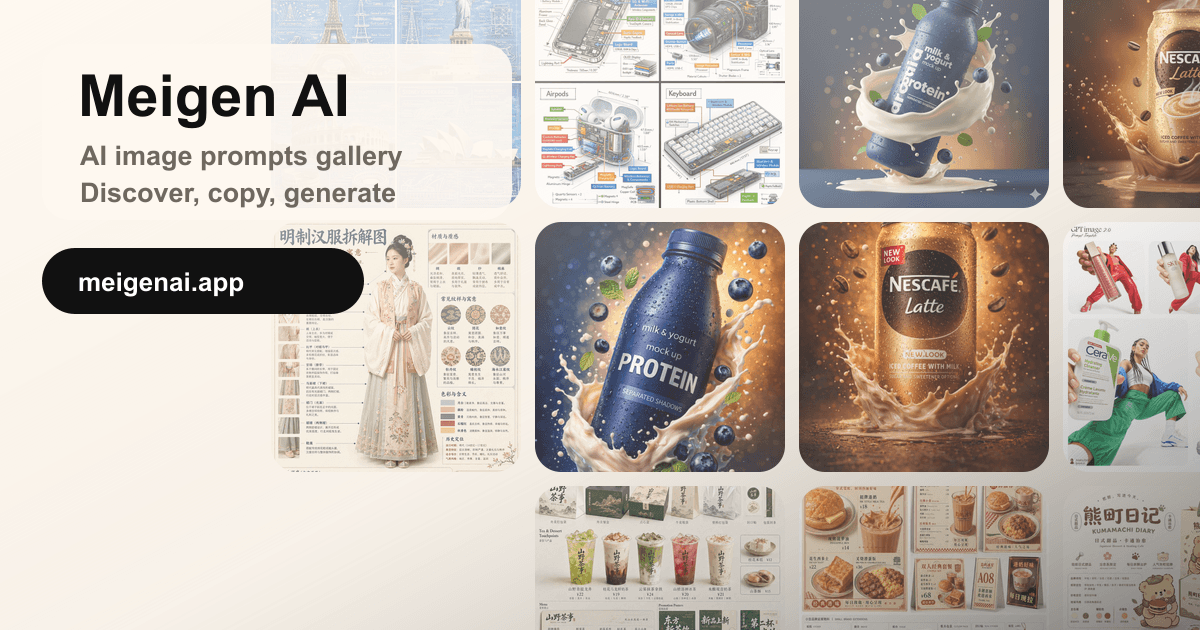
Free AI image prompts and generation creditsTry Meigen AI with my invite link. Browse prompt examples, generate images faster, and get started with bonus credits.
1Share your invite link
2They sign up via your link
3Both accounts get 200 credits after the first purchase
Your invite link has been used by 0/10 users
LinkCopy link
XFacebookLinkedInWhatsAppMore
 Meigen AI
Sign in to continue
Sign in with Google to get 10 free credits. Use them to generate your first two images and keep your credits, history, and results in sync.
 Continue with Google
Please log in to generate images with Meigen AI.