**Annual packs are on sale: save up to 50%.**Yearly credits stay valid for 12 months. Save more on annual credit packs.View yearly deals
MMeigen AI UserSign in to sync credits and history
Add Credits**⚡ 0**Share Meigen AIInvite friends, get 200 credits🎁
Prompt GalleryImage to PromptReference Image GeneratorPricingShareContact UsTermsPrivacyRefund
Log out
Reference Image Generator
AI Image Generator with Reference Image
Upload a reference image, choose what to keep, edit the prompt, and generate similar images with the style, subject, product, or composition you want.Use a visual reference and an editable prompt together for more controlled AI image generation.
Drop or upload reference image+
PromptCopy Prompt
Create a premium skincare product ad using this image as style reference. Keep the soft beige lighting and minimalist composition, but replace the product with a black perfume bottle.
Generating image prompt...
Surprise Me
Tap a preset to load an editable pixel-style prompt.
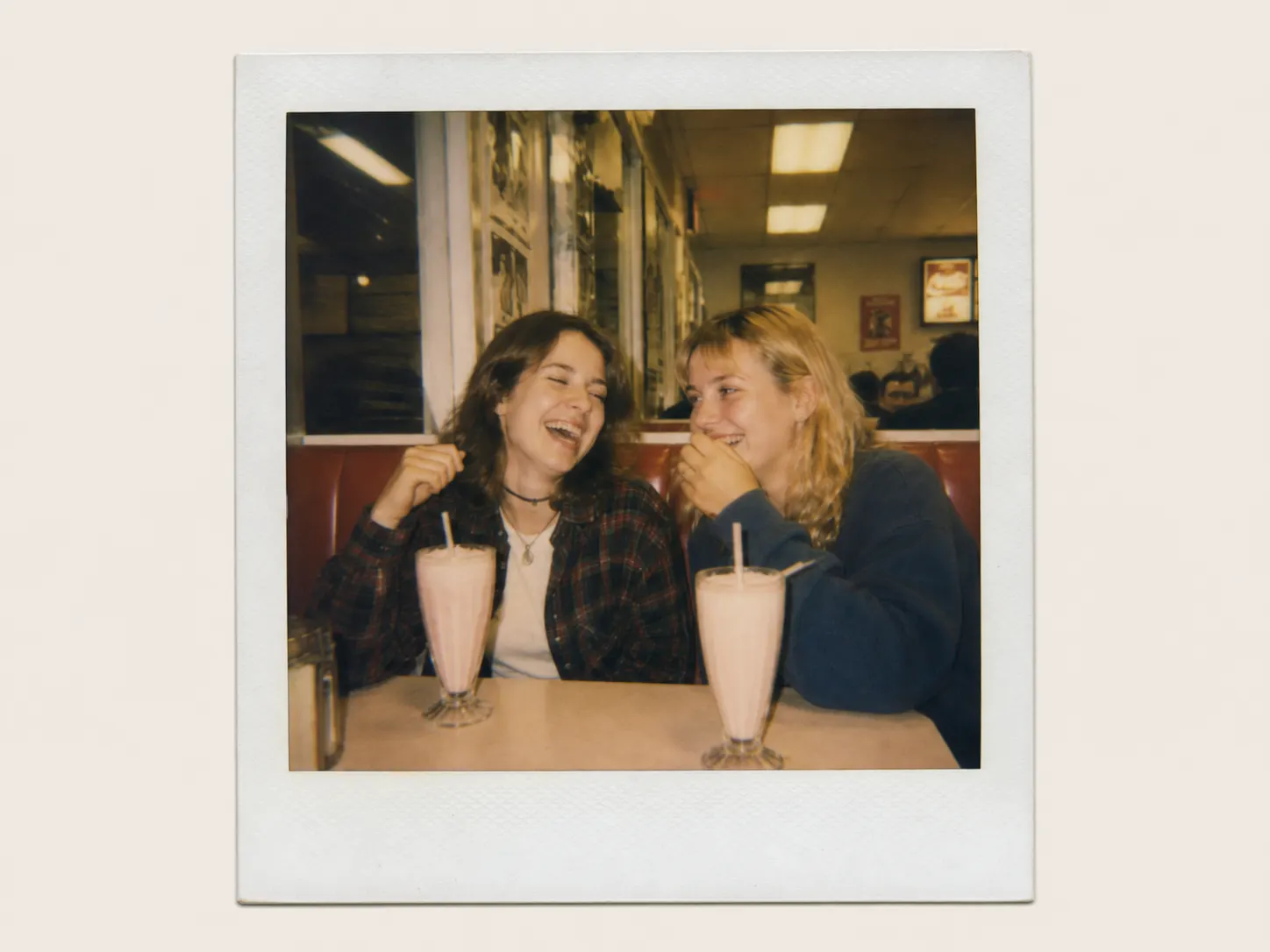
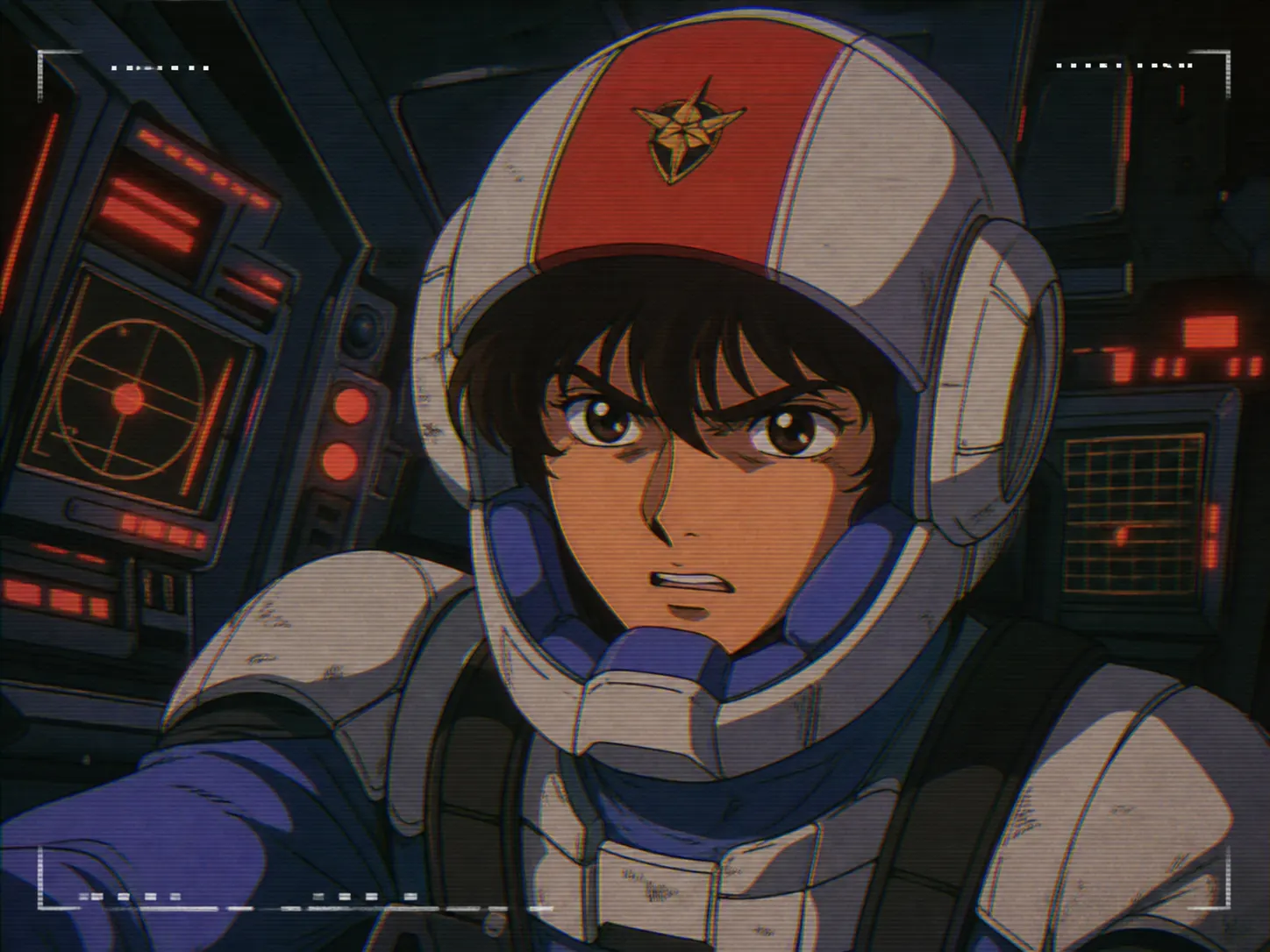
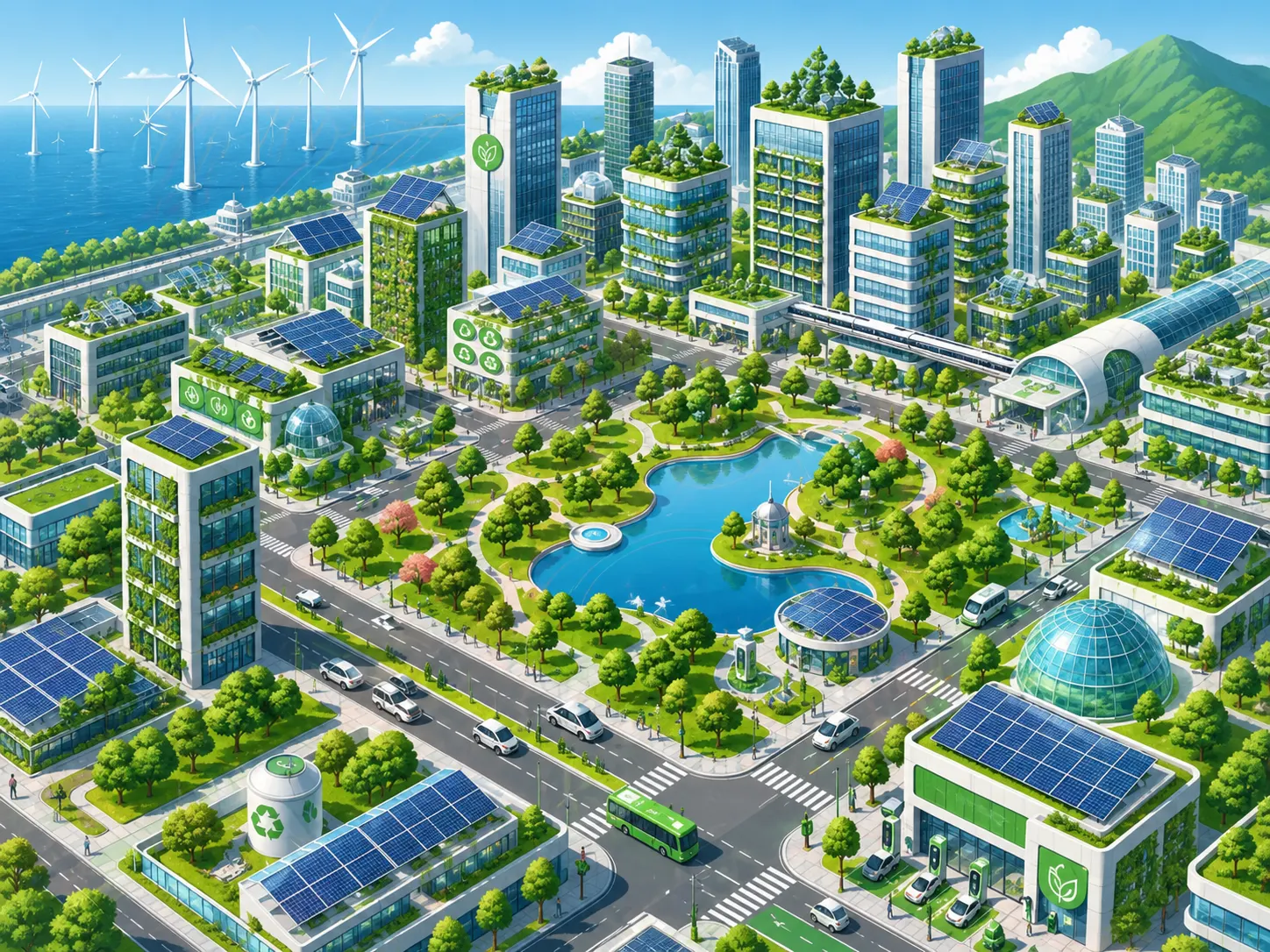
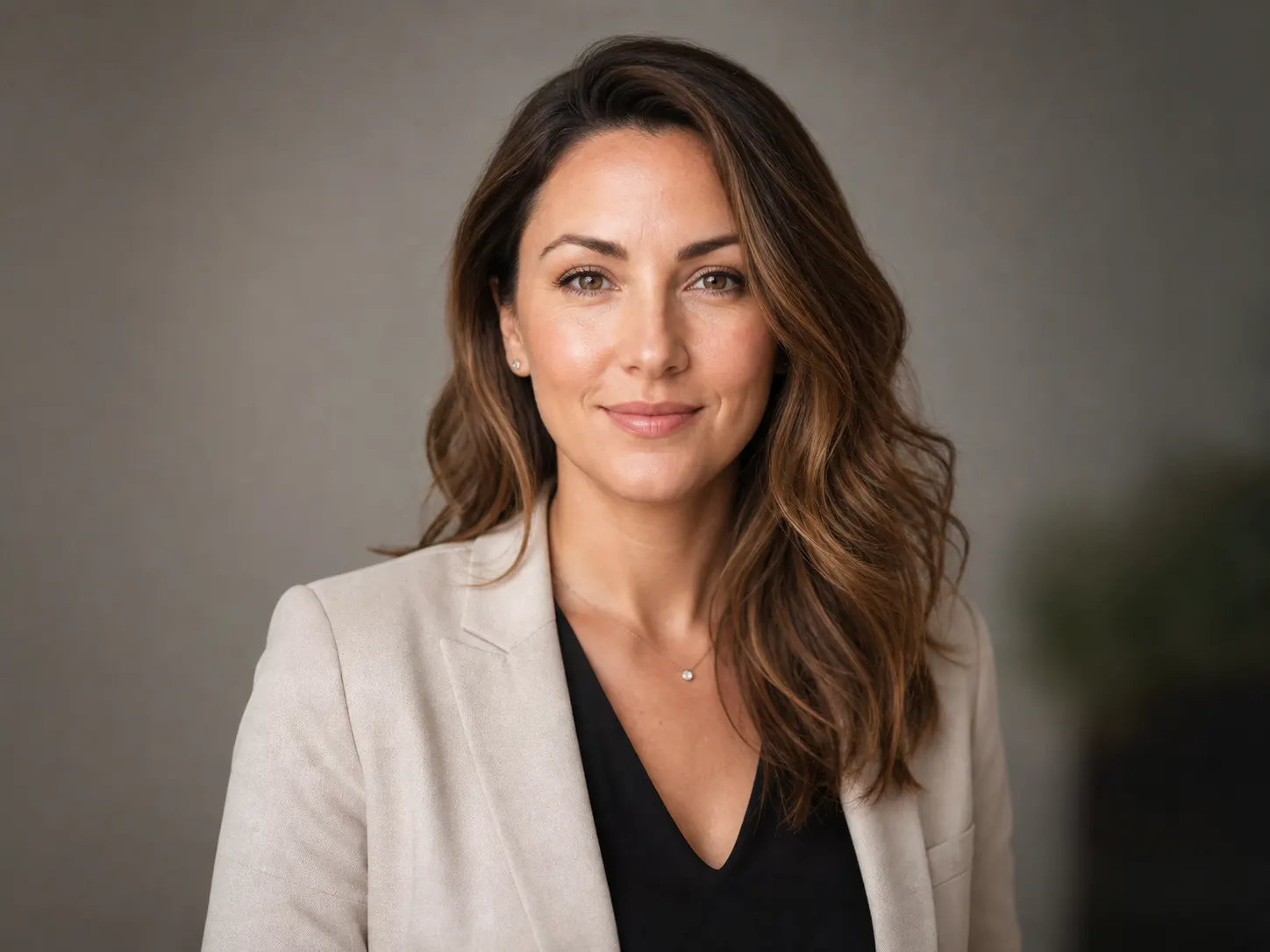
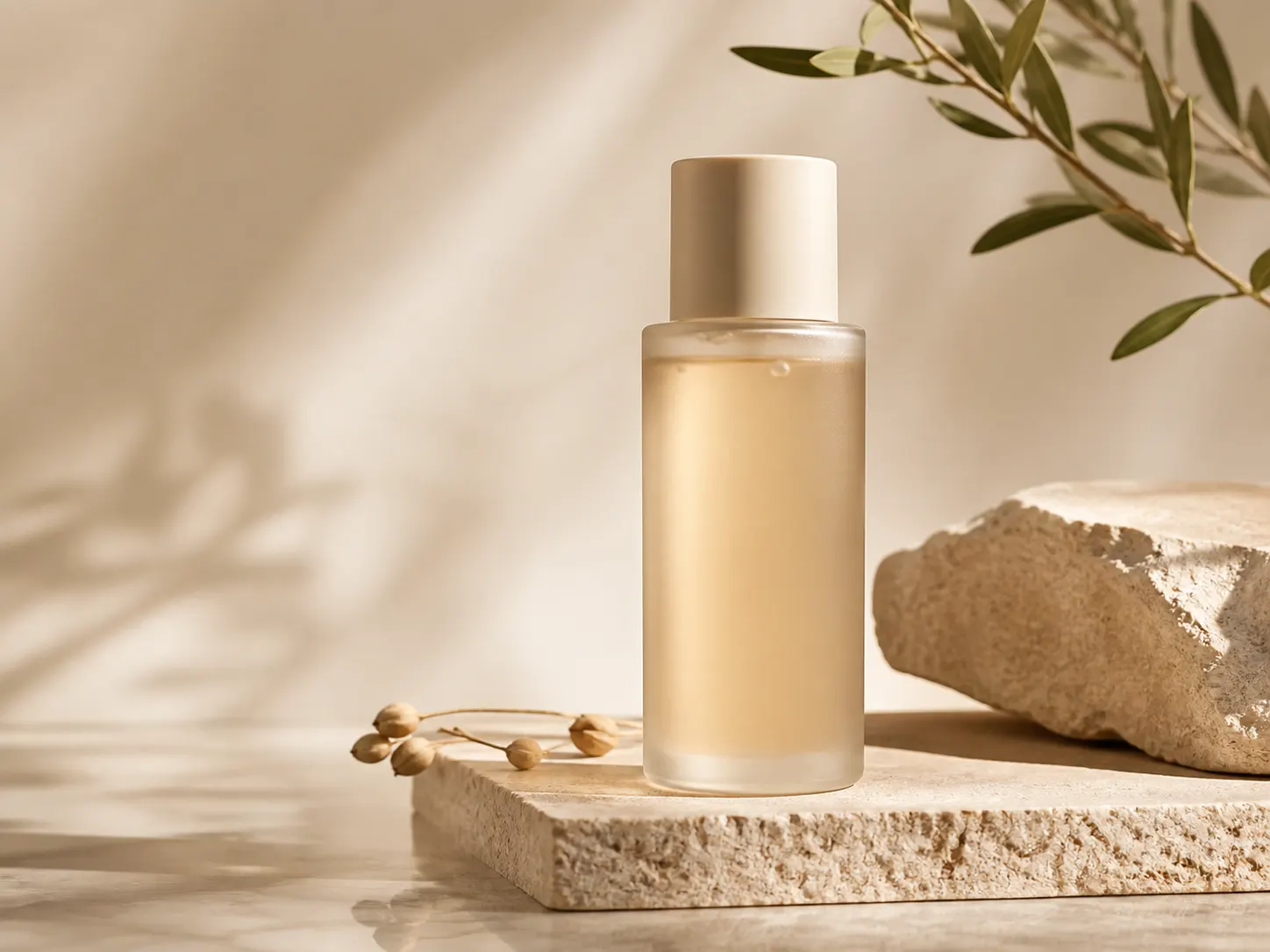
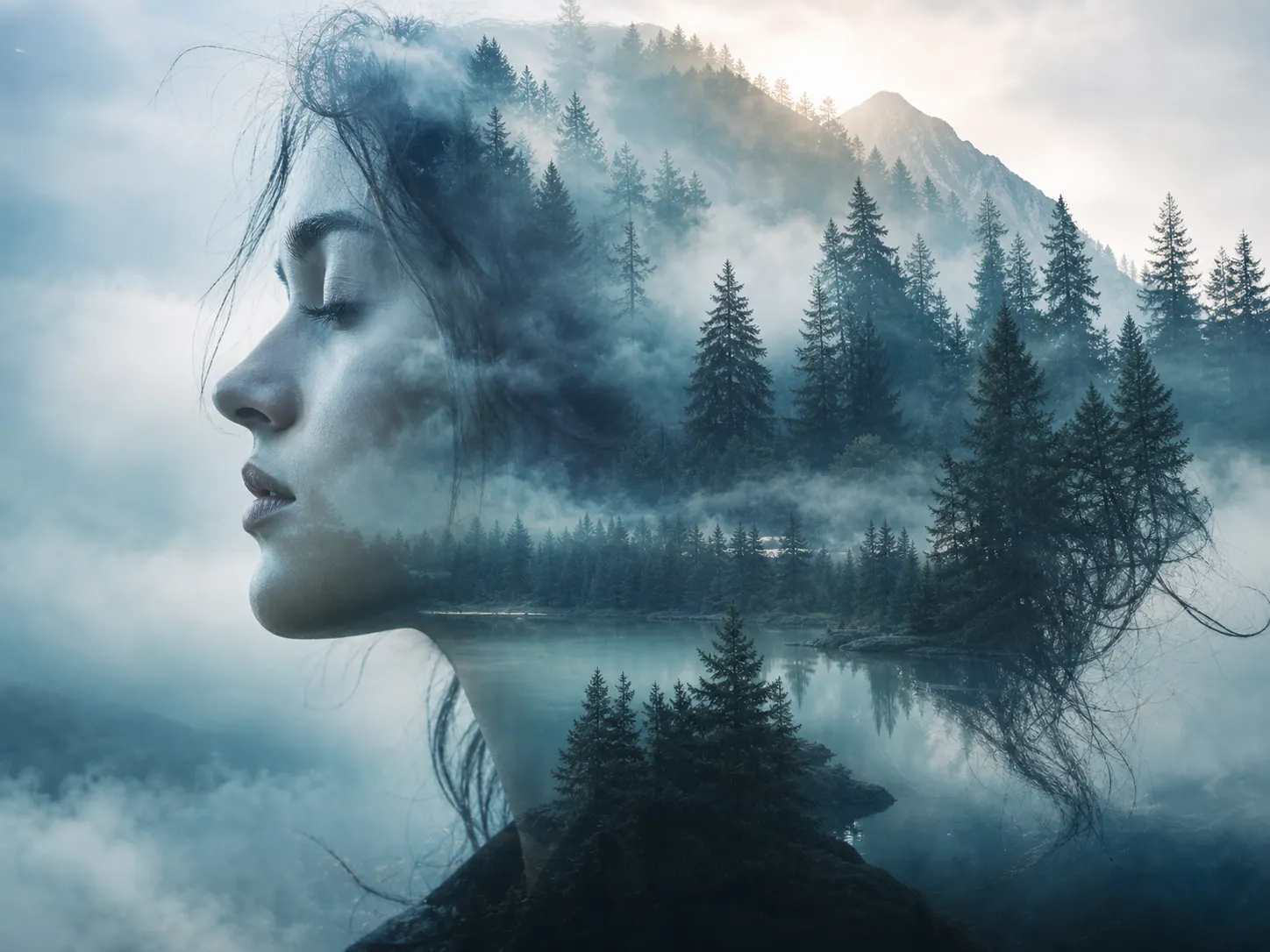
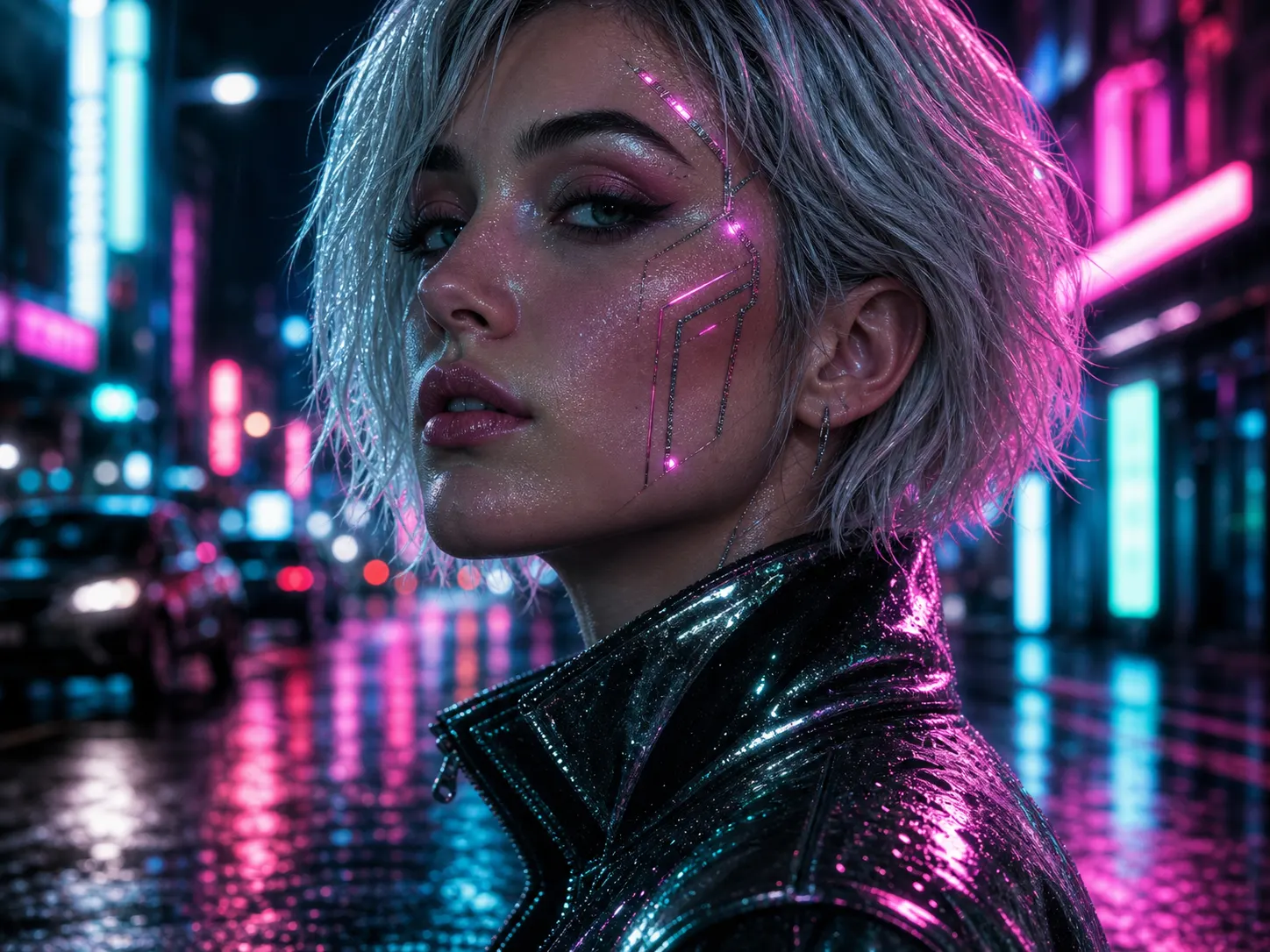
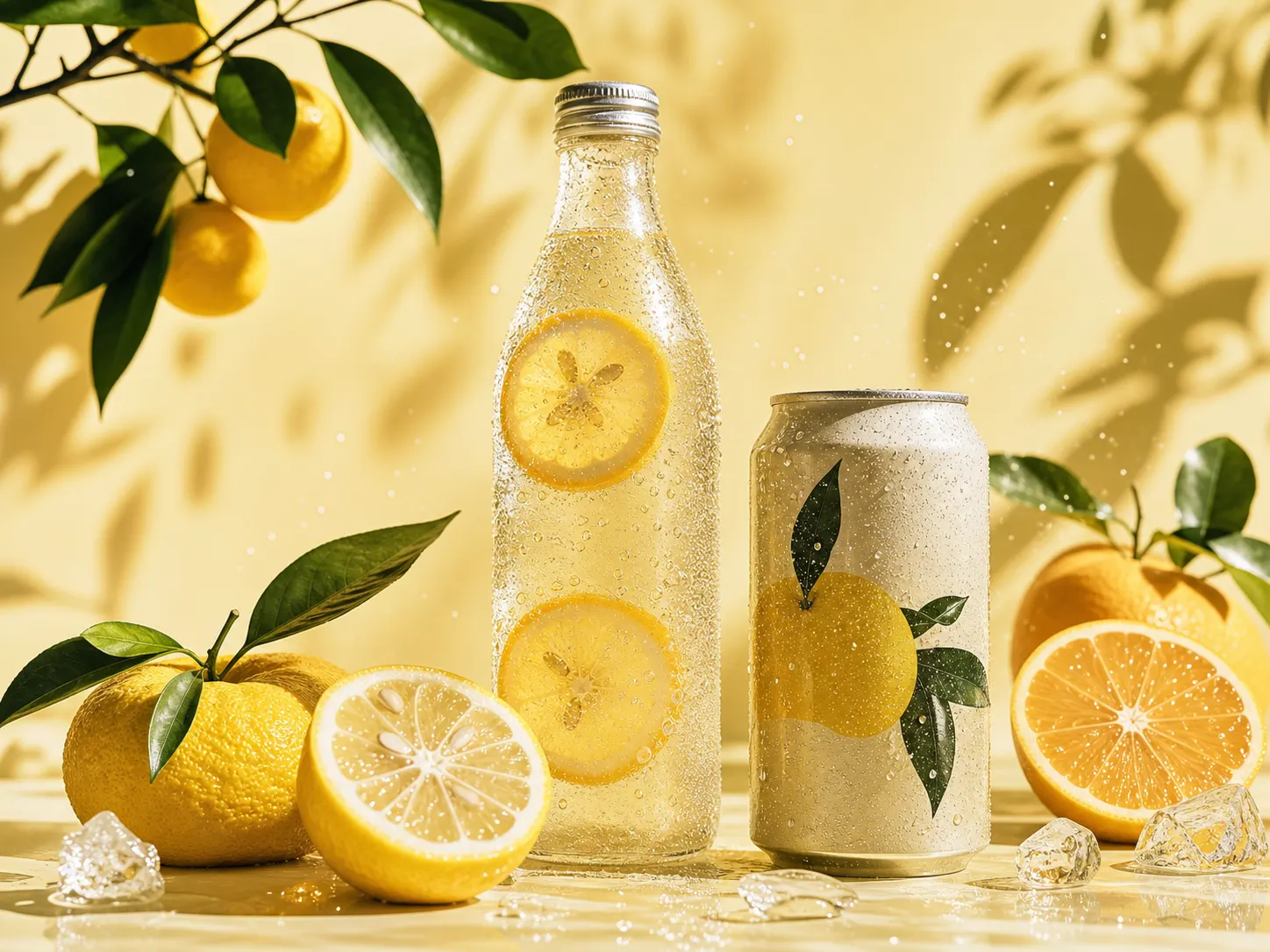
ModelGPT Image 2Nano Banana 2Nano Banana 2 LiteSeedream 5.0 ProQuality1K2K4KRatioAuto1:13:44:52:39:164:316:9
Generate from Reference Image ✨ 15
0%
Generating image...
Upload an image, edit the prompt, then generate a new image.
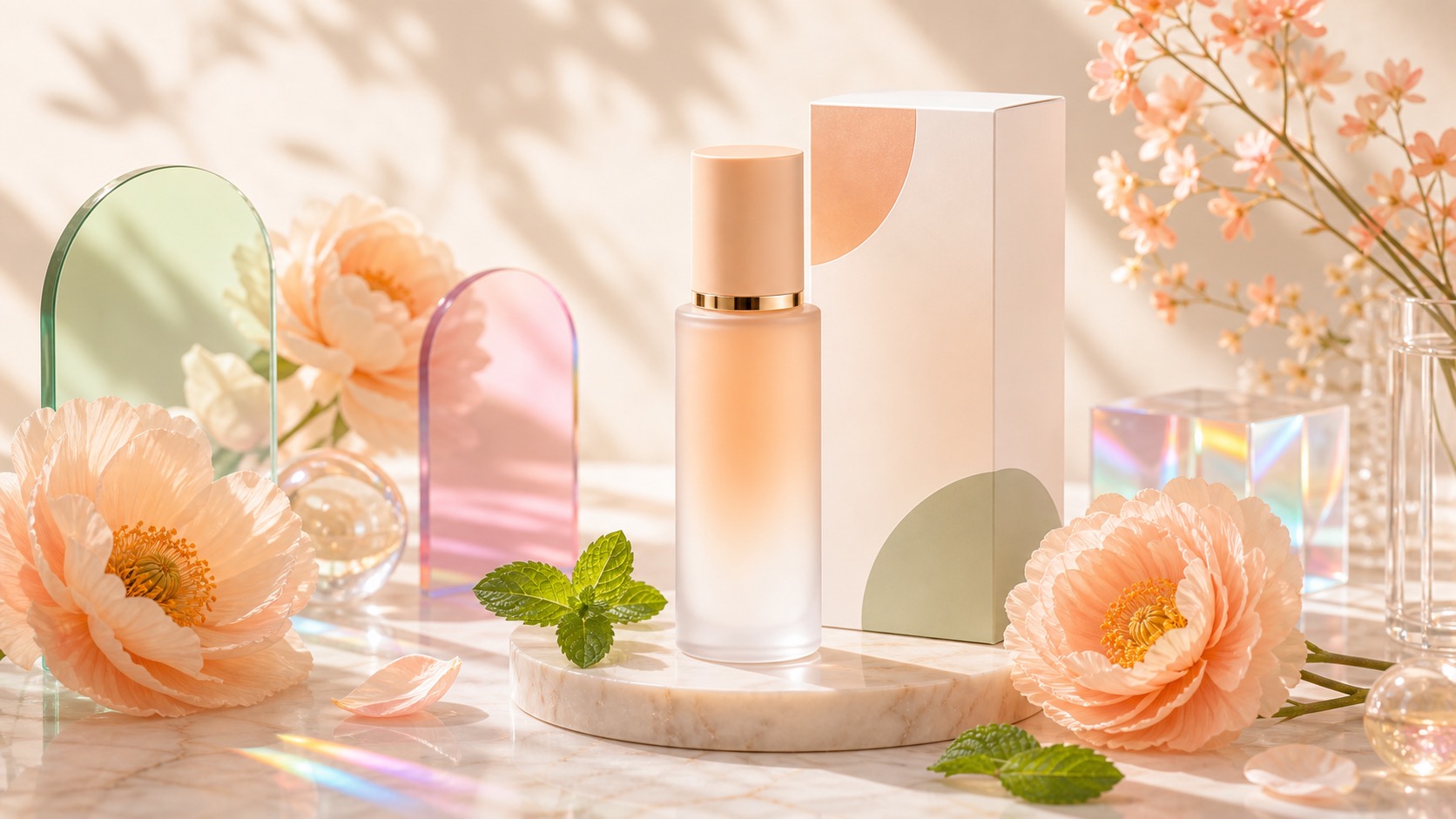
Reference Images Make Prompts Easier to Control
A text prompt alone can be hard to control. With reference-image generation, you can give Meigen AI both a visual direction and an editable prompt, so the output is closer to the style, composition, or product look you want.
| Prompt-only results can drift | Reference images give visual direction |
| Complex styles are hard to describe | The image communicates the style directly |
| Users need prompt expertise | Users upload a visual and edit small fields |
| Copying ends the workflow | Reference generation leads into creation |
| Good for exploration | Better for commercial product ads, posters, portraits, and brand visuals |
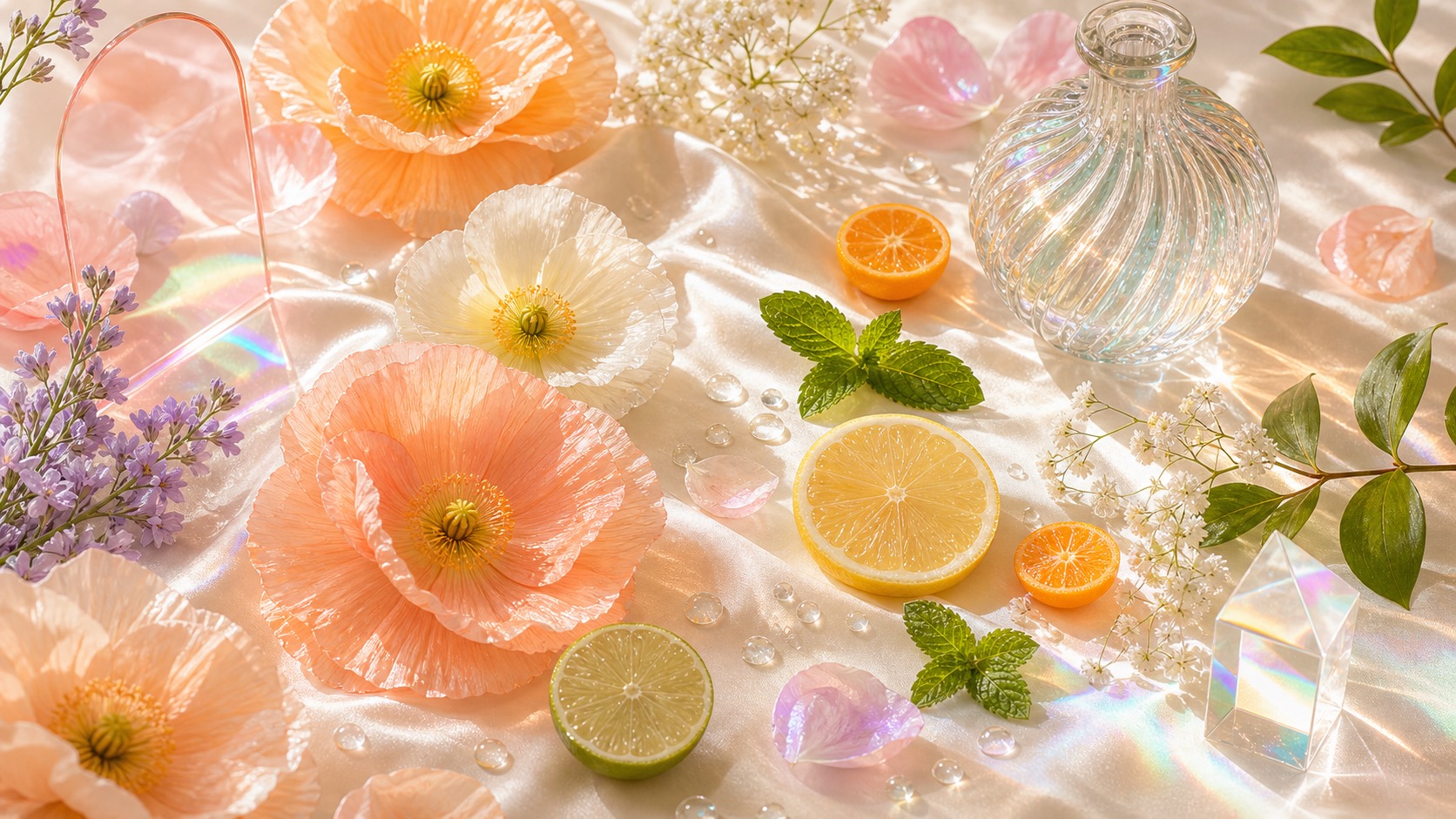
Generate Similar Images with a Visual Reference
The AI Reference Image Generator is for users who want control, not just inspiration. Upload a reference image, describe the new image you want, and use Meigen AI to keep the useful visual direction while changing the product, scene, character, background, or campaign concept.
- Generate image from reference image while using a short editable prompt instead of a long technical description.
- Keep the style, subject direction, composition, color palette, character look, product shape, or lighting from the reference.
- Use reference image generation for product ads, fashion shoots, posters, interiors, food photography, thumbnails, and marketing creatives.
- Start from the Meigen AI Prompt Gallery when you want proven AI image prompts before uploading your own reference.
Generate AI Images with a Reference Image
Use a visual reference to guide style, subject, product shape, composition, or color direction while keeping full control through an editable prompt.
1
Keep the Style You Like
Upload a reference image and use it to guide the lighting, mood, composition, texture, or overall visual style of your new image.
2
Change the Subject or Product
Keep the visual direction but replace the subject, product, background, color palette, or scene to create a new image from the same style.
3
More Control Than Text Alone
Text prompts can be hard to control. A reference image gives Meigen AI a clearer visual direction while the prompt defines what should change.
4
Built for Creative Work
Create product ads, fashion visuals, posters, portraits, interiors, thumbnails, banners, and campaign images from a reference image.
5
Works with Prompt Gallery
Pick a prompt from the Meigen AI Prompt Gallery, add a reference image, edit the details, and generate a more controlled result.
6
Fast Style Variations
Use one reference image to generate multiple directions for different products, layouts, moods, aspect ratios, or marketing scenes.
How to Generate Images from a Reference Image
Upload a reference, choose what to keep, edit the prompt, and generate your own version.
| Step 1 | Upload a reference imageUse a product photo, poster, portrait, fashion shot, interior image, or any visual style you want to guide the result. |
| Step 2 | Choose what to preserveSelect whether you want to keep the style, subject, composition, color palette, character look, or product direction. |
| Step 3 | Edit the promptDescribe what should change, such as the product, background, mood, lighting, camera angle, aspect ratio, or campaign theme. |
| Step 4 | Generate a similar imageMeigen AI combines the reference image and your edited prompt to generate a new image with the direction you want. |
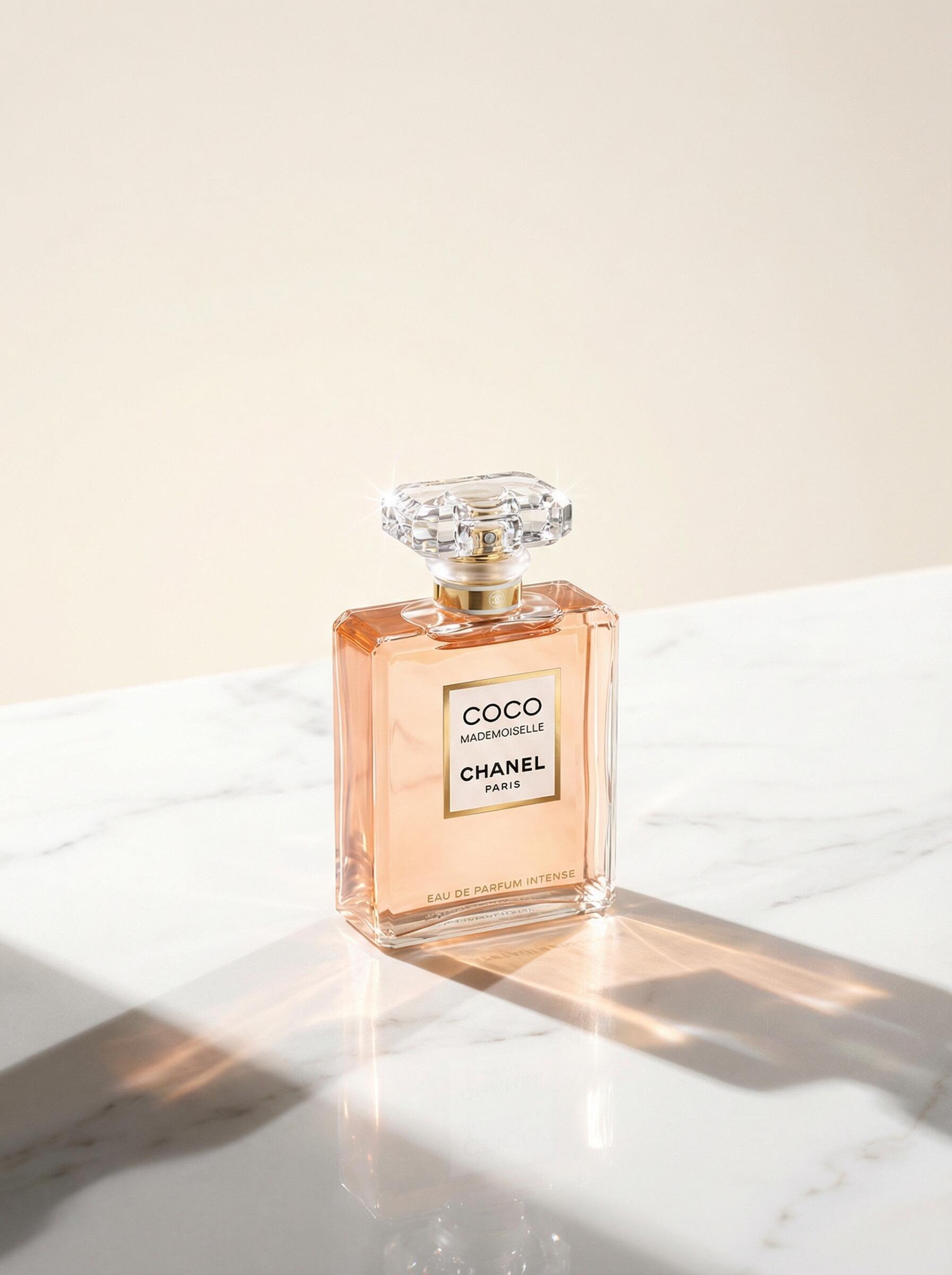
Reference Control for Commercial Images
Use the reference image to anchor the look, then use the prompt, model, quality, and ratio controls to create a new result instead of copying a prompt and leaving.
Use Reference Images for Product Ads, Posters, Portraits, and More
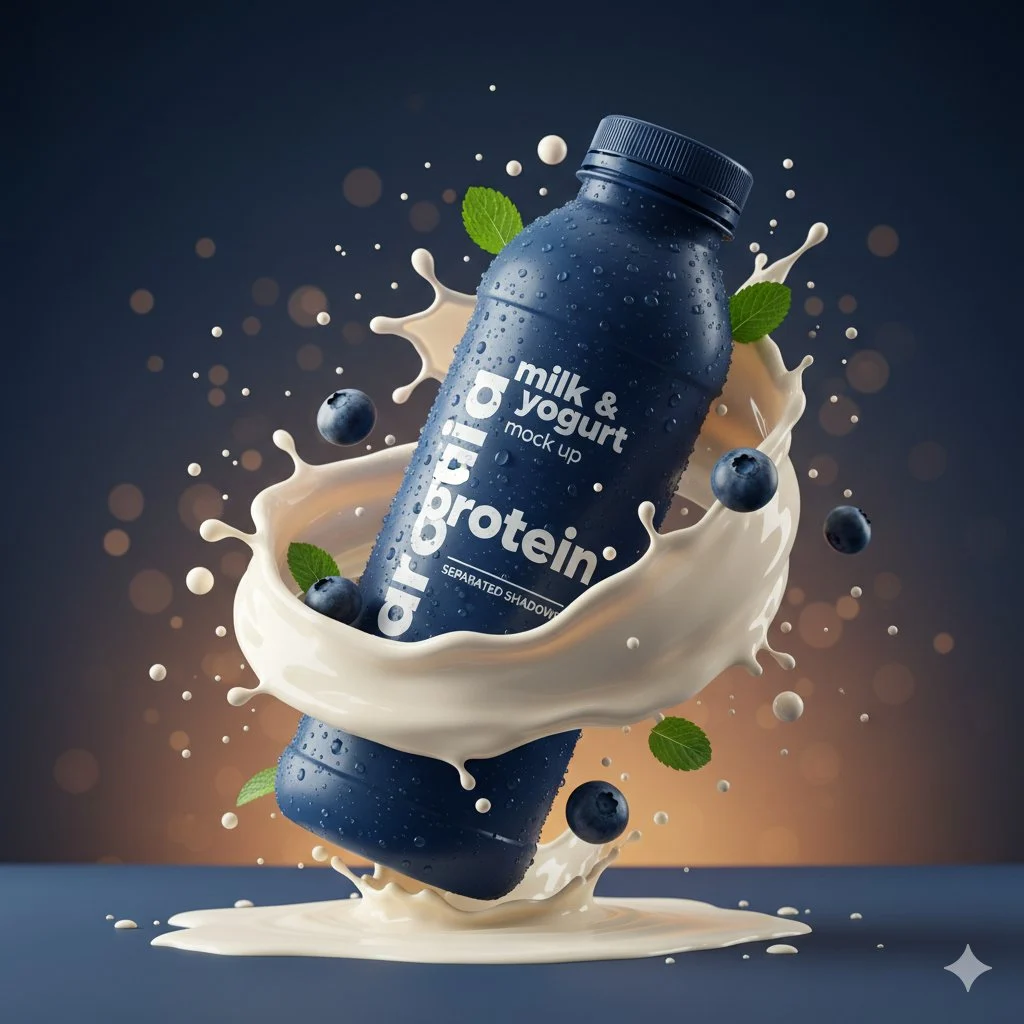 Product AdsGenerate product ads from a reference image while changing product, brand, or campaign style.
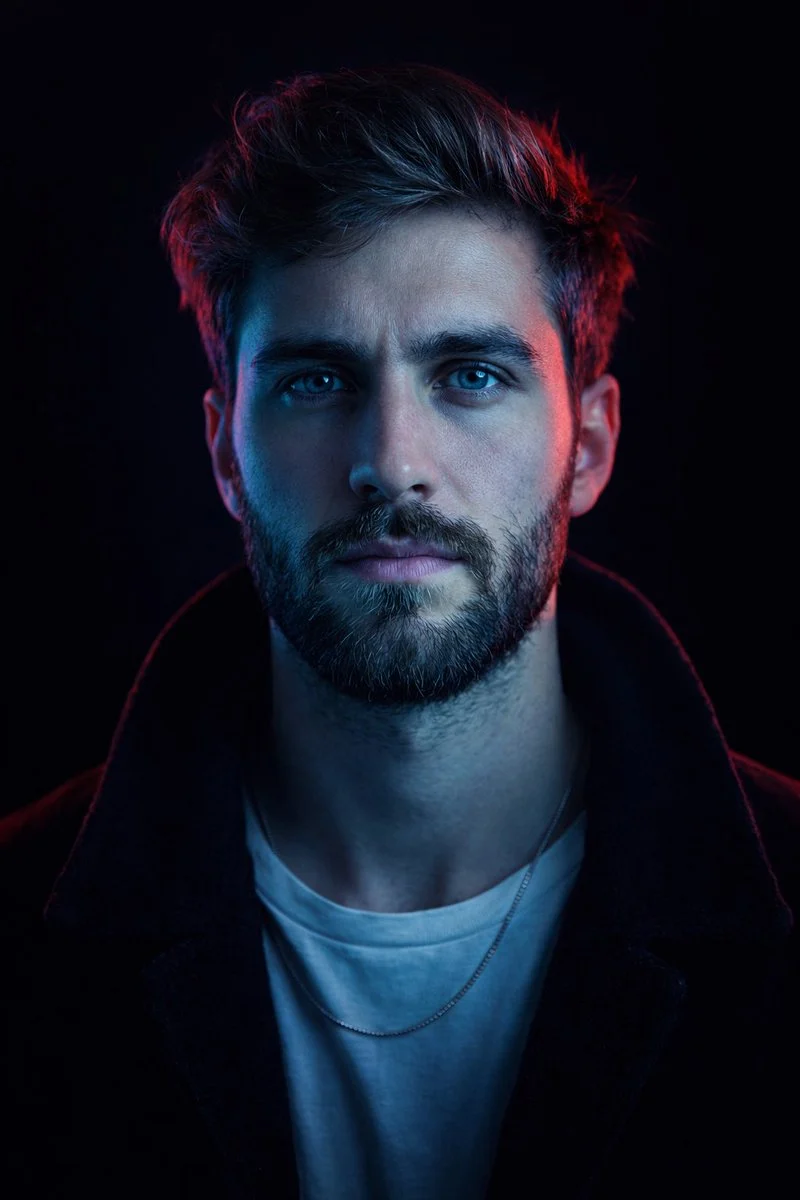 Fashion PhotoshootsUse a fashion photo as a reference for pose, lighting, outfit mood, or editorial style.
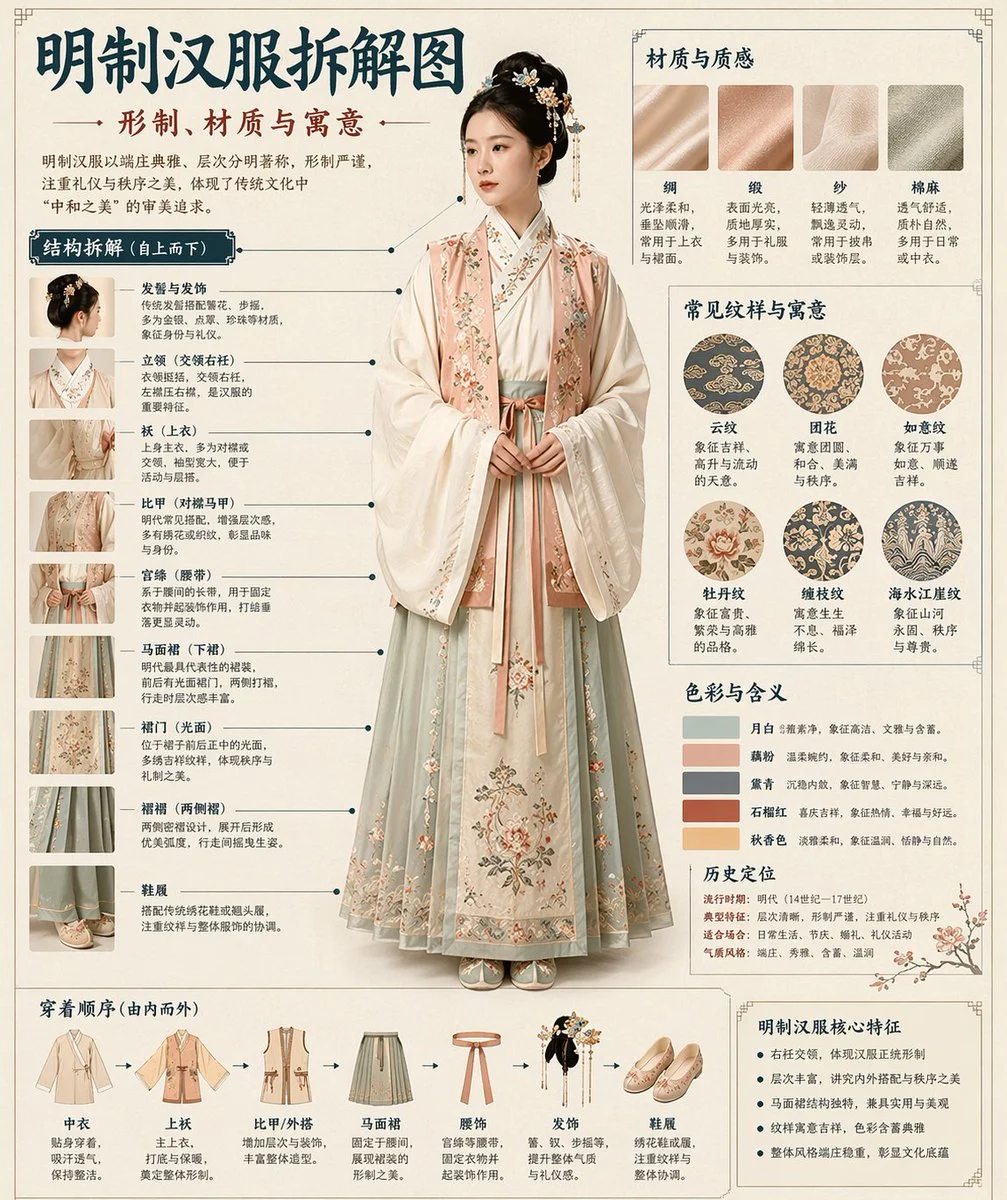 Poster DesignKeep the composition or visual energy of a poster and generate a new concept.
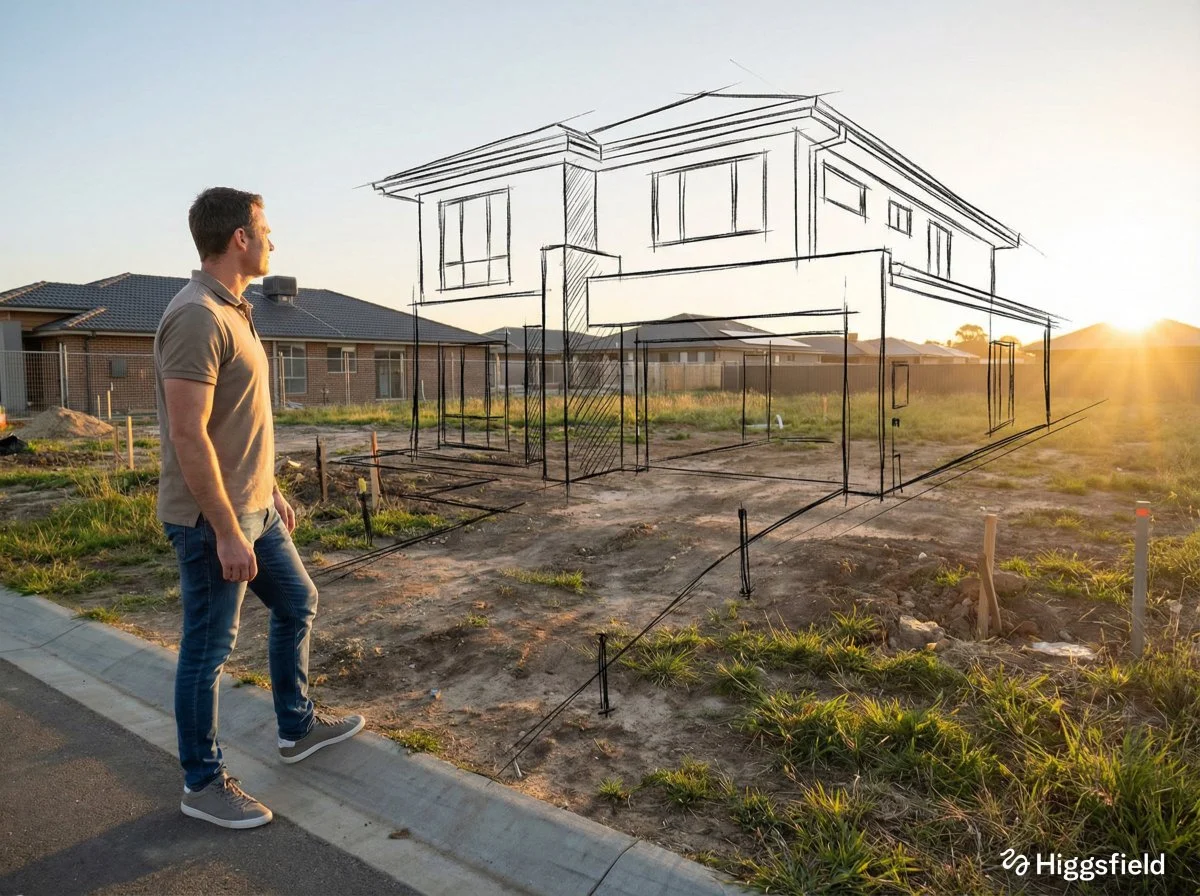 Interior DesignUse a room image as a reference for materials, lighting, camera angle, or layout.
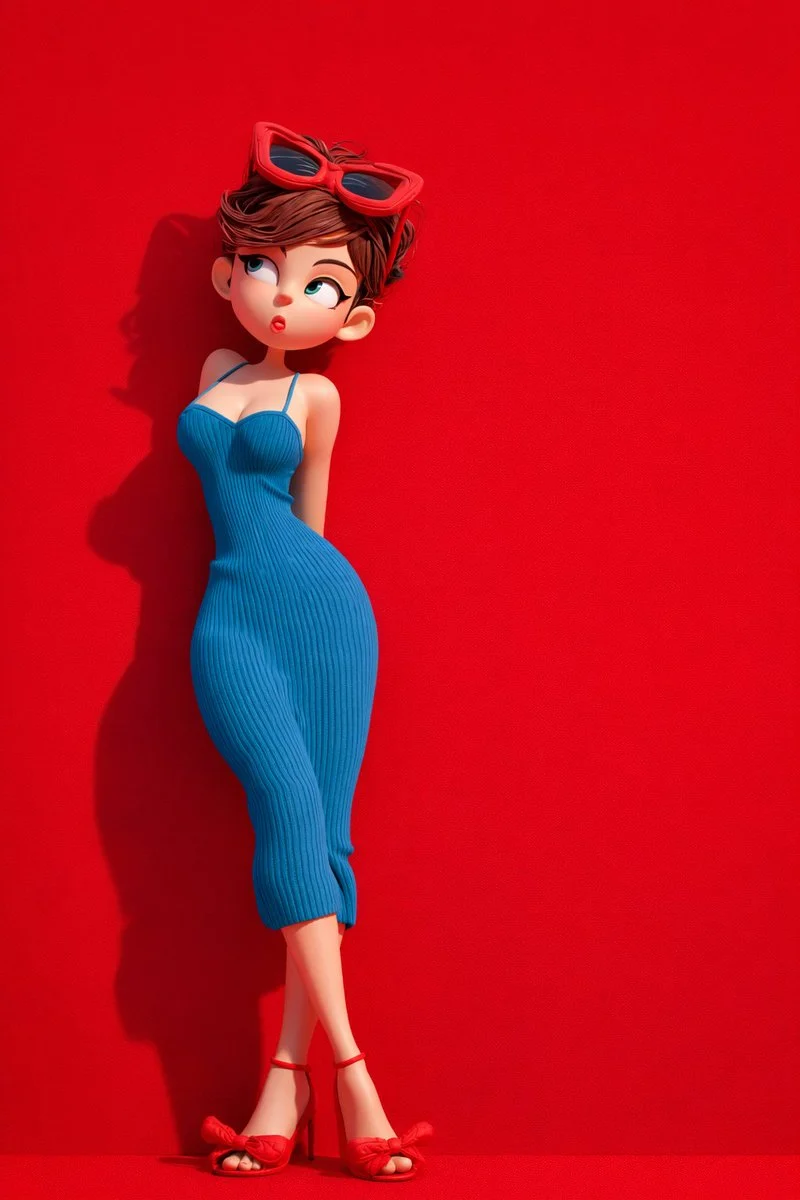 Character ConsistencyUse a character image to guide appearance, mood, and visual continuity.
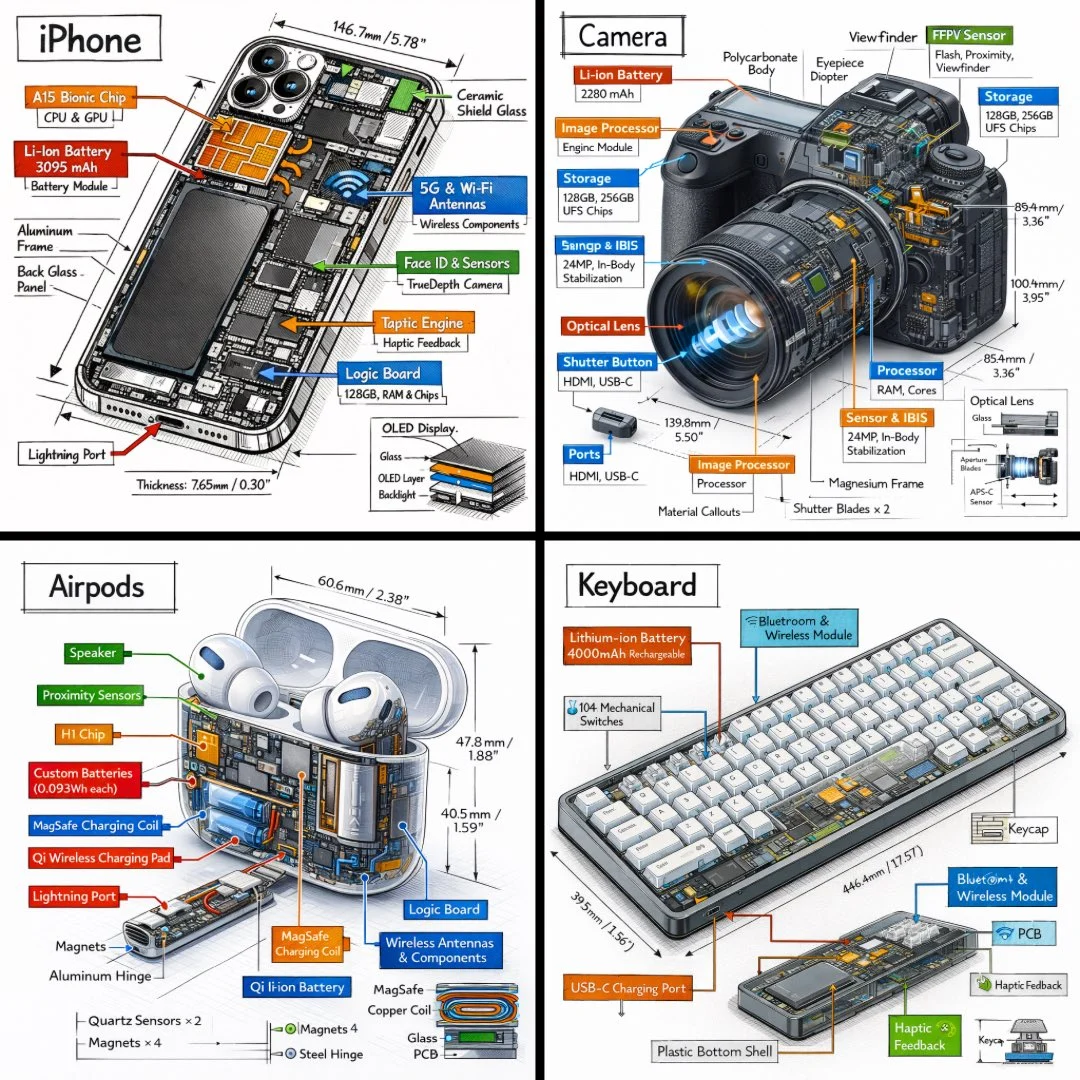 Social Media CreativesCreate campaign visuals, thumbnails, banners, and ads from a visual reference.
Start from the Meigen AI Prompt Gallery
You can also start from focused Meigen AI Prompt Gallery examples. Pick a prompt direction, upload a reference image, edit the subject or product, and generate your own version.
Browse Prompt GalleryCustomize a Prompt
Product Ad ReferenceGenerate similar product ads from a reference image and editable prompt.Customize & GeneratePerfume AdKeep premium lighting and product composition while changing the brand direction.View Prompt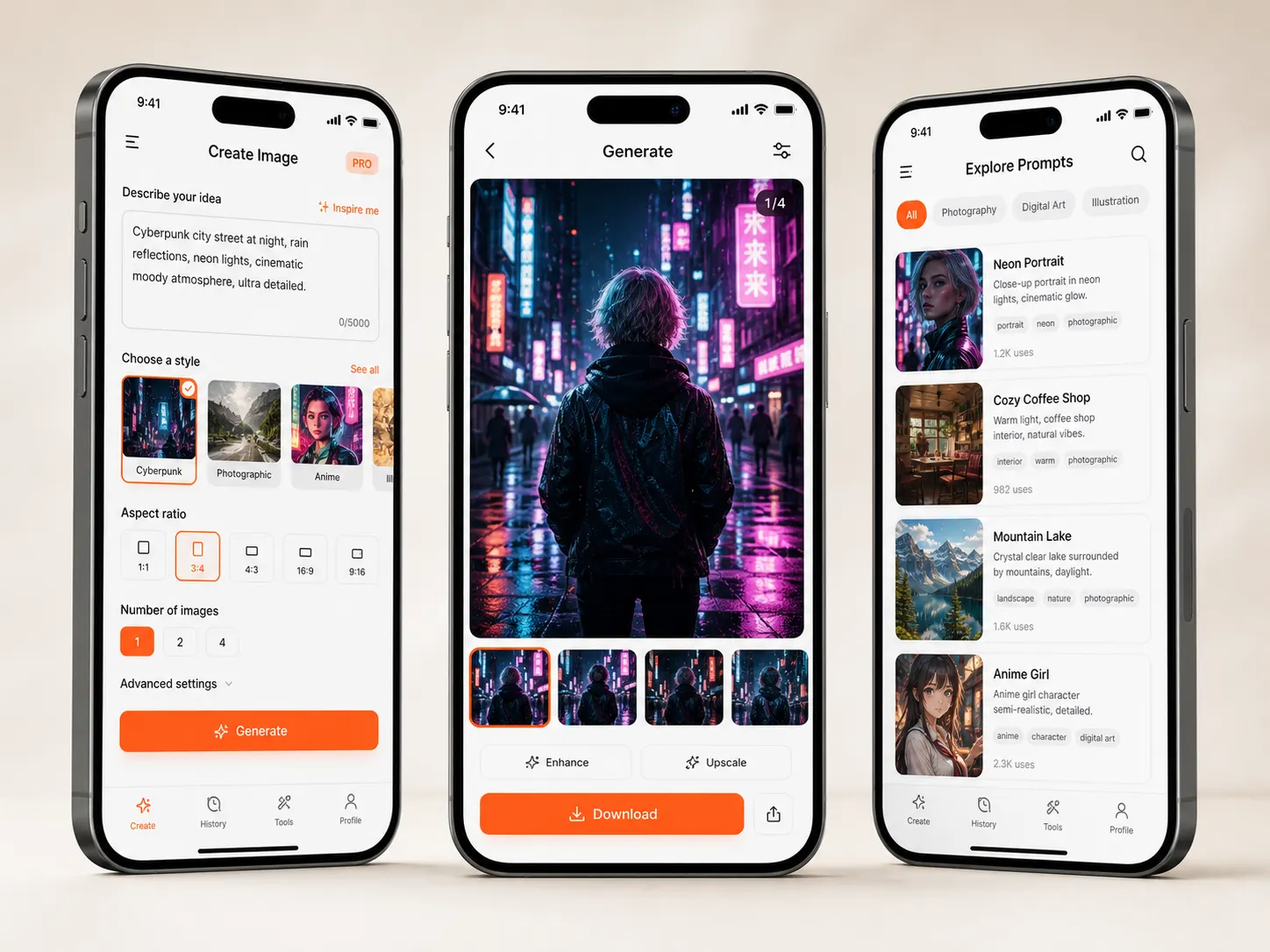 Skincare AdUse a product photo as a visual reference for clean commercial assets.Customize & Generate
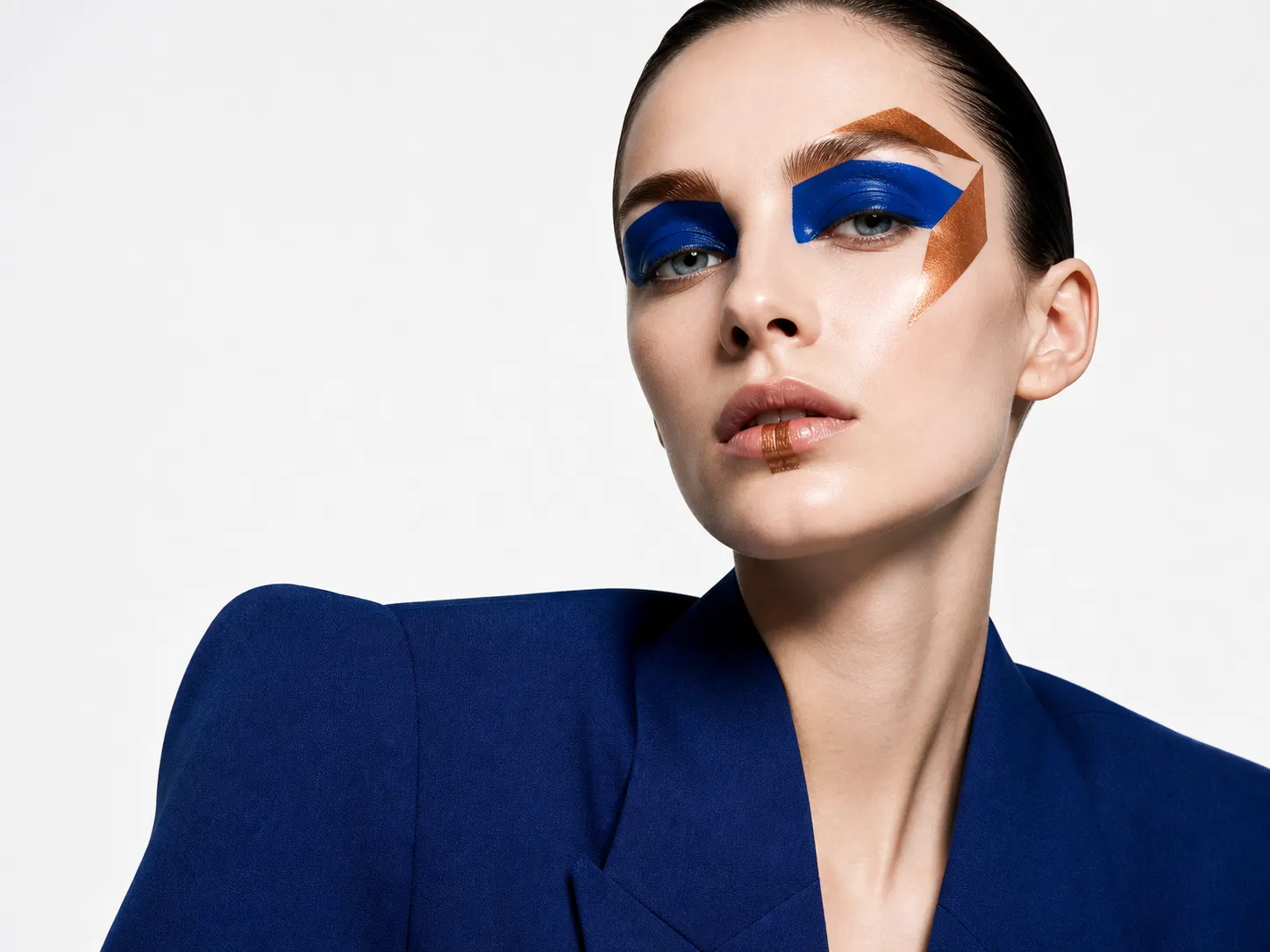 Fashion Editorial ReferenceGuide pose, styling, mood, and lens feel from a fashion reference.View PromptInterior Shot ReferencePreserve materials, layout, lighting, and camera angle from a room image.Customize & Generate
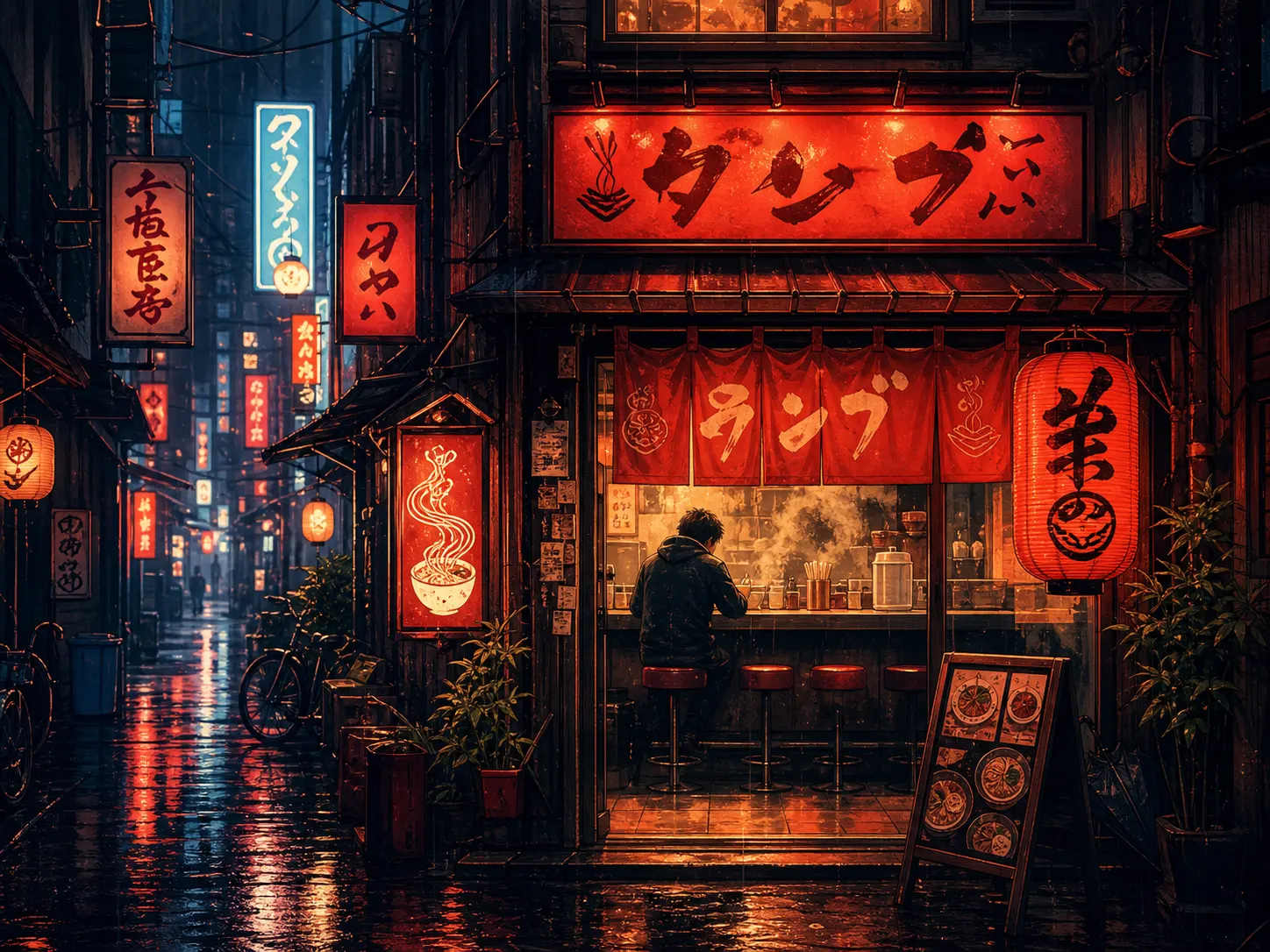 Poster Design ReferenceUse a poster as reference for composition, motion, and graphic direction.View PromptTravel PosterGenerate scenic campaign images from a reference photo or prompt.Customize & GenerateFood PhotographyCreate restaurant, coffee, dessert, and lifestyle images from reference visuals.View Prompt
Use Cases from Creators
Reference images help users get closer to the style, layout, and product direction they want without writing a perfect prompt from scratch.
Keep the visual mood
Using a reference image makes the result much easier to control. I can keep the visual mood but change the product and scene.
Product marketer
When text is not enough
I use it when a text prompt is not enough. The reference image gives the model a clear style direction, and the prompt handles the changes.
AI image creator
Faster ad concepts
For ad concepts, this is faster than trying to describe every detail. I upload a visual direction, adjust the product, and generate variations.
Small business owner
AI Image Generator with Reference Image FAQ
What is an AI reference image generator?
An AI reference image generator uses an uploaded image as visual guidance for style, subject, composition, color, or product direction. You can combine the reference image with an editable prompt to generate a similar image.
Can I keep the same style but change the subject?
Yes. You can upload a reference image, choose to keep the style, and change the subject, product, background, mood, or composition in the prompt.
Can I use a product photo as a reference?
Yes. Product photos are a strong use case. You can upload a product reference and create ad visuals, campaign images, posters, or social media creatives.
Can I use a character image as a reference?
Yes. A character image can guide appearance, mood, and visual continuity. You can still edit the prompt to change the scene, action, camera angle, or campaign direction.
Is this different from image-to-prompt?
Yes. Image-to-prompt extracts a prompt from an image. Reference image generation uses the image as visual guidance while generating a new image.
Do I need to write a long prompt?
No. The reference image carries much of the visual direction. You can write a short prompt that describes what you want to change or create.
Can I use prompts from the Meigen AI Prompt Gallery with a reference image?
Yes. You can browse the Meigen AI Prompt Gallery, pick a prompt, upload a reference image, then generate a similar image with stronger visual control.
Explore More Meigen AI Workflows
x
One-time Credit Packs
Pay once for credits that never expire, with watermark-free downloads for every generated image.
支付宝付款提醒:请使用可以支付海外商户的银行卡,或者选择花呗;否则可能支付失败。
MonthlyYearly Save more
Starter One-time
Light creation credit pack**$9.99**
1,000 credits
Buy Starter
- Unlock all premium models
- Up to 4K resolution
- Batch image generation
- Unlimited image-to-prompt reverse prompts
- Reference image generation
- Credits never expire
- Watermark-free downloads
- Commercial license
Pro Best value
Best for creators**$19.99**
2,200 credits
Buy Pro
- Unlock all premium models
- Up to 4K resolution
- Batch image generation
- Unlimited image-to-prompt reverse prompts
- Multi-reference image generation
- Priority generation queue
- Credits never expire
- Watermark-free downloads
- Commercial license
Ultimate Highest volume
Best for production work**$49.99**
6,000 credits
Buy Ultimate
- Unlock all premium models
- Up to 4K resolution
- Largest batch generation capacity
- Unlimited image-to-prompt reverse prompts
- Multi-reference image generation
- Smart enhance and prompt reverse
- Priority generation queue
- Credits never expire
- Watermark-free downloads
- Commercial license
x
Pro credit pack 40% off
Download without the Meigen AI watermark today. Pay once for 2,200 credits that never expire.
Buy Pro with 40% offNot now
x
Share the fun, earn a ton
Get 200 credits when your friend makes their first purchase. You earn credits too when the reward is verified.
Free AI image prompts and generation creditsTry Meigen AI with my invite link. Browse prompt examples, generate images faster, and get started with bonus credits.
1Share your invite link
2They sign up via your link
3Both accounts get 200 credits after the first purchase
Your invite link has been used by 0/10 users
LinkCopy link
XFacebookLinkedInWhatsAppMore
 Meigen AI
Sign in to continue
Sign in with Google to get 10 free credits. Use them to generate your first two images and keep your credits, history, and results in sync.
 Continue with Google
Please log in to generate images with Meigen AI.