**Annual packs are on sale: save up to 50%.**Yearly credits stay valid for 12 months. Save more on annual credit packs.View yearly deals
MMeigen AI UserSign in to sync credits and history
Add Credits**⚡ 0**Share Meigen AIInvite friends, get 200 credits🎁
Prompt GalleryImage to PromptReference Image GeneratorPricingShareContact UsTermsPrivacyRefund
Log out
Image to Prompt
AI Image to Prompt Generator
Upload any image, extract an editable AI prompt, then customize the subject, style, product, color, or composition and generate a similar image with Meigen AI.Start from an image, not a blank prompt. Turn visual references into editable prompts you can reuse.
 Drop or Upload ImageSupported: JPG, PNG, WebP
PromptCopy Prompt
Generating image prompt...
Surprise Me
Tap a preset to add its prompt.
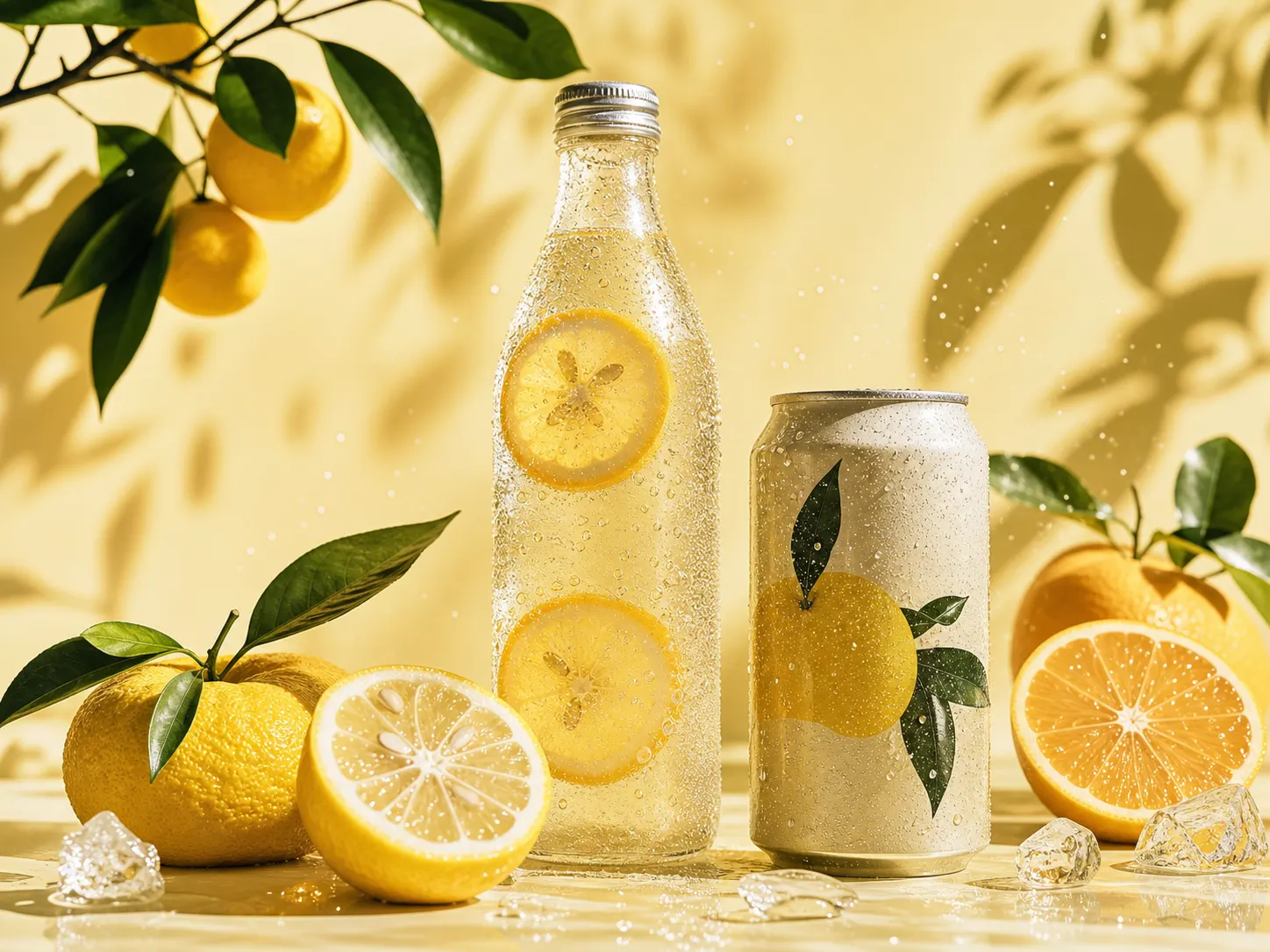
ModelGPT Image 2Nano Banana 2Nano Banana 2 LiteSeedream 5.0 ProQuality1K2K4KRatioAuto1:13:44:52:39:164:316:9
Upload Image to Get Prompt ✨ 15
Upload an image to generate a promptPrompt extraction is free after login
0%
Generating image...
Upload an image first. Meigen AI will prepare a reusable prompt, then you can edit it or generate a new image.
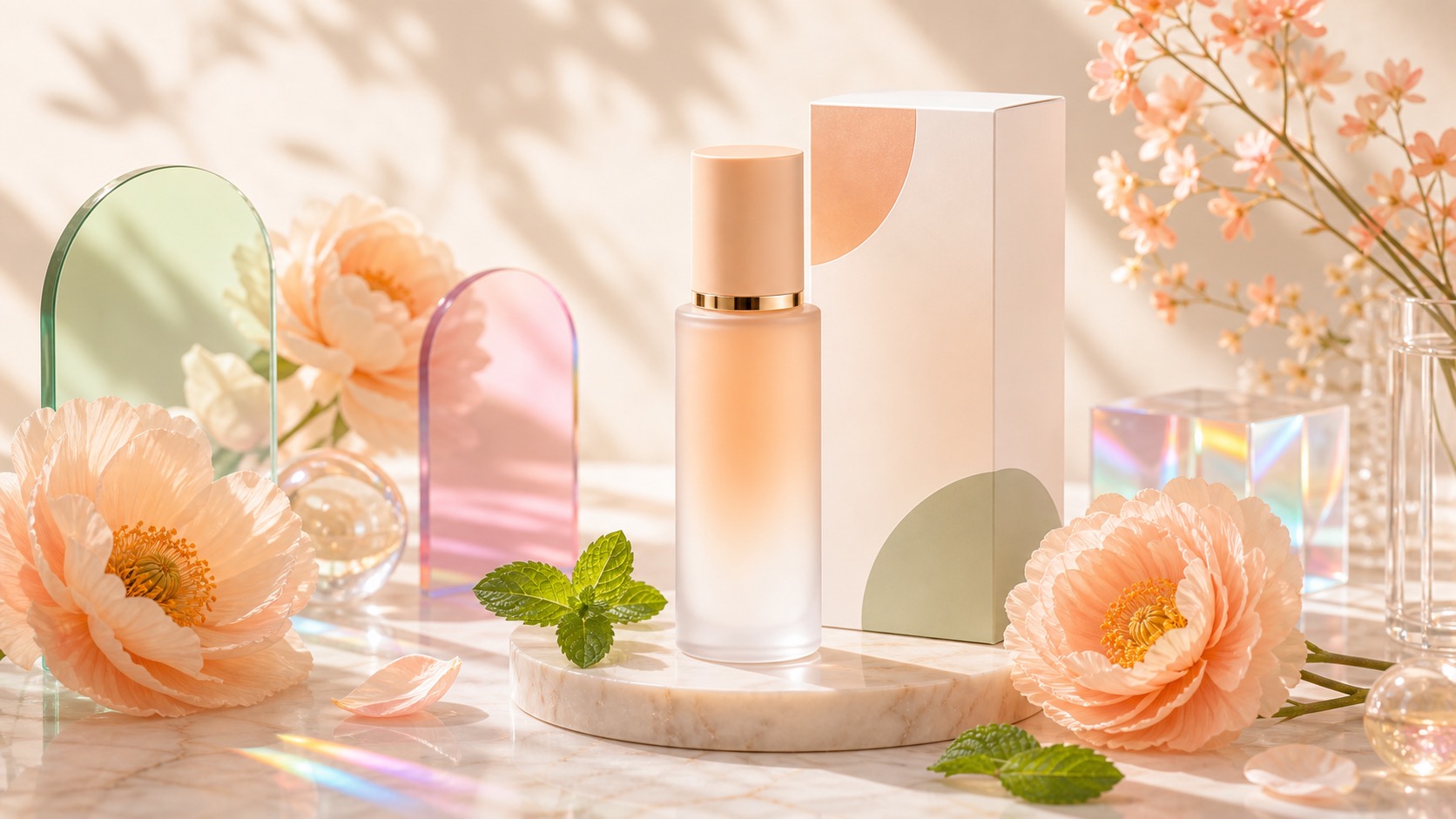
Do More Than Copy a Prompt
Most prompt galleries only give you text to copy. Meigen AI helps you reverse-engineer a visual, turn it into an editable prompt, and make small changes before generating your own version.
| Only gives a prompt to copy | Extracts a structured prompt from an image |
| Users leave after copying | Users edit the prompt and generate |
| Prompt is hard to customize | Subject, style, color, and composition are editable |
| No image context | Works with reference images and gallery examples |
| No creation workflow | Upload image, extract prompt, generate, save, and reuse |
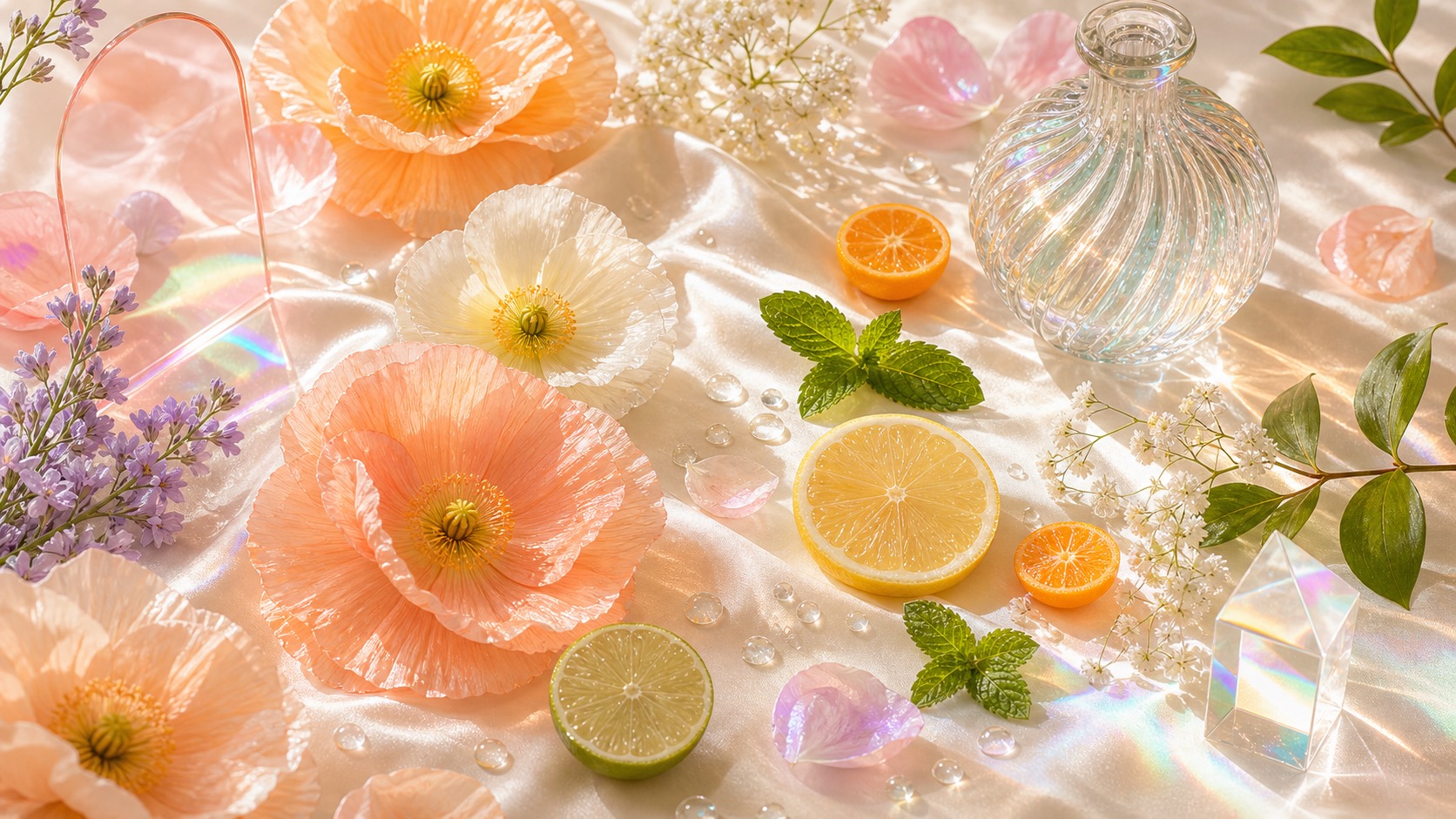
Turn Any Visual Into a Reusable AI Image Prompt
The AI Image to Prompt Generator is designed for creators who already have a visual reference but do not know how to describe it. Upload a product ad, poster, portrait, interior image, fashion shot, food photo, or social media creative, then use Meigen AI to create a prompt that captures the important visual direction without forcing you to write everything from scratch.
- Convert image to prompt while keeping subject, style, lighting, composition, color palette, background, and mood in one editable prompt.
- Use the prompt to generate similar images instead of copying text and leaving the workflow.
- Combine your uploaded image with the Meigen AI Prompt Gallery when you want reusable commercial prompt examples.
- Use image prompt extraction for product ads, posters, thumbnails, portraits, social posts, interiors, and campaign visuals.
Turn Any Image into an Editable AI Prompt
Do not start from a blank prompt. Upload an image, understand how the visual is built, then customize the prompt to create your own version.
1
Extract the Visual Structure
Meigen AI analyzes the image and breaks it down into subject, style, composition, lighting, color palette, mood, and camera direction.
2
Edit Instead of Copying
Change the product, subject, color, background, or visual mood before generating. The prompt becomes a flexible starting point.
3
Generate Similar Images
After extracting the prompt, use it directly in Meigen AI to generate a similar image with your own subject, product, or brand direction.
4
Combine with Prompt Gallery
Start from your uploaded image or explore the Meigen AI Prompt Gallery to find proven visual styles and reusable prompt structures.
5
Better for Commercial Visuals
Use image-to-prompt for product ads, posters, portraits, fashion shoots, interiors, social media creatives, and marketing visuals.
6
Built for Fast Iteration
Create one prompt, edit small details, generate variations, and reuse the same structure across multiple visual concepts.
How to Use the AI Image to Prompt Generator
Go from visual reference to editable prompt in a few steps.
| Step 1 | Upload an imageStart with a product photo, poster, portrait, interior shot, fashion image, or any visual style you want to recreate. |
| Step 2 | Extract the promptMeigen AI turns the image into a structured AI prompt with style, subject, lighting, composition, color palette, and mood. |
| Step 3 | Customize the detailsEdit the subject, product, background, color, composition, or campaign direction to make the prompt fit your own idea. |
| Step 4 | Generate your versionUse the edited prompt to generate a similar image in Meigen AI, or copy it for later use. |
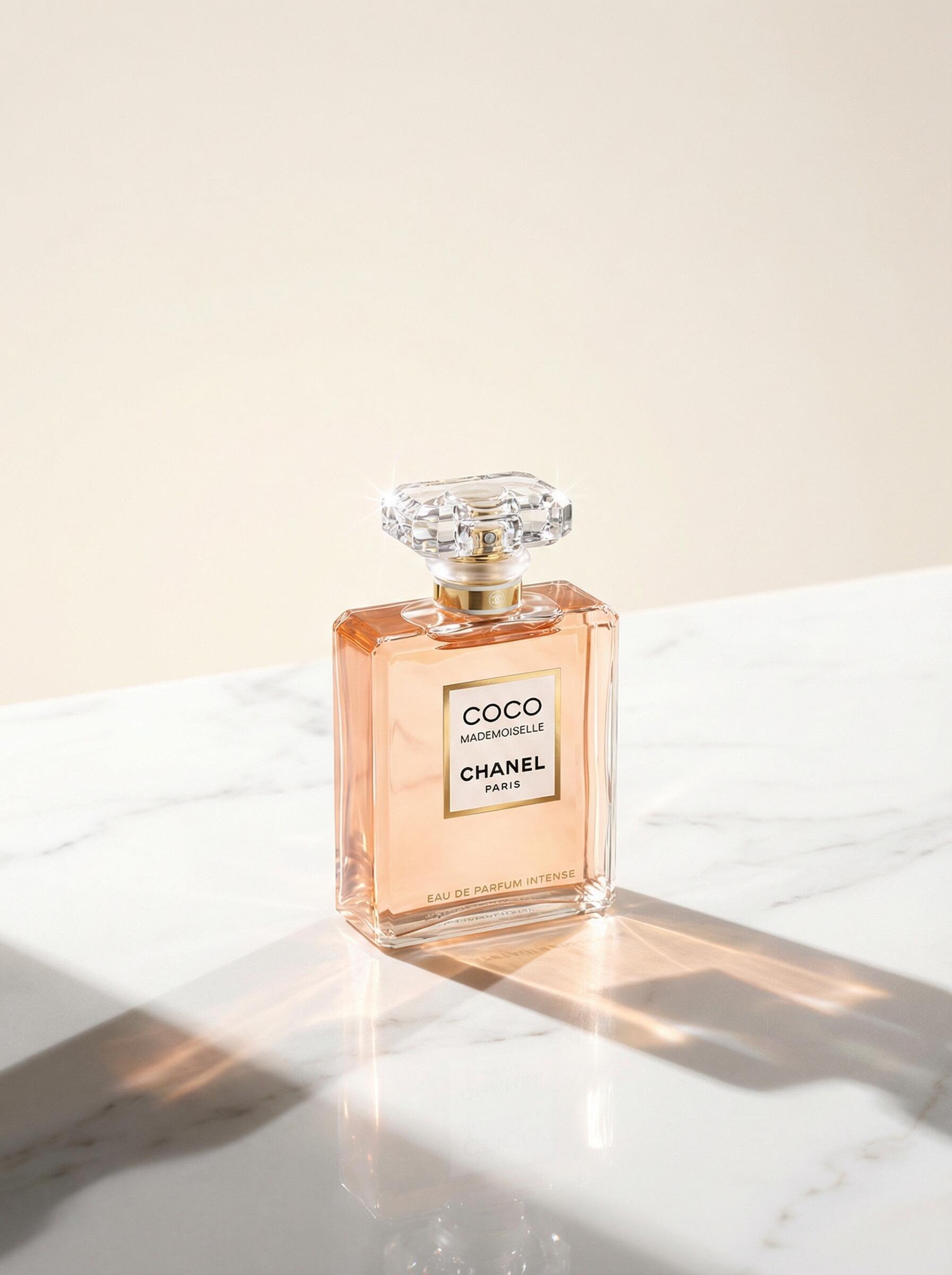
From Reference Image to Reusable Prompt
Upload once after signing in to extract the editable prompt for free, then decide whether the image is worth generating. Image generation still uses the same 5-credit flow.
What You Can Create from an Image Prompt
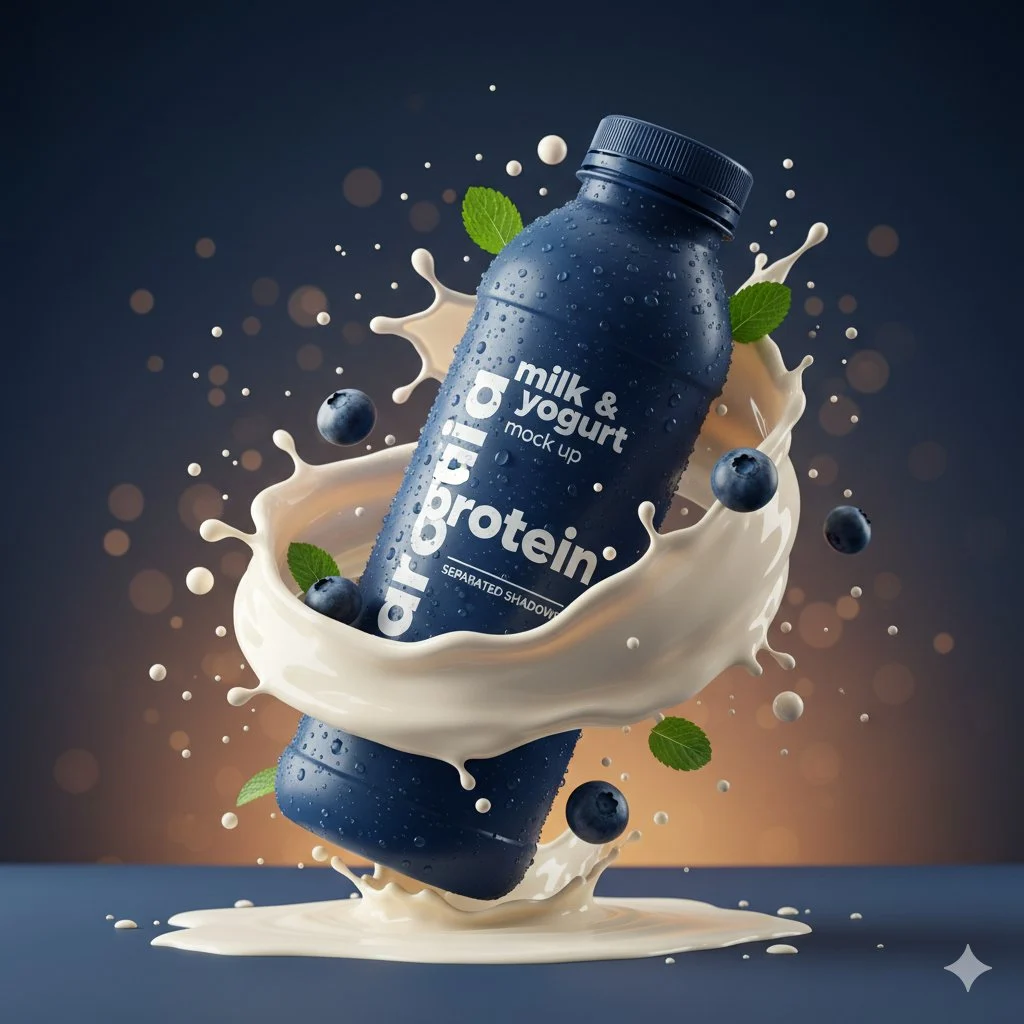 Product Ad PromptsTurn a product photo into an editable commercial ad prompt.
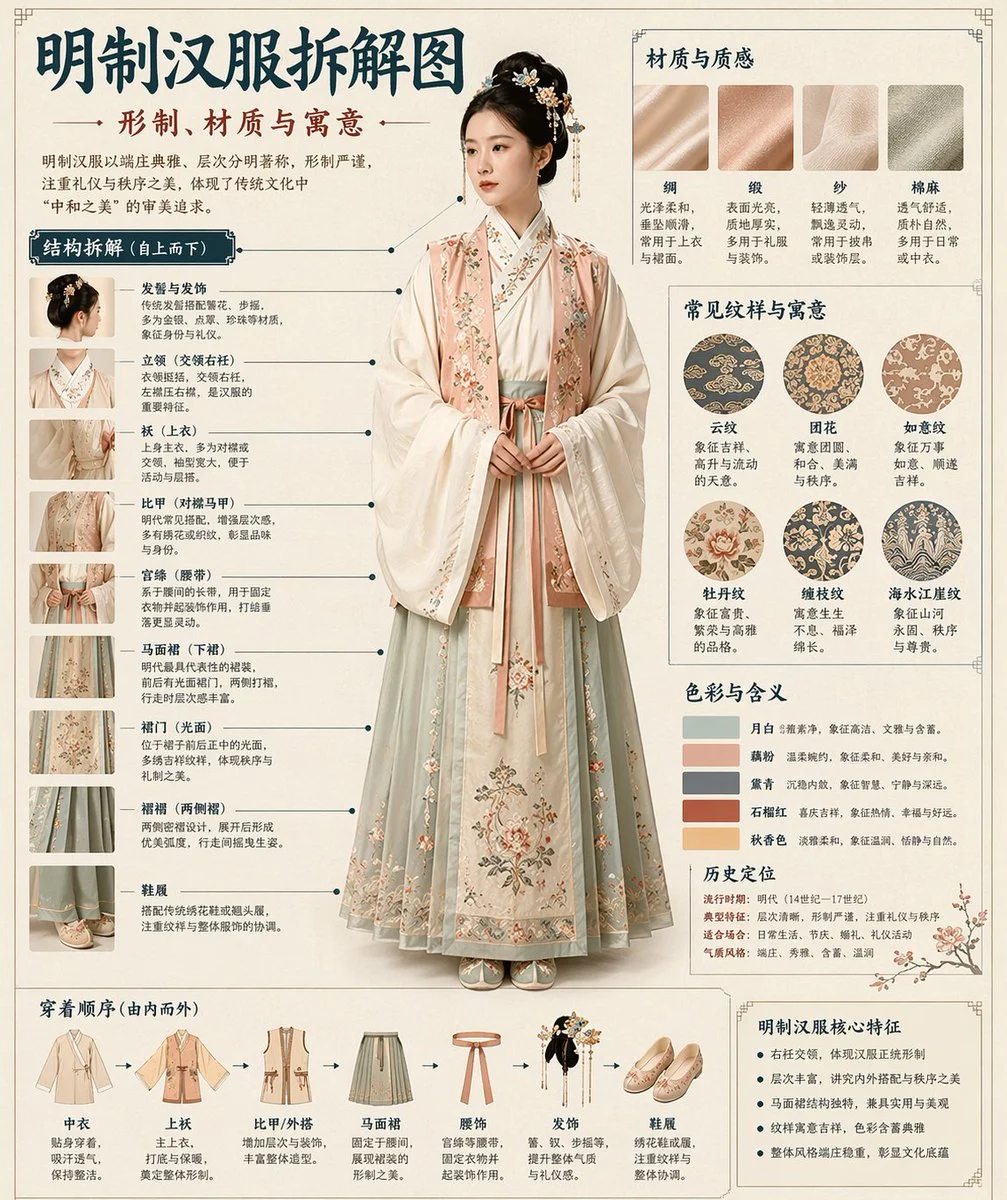 Poster Design PromptsExtract poster style, layout, lighting, and typography direction.
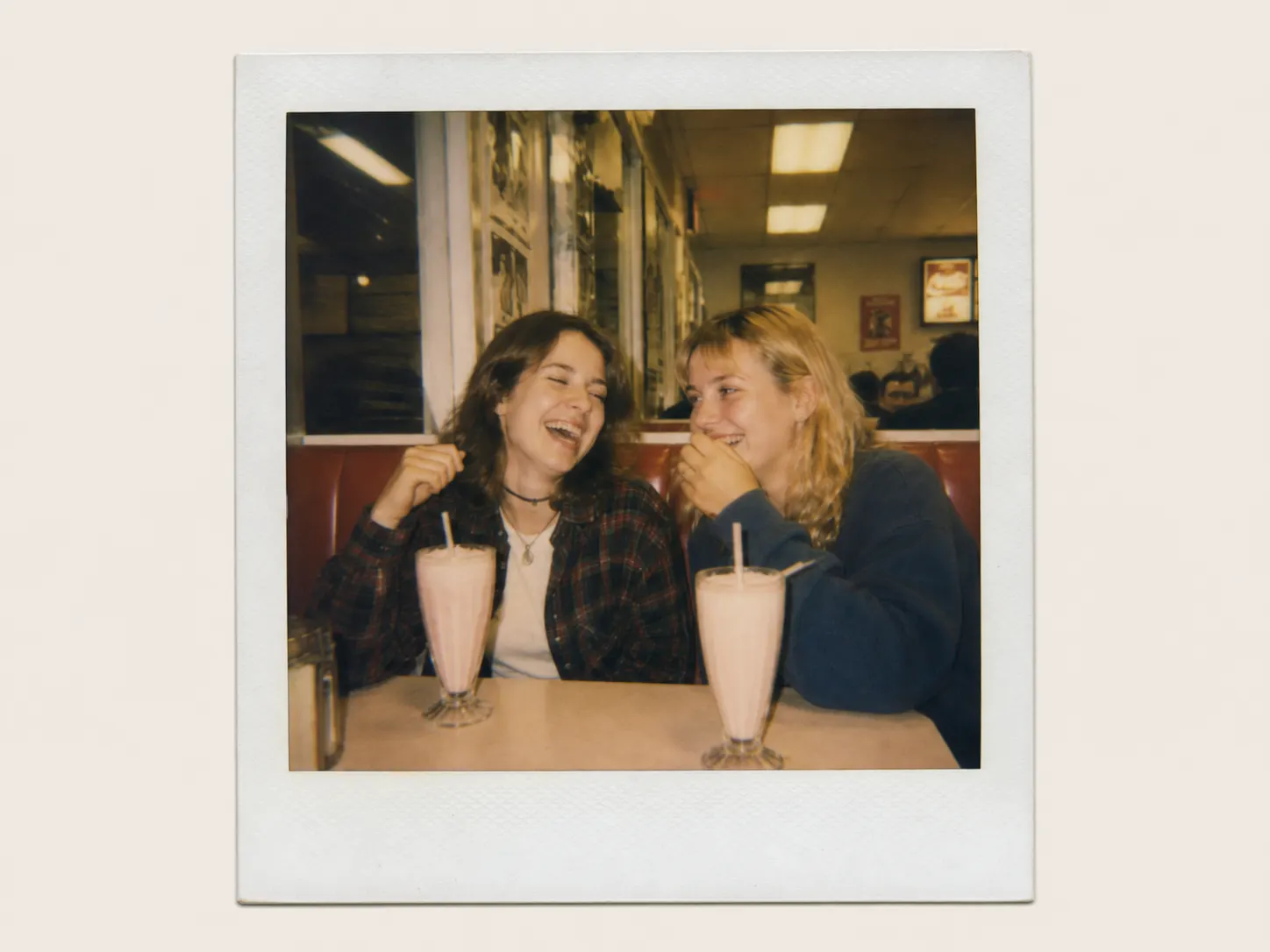
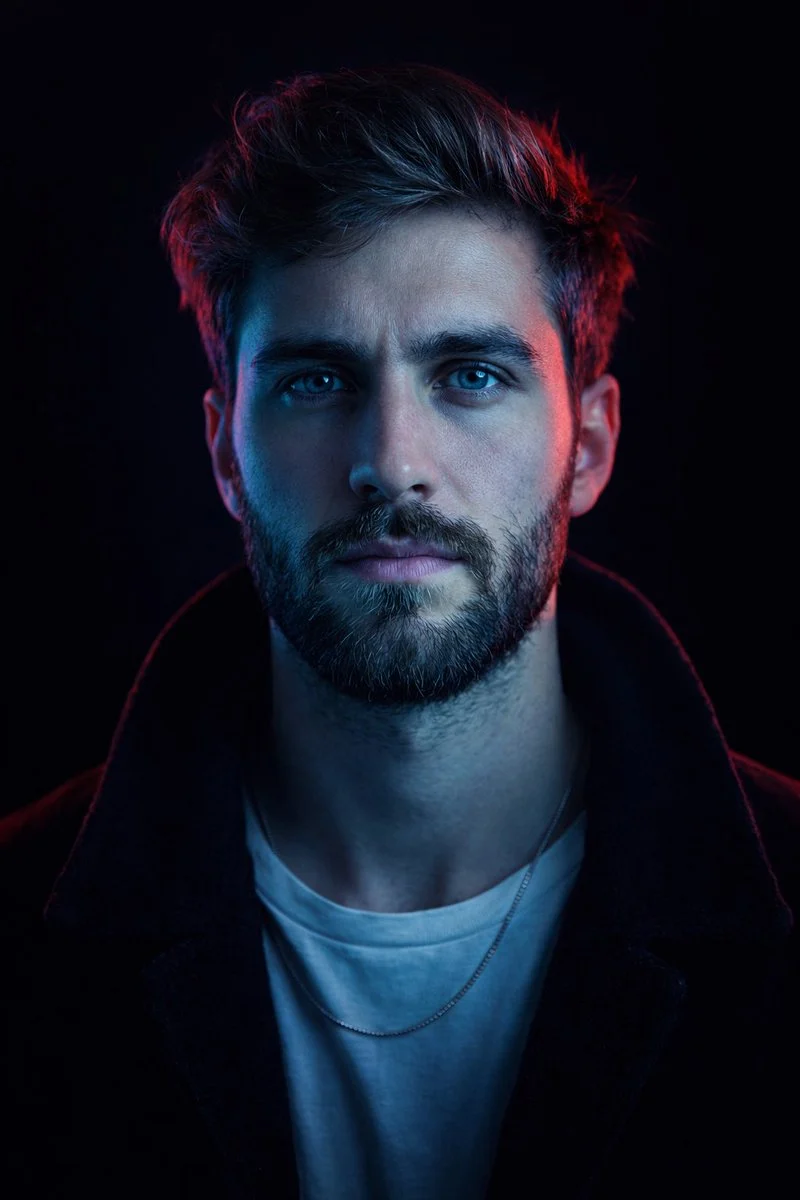 Fashion Photoshoot PromptsReverse-engineer model poses, lighting, styling, and editorial mood.
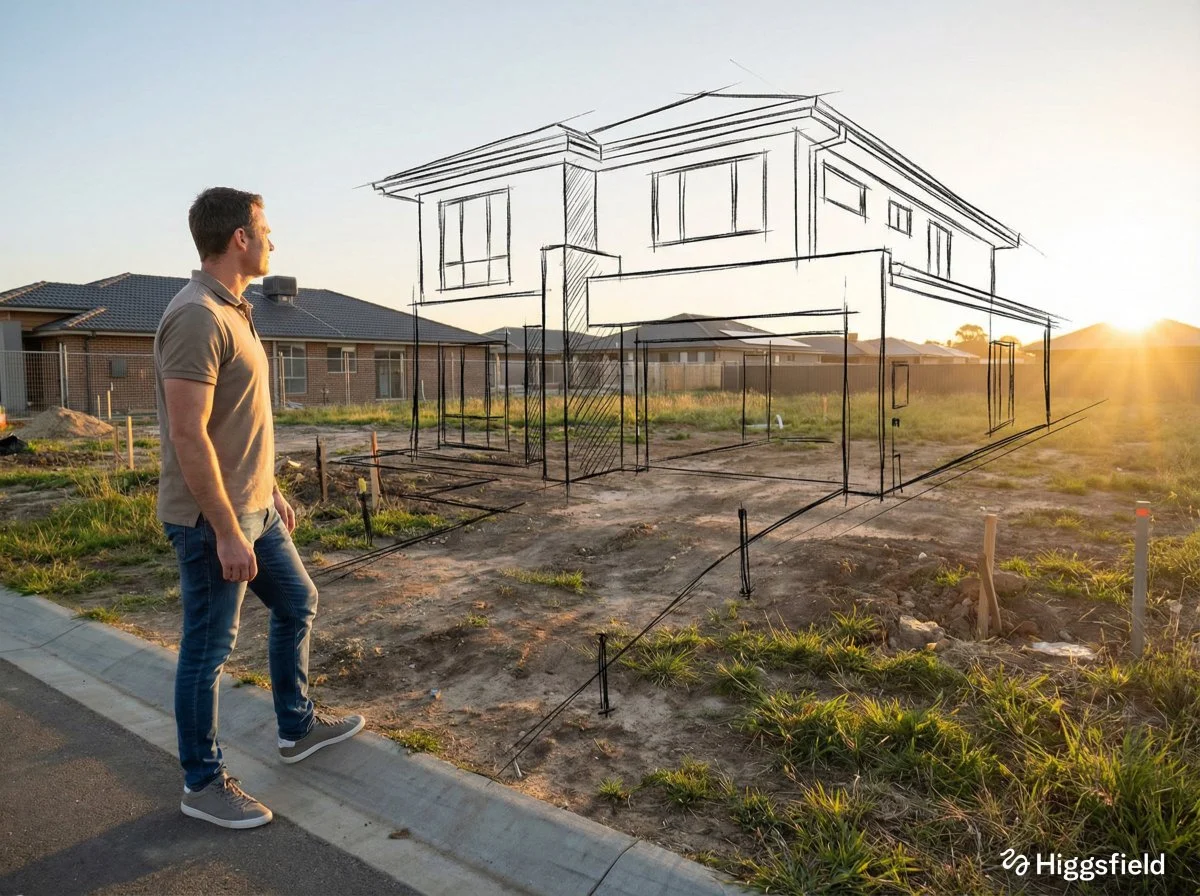 Interior Design PromptsConvert interiors into prompts for room style, camera angle, light, and materials.
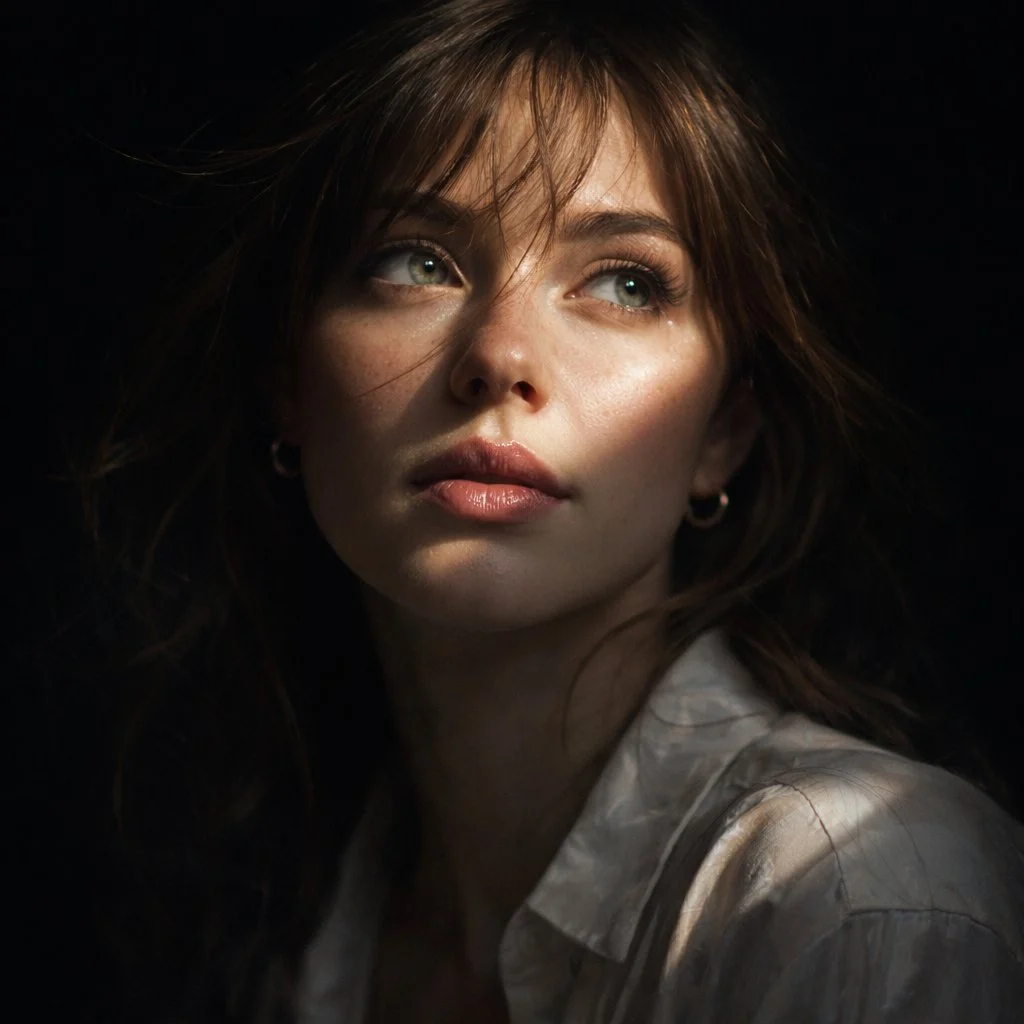 Portrait Style PromptsExtract portrait mood, lens style, background, and lighting setup.
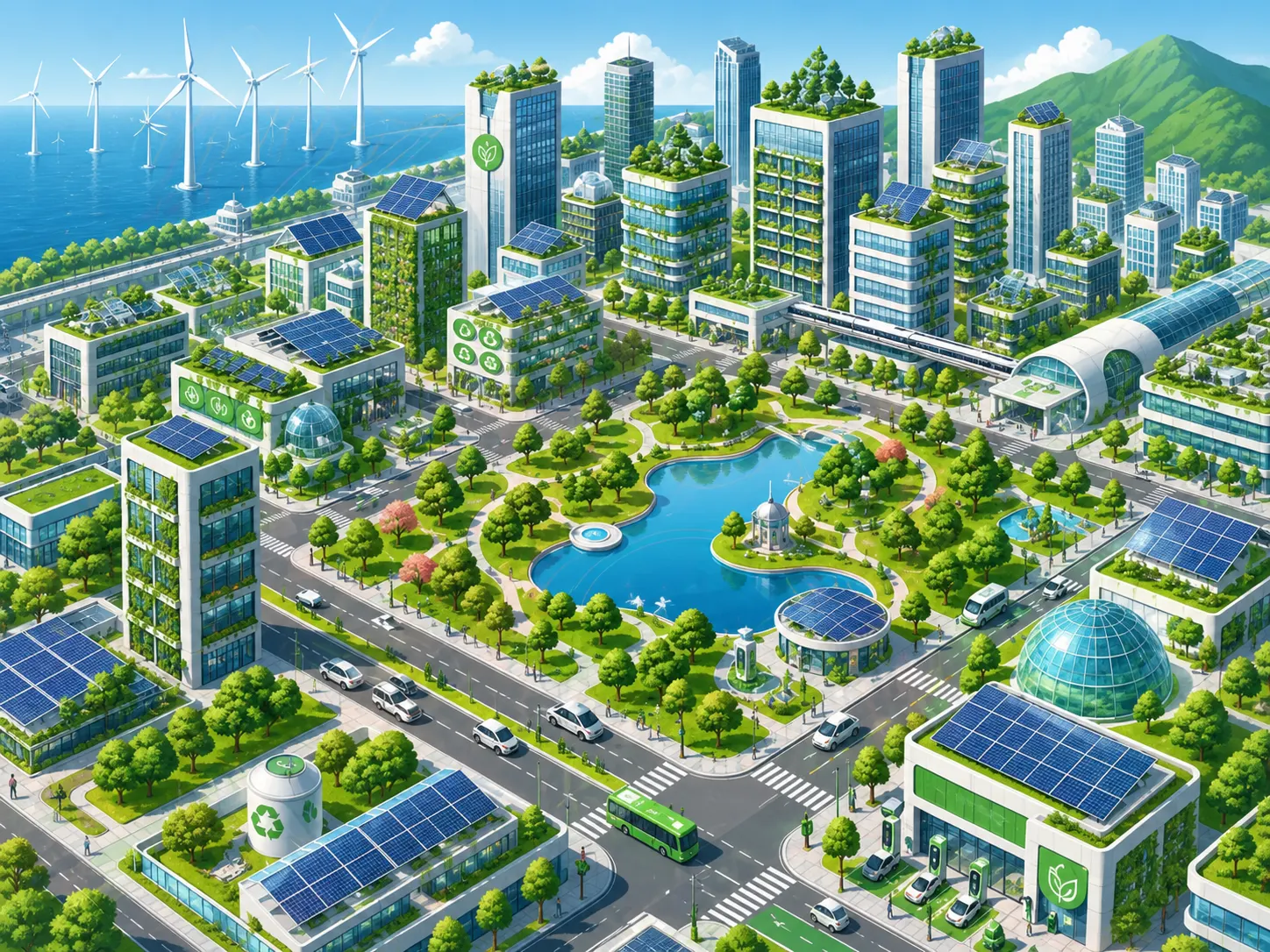
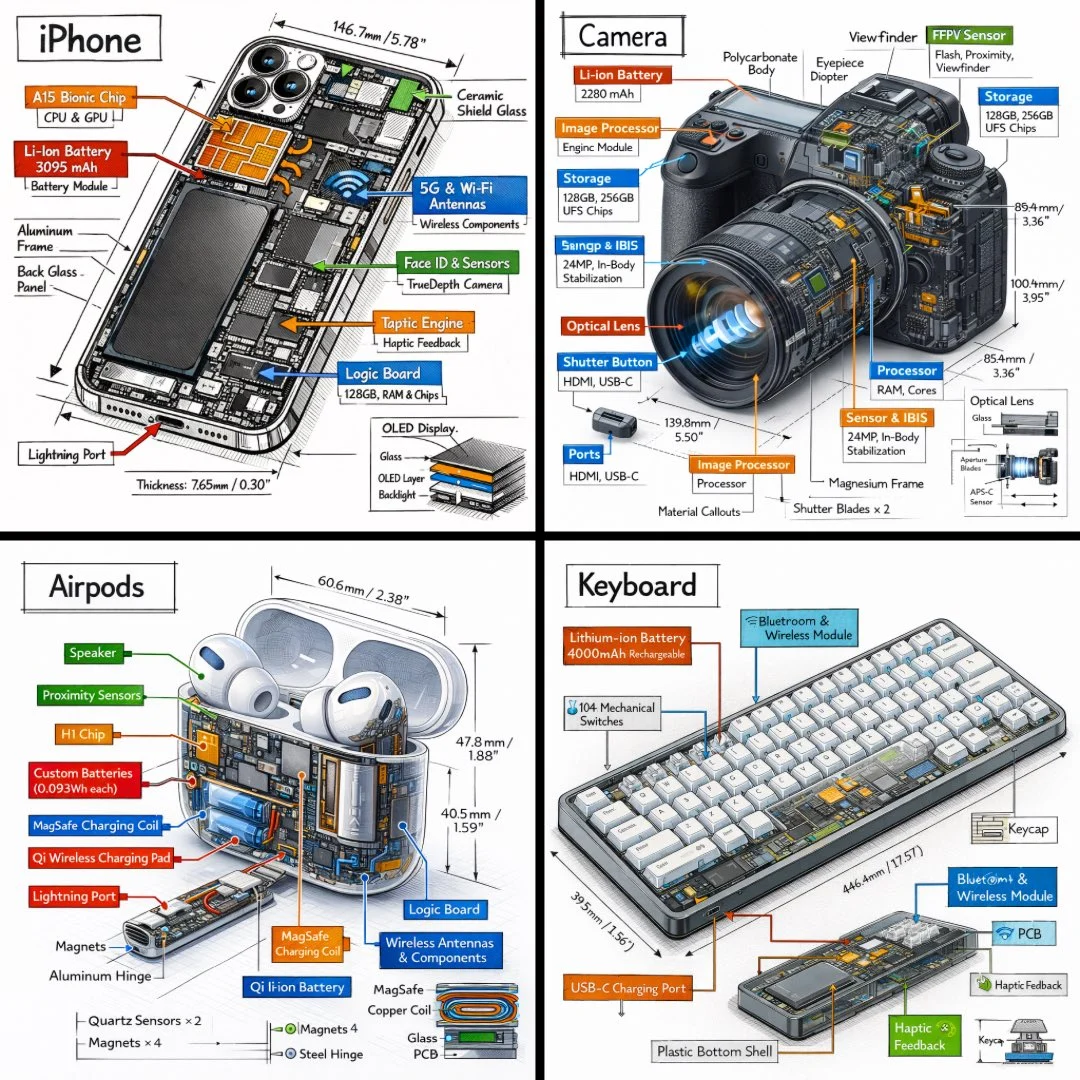 Social Media Visual PromptsCreate reusable prompts for thumbnails, ads, banners, and campaign visuals.
Explore the Meigen AI Prompt Gallery
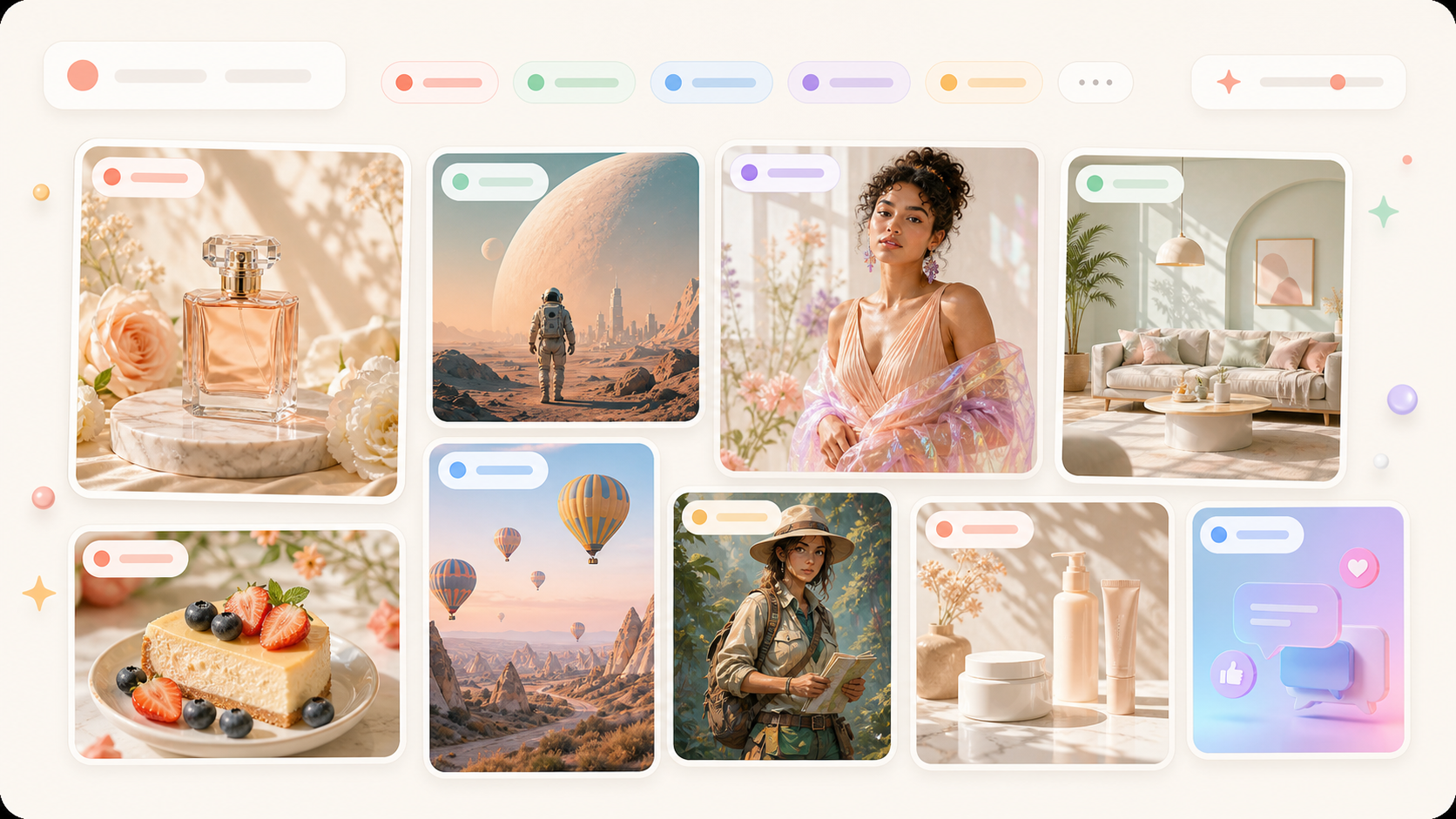
Not sure what image to upload? Browse the Meigen AI Prompt Gallery to find proven visual prompts, then customize a prompt or use an image as a reference.
Browse Prompt GalleryCustomize a Prompt
Product Ad GalleryBrowse commercial image prompts for polished product photography.Customize & Generate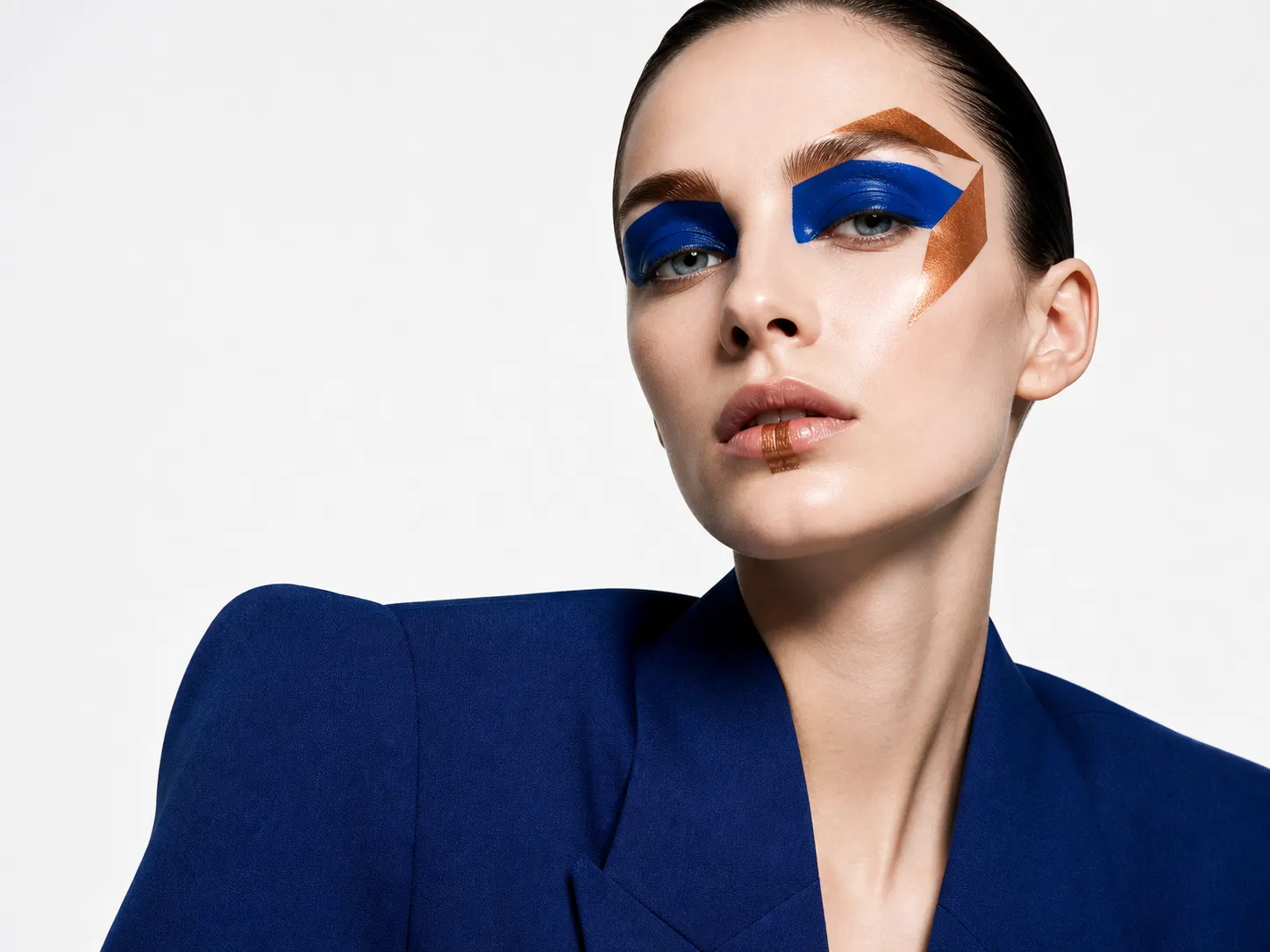 Fashion Portrait GalleryUse pose, wardrobe, lighting, and editorial mood as prompt inputs.View Prompt
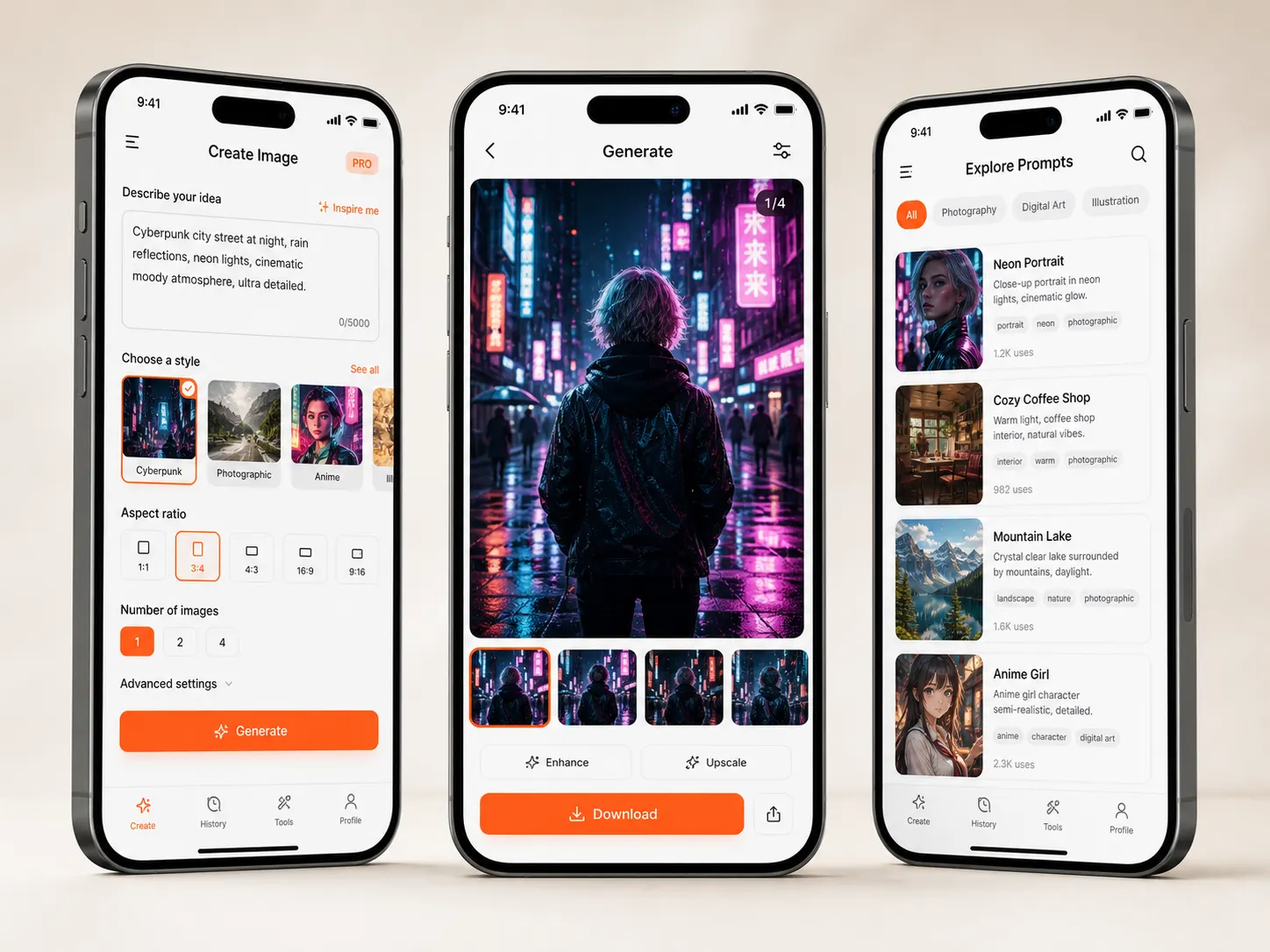 Interior Shot GalleryFind room prompt examples for materials, layout, and camera angle.Customize & Generate
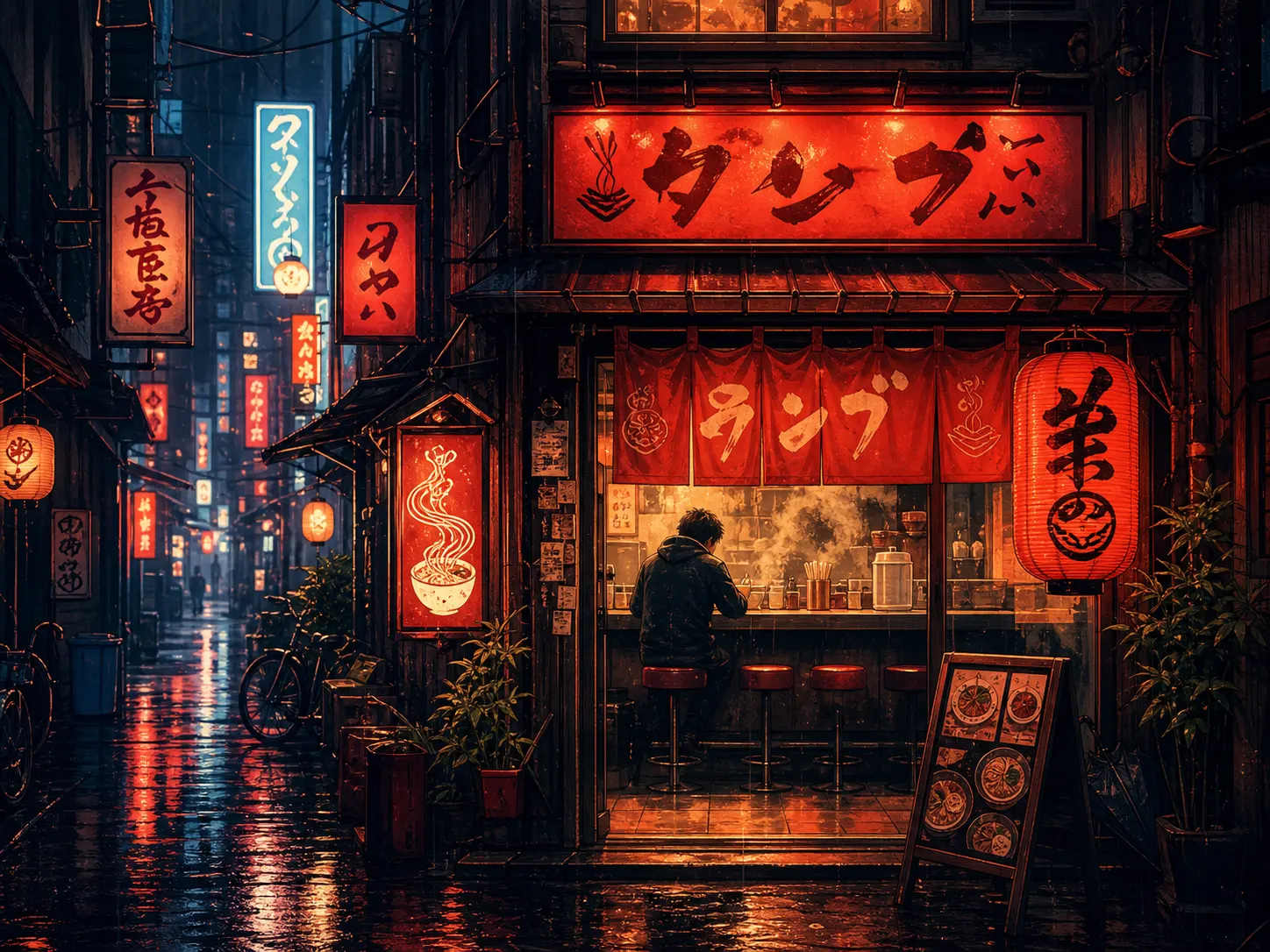 Poster Prompt GalleryExplore graphic prompts with layout, headline, and visual energy.View PromptFood PhotographyReusable prompts for food ads, restaurant images, and lifestyle scenes.Customize & GenerateTravel VisualsTurn scenic references into mood-driven AI image prompts.View PromptVideo PromptsUse visual prompts as a starting point for Seedance-style video ideas.Customize & Generate
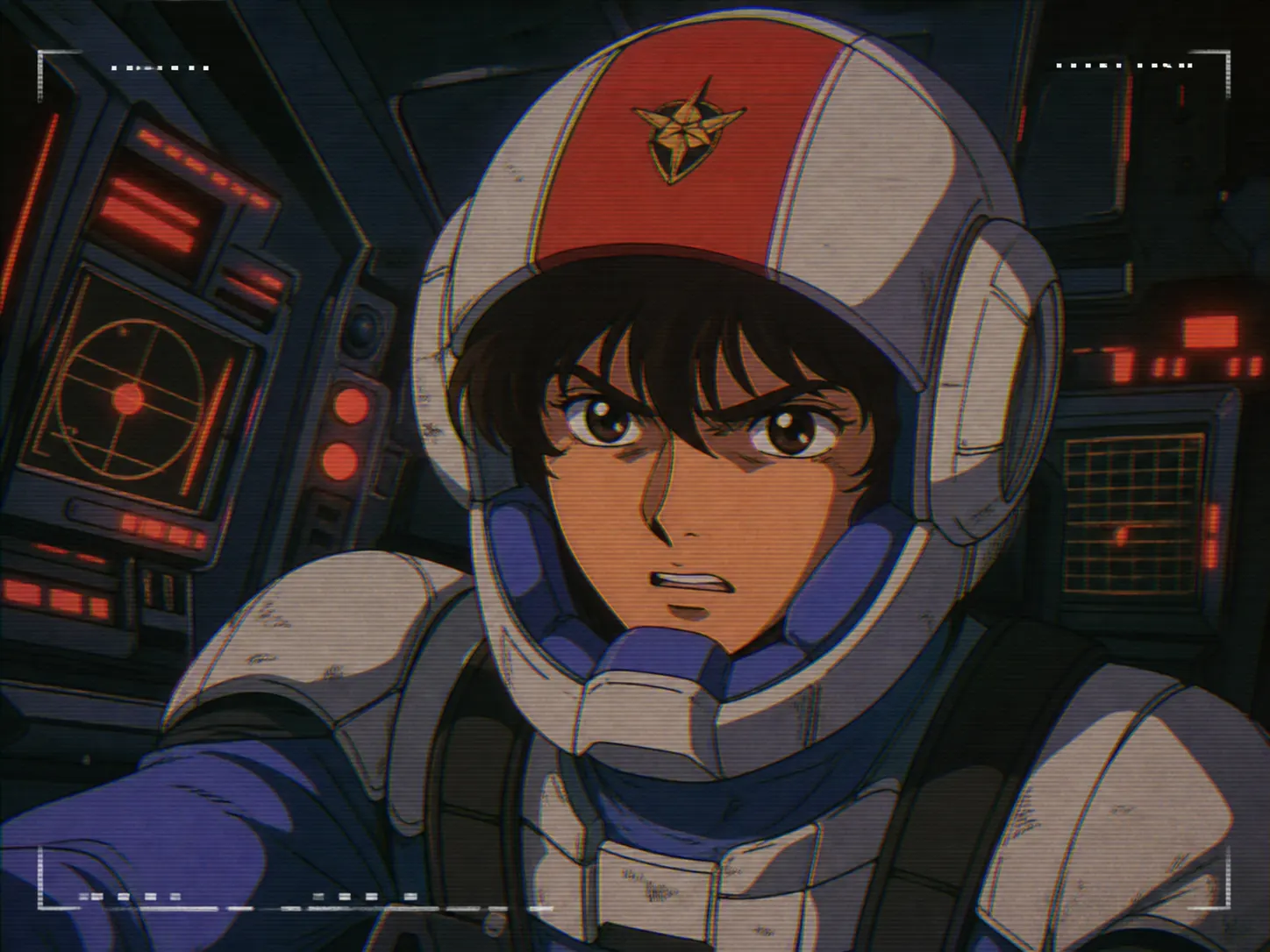
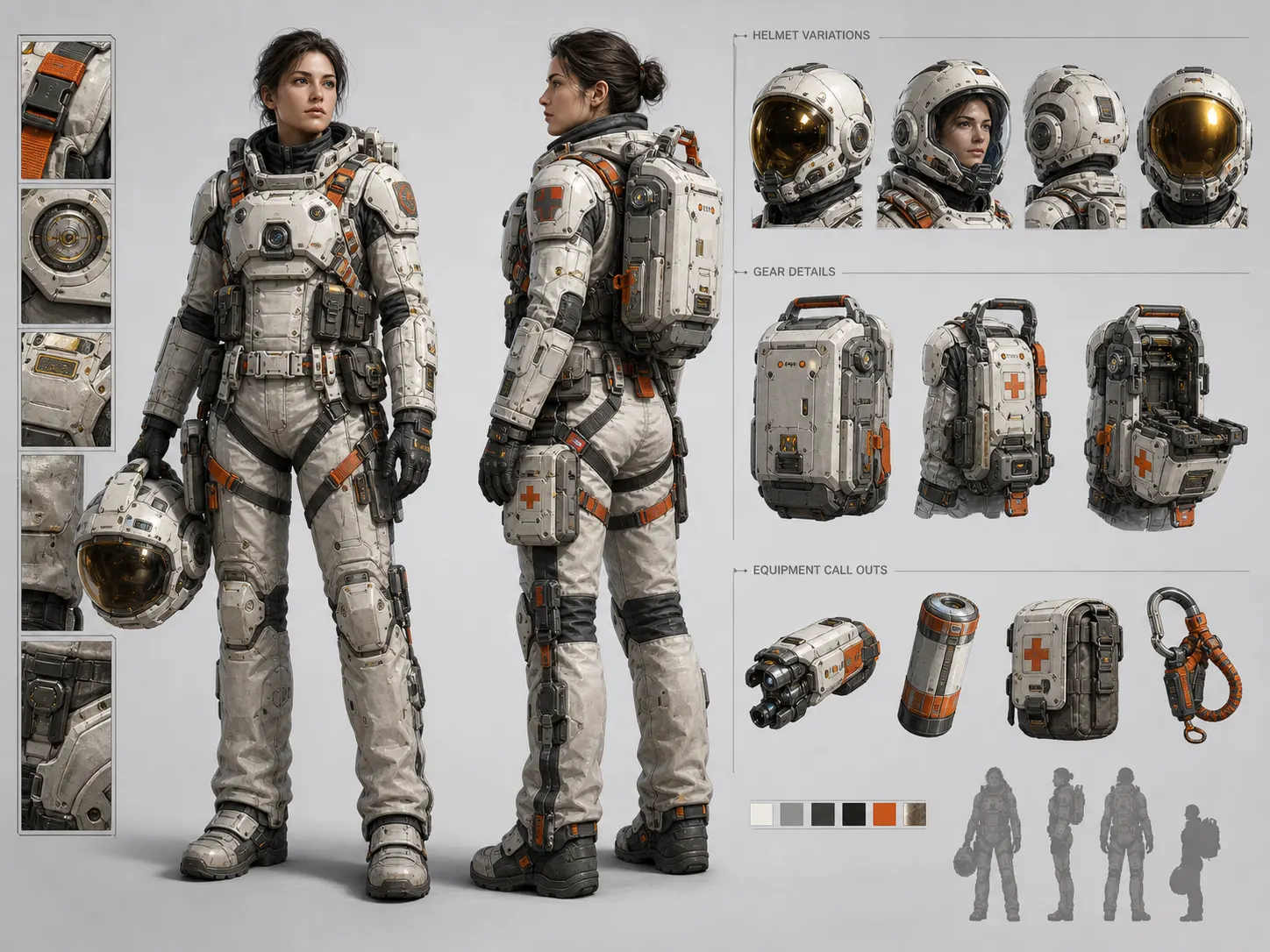 Character ConceptsCapture character mood, lens, lighting, and visual identity.View Prompt
What You Can Use It For
A faster way to understand visual styles, reuse prompt structures, and create similar images without guessing every detail.
Reusable reference structure
I used to save reference images but had no idea how to describe them. This gives me a usable prompt structure that I can edit instead of starting from scratch.
Independent creator
Editable product direction
The best part is that the output is not just one long prompt. I can change the product, mood, and composition before generating my own version.
Marketing designer
Faster product visuals
For product visuals, image-to-prompt is much faster than writing prompts manually. I upload a reference, adjust the brand direction, and generate variations.
E-commerce founder
AI Image to Prompt Generator FAQ
What is an AI image to prompt generator?
An AI image to prompt generator turns an uploaded image into a text prompt that describes the subject, style, lighting, composition, colors, and mood. In Meigen AI, the prompt is editable, so you can change details before generating a similar image.
Can I edit the prompt after uploading an image?
Yes. Meigen AI separates the prompt into editable parts such as subject, product, style, color palette, and composition, so you can make small changes instead of copying one long prompt.
Can I generate a similar image from the prompt?
Yes. After extracting the prompt, you can customize it and use Meigen AI to generate a similar image.
Does Meigen AI support reference images?
Yes. You can use the extracted prompt by itself or combine it with reference image generation when you want the output to follow an uploaded visual more closely.
Is this different from a prompt gallery?
Yes. A prompt gallery helps you browse prompts. The image-to-prompt tool starts from your own image and creates an editable prompt from it. You can also combine it with the Meigen AI Prompt Gallery for more ideas.
Can I copy the prompt?
Yes. You can copy the generated prompt, but the main workflow is built around editing the prompt and generating a similar image inside Meigen AI.
Can I generate product ads, posters, or portraits from the prompt?
Yes. The tool works well for product ads, poster design, fashion portraits, interior design, social media visuals, thumbnails, and other reusable AI image prompts.
Explore More Meigen AI Workflows
x
One-time Credit Packs
Pay once for credits that never expire, with watermark-free downloads for every generated image.
支付宝付款提醒:请使用可以支付海外商户的银行卡,或者选择花呗;否则可能支付失败。
MonthlyYearly Save more
Starter One-time
Light creation credit pack**$9.99**
1,000 credits
Buy Starter
- Unlock all premium models
- Up to 4K resolution
- Batch image generation
- Unlimited image-to-prompt reverse prompts
- Reference image generation
- Credits never expire
- Watermark-free downloads
- Commercial license
Pro Best value
Best for creators**$19.99**
2,200 credits
Buy Pro
- Unlock all premium models
- Up to 4K resolution
- Batch image generation
- Unlimited image-to-prompt reverse prompts
- Multi-reference image generation
- Priority generation queue
- Credits never expire
- Watermark-free downloads
- Commercial license
Ultimate Highest volume
Best for production work**$49.99**
6,000 credits
Buy Ultimate
- Unlock all premium models
- Up to 4K resolution
- Largest batch generation capacity
- Unlimited image-to-prompt reverse prompts
- Multi-reference image generation
- Smart enhance and prompt reverse
- Priority generation queue
- Credits never expire
- Watermark-free downloads
- Commercial license
x
Pro credit pack 40% off
Download without the Meigen AI watermark today. Pay once for 2,200 credits that never expire.
Buy Pro with 40% offNot now
x
Share the fun, earn a ton
Get 200 credits when your friend makes their first purchase. You earn credits too when the reward is verified.
Free AI image prompts and generation creditsTry Meigen AI with my invite link. Browse prompt examples, generate images faster, and get started with bonus credits.
1Share your invite link
2They sign up via your link
3Both accounts get 200 credits after the first purchase
Your invite link has been used by 0/10 users
LinkCopy link
XFacebookLinkedInWhatsAppMore
 Meigen AI
Sign in to continue
Sign in with Google to get 10 free credits. Use them to generate your first two images and keep your credits, history, and results in sync.
 Continue with Google
Please log in to generate images with Meigen AI.